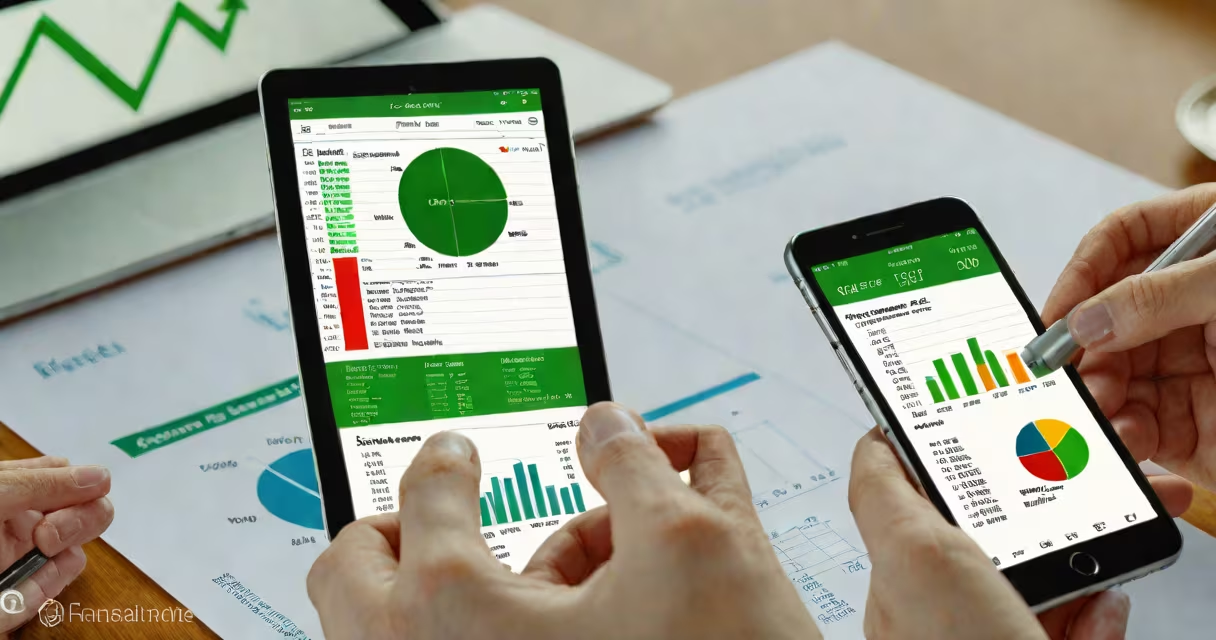
Mobile MS Excel is the version of Microsoft Excel designed to run on smartphones and tablets, allowing users to open, edit, and share spreadsheets using touch controls. It supports most common Excel features, including formulas, charts, tables, and collaboration tools, with access via the Microsoft Excel app on iOS and Android devices.
The app functions as a lightweight but capable extension of desktop Excel. It syncs changes in real time through OneDrive or SharePoint, ensuring consistency across devices. Users can create new workbooks, import existing files from email or cloud storage, and apply formatting or calculations directly on a touchscreen.
For example, a field sales rep can update a customer order list during a client visit using a tablet, adding quantities and applying SUM formulas. Changes appear instantly on the team's shared dashboard, which others can view on their desktops. This smooth integration enables productivity without needing a laptop.
Mobile MS Excel operates through the Microsoft 365 set. When you sign in with a Microsoft account, your files automatically sync across devices. The app uses a simplified interface optimized for touch, with larger buttons, swipe gestures, and context menus accessible via long press.
Editing happens in real time. If two people are working on the same file-one on a phone, one on a desktop-the changes merge automatically. Conflicts are resolved based on the last saved version, with notifications sent when edits overlap.
For instance, a project manager in New York can approve a budget sheet while traveling. They tap into the file on their iPhone, adjust a few numbers, and add a comment. Team members in London receive the updated version within seconds and can respond directly in the app.
Mobile MS Excel includes core functionality such as cell editing, basic formulas (SUM, AVERAGE, IF), conditional formatting, and chart creation. You can insert images, format text, and manage multiple sheets within a single workbook.
However, advanced features like macros, Power Query, and complex VBA scripting are unavailable. PivotTables are supported but limited in customization. Some formatting options-like custom themes or advanced font settings-are either missing or require switching to the desktop version.
A key limitation is screen size. While the app handles small to medium-sized datasets well, large spreadsheets with hundreds of rows may slow performance or hide columns. Zooming and scrolling are necessary to go through dense data, increasing the risk of accidental taps.
| Feature | Available on Mobile MS Excel? | Notes |
|---|---|---|
| Basic formulas (SUM, IF) | Yes | Works offline and online |
| PivotTables | Partial | Can create and view, but limited filtering |
| Macros and VBA | No | Requires desktop Excel |
| Real-time co-authoring | Yes | Syncs across devices with live updates |
| Advanced chart types | Basic | Bar, pie, line; no combo or waterfall charts |
Many assume mobile MS Excel is a stripped-down version with poor functionality. This is incorrect. It maintains full compatibility with .xlsx files created on desktops. Files opened on mobile retain their original layout, formulas, and formatting-provided they don't exceed device limitations.
Another misconception is that mobile Excel cannot handle large datasets. While performance degrades with very large files (over 100,000 rows), most business spreadsheets fall under 10,000 rows and function smoothly. For heavy processing, users should switch to desktop Excel.
A lesser-known fact: mobile Excel supports offline mode. Once a file is downloaded, you can edit it without internet access. Changes sync when connectivity returns. This feature is essential for users in low-bandwidth areas, such as remote field workers or travelers.
Field service teams use mobile MS Excel to log equipment inspections. A technician fills out a checklist on an Android tablet, enters repair notes, and attaches photos. The completed form exports to a central database via OneDrive, triggering a maintenance ticket.
Small business owners track daily sales using a simple inventory tracker. They open the file on their iPhone during lunch, update stock levels, and calculate daily revenue. The totals update automatically in a shared dashboard visible to partners.
I once tested mobile Excel with a 25-page financial model containing nested IF statements and changing charts. The app loaded the file in under 12 seconds on a mid-tier Android phone. Editing a single cell took less than half a second. While I couldn't adjust the chart's axis scale without switching to desktop, the core data entry and review process worked flawlessly.
Mobile MS Excel is not a replacement for desktop Excel in high-complexity workflows. But for on-the-go access, quick edits, and team collaboration, it delivers professional-grade functionality in a portable form factor.