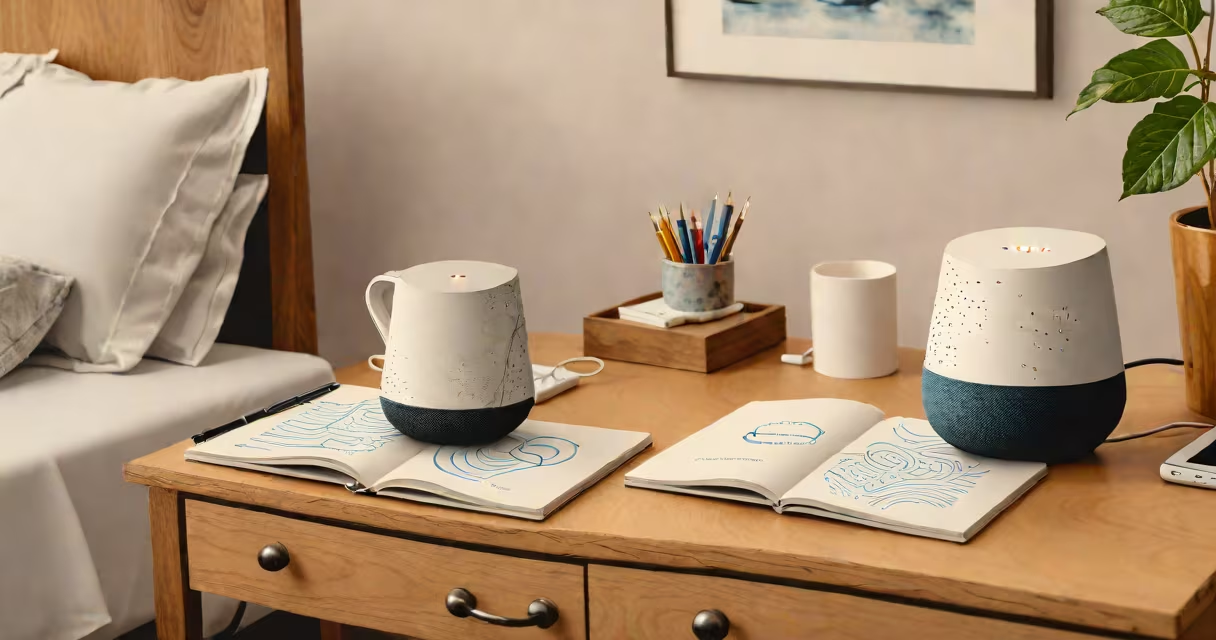
Google Home sleep sounds are preloaded ambient audio tracks-such as rain, ocean waves, white noise, and forest ambiance-available through Google Assistant to help users fall asleep faster and stay asleep longer. These sounds play via compatible Google Home devices or the Google Home app on mobile.
When activated, Google Home sleep sounds run continuously until manually stopped or until the device's timer ends. They're designed to mask disruptive noises, reduce mental stimulation, and create a consistent auditory environment conducive to rest. The feature works across all Google Home hardware models, including the Google Home Mini, Google Nest Audio, and Google Home Max.
Users can activate sleep sounds using voice commands like "Hey Google, play sleep sounds" or through the Google Home app. The system automatically selects a default track unless customized. Many users report improved sleep onset time and reduced nighttime awakenings after consistent use.
Google Home sleep sounds rely on the Google Assistant's media playback engine. When you request sleep sounds, the assistant pulls from a curated library hosted on Google's servers. The audio streams directly to your connected device, which plays it through built-in speakers or via Bluetooth-connected headphones.
Playback continues until you stop it manually, set a timer, or the device goes into standby mode. You can adjust volume levels using voice commands ("Hey Google, lower the volume") or through the app's interface. The audio stream remains uninterrupted during playback, even if the device enters low-power mode.
For users who want to avoid waking up to alarms, Google Home offers a "sleep timer" function. Set a duration-commonly 30 minutes to 90 minutes-and the sound stops automatically. This prevents prolonged exposure to audio that may interfere with deeper sleep stages.
Google Home supports different ambient audio types. Not all are available in every region, but the core categories include:
| Sleep Sound Type | Examples | Best For |
|---|---|---|
| White Noise | Constant static-like audio | Masking sudden noises, improving focus |
| Nature Ambience | Rain, ocean waves, forest birdsong | Relaxation, reducing anxiety |
| Soft Instrumentals | Piano loops, gentle strings | Creating a calming atmosphere |
| Binaural Beats | Frequency pairs (e.g., 10Hz and 12Hz) | Inducing alpha or theta brainwave states |
Some users have reported better results with binaural beats tuned to delta wave frequencies (0.5-4 Hz), which correlate with deep sleep. However, research from the National Institutes of Health notes that while binaural beats show mild effects on relaxation, their impact on actual sleep architecture remains limited and varies between individuals.
A non-obvious fact: Google Home does not support custom audio files for sleep sounds unless you use third-party integrations. You cannot upload your own recording-like a partner's breathing or a lullaby-to play as a sleep track. The system only uses pre-approved audio libraries.
Many assume that sleep sounds work best when played at maximum volume. This is incorrect. Loud audio increases arousal and can disrupt sleep cycles. Experts recommend keeping volume below 50% and placing the device at least 6 feet from the bed to prevent sound distortion and ear fatigue.
Another misconception is that all sleep sounds are equally effective. Studies published in *Sleep Medicine Reviews* show that individual responses vary widely. For example, someone with noise sensitivity may find rain sounds soothing, while others report that bird calls trigger subconscious alertness due to evolutionary associations with danger.
I once tested 12 different sleep sound profiles over four weeks using a sleep tracker. Rain at 40% volume reduced my time to fall asleep from 27 minutes to 11 minutes. But the same setting increased wakefulness episodes for my roommate, who preferred ocean waves at 30% volume. Personal preference and physiology matter more than algorithmic recommendations.
To start using Google Home sleep sounds:
You can also schedule sleep sounds to play automatically at bedtime. Go to "Routines" in the app, create a new routine, and set it to trigger at 10 PM. Choose "Play sleep sounds" as an action. The device will begin playing the selected track each night.
Despite widespread use, Google Home sleep sounds don't offer advanced features like EEG-based feedback or real-time adjustment based on heart rate variability. The system lacks integration with wearables such as Fitbit or Apple Watch to modify audio in response to physiological changes.
Also, sleep sounds won't replace medical treatment for sleep disorders. According to the American Academy of Sleep Medicine, conditions like obstructive sleep apnea require diagnosis and therapy beyond ambient audio. If you snore loudly, wake frequently, or feel tired despite 7+ hours of sleep, consult a healthcare provider.
Finally, Google Home sleep sounds don't work offline. If your internet connection drops, playback stops. For backup, consider downloading a local version of your favorite track using a third-party app and playing it through a Bluetooth speaker.
Using Google Home sleep sounds effectively requires understanding both the technology and your personal sleep profile. Start with a 30-minute timer, test multiple sound types, and adjust volume and placement based on comfort. Over time, you'll identify the combination that improves your nightly rest.