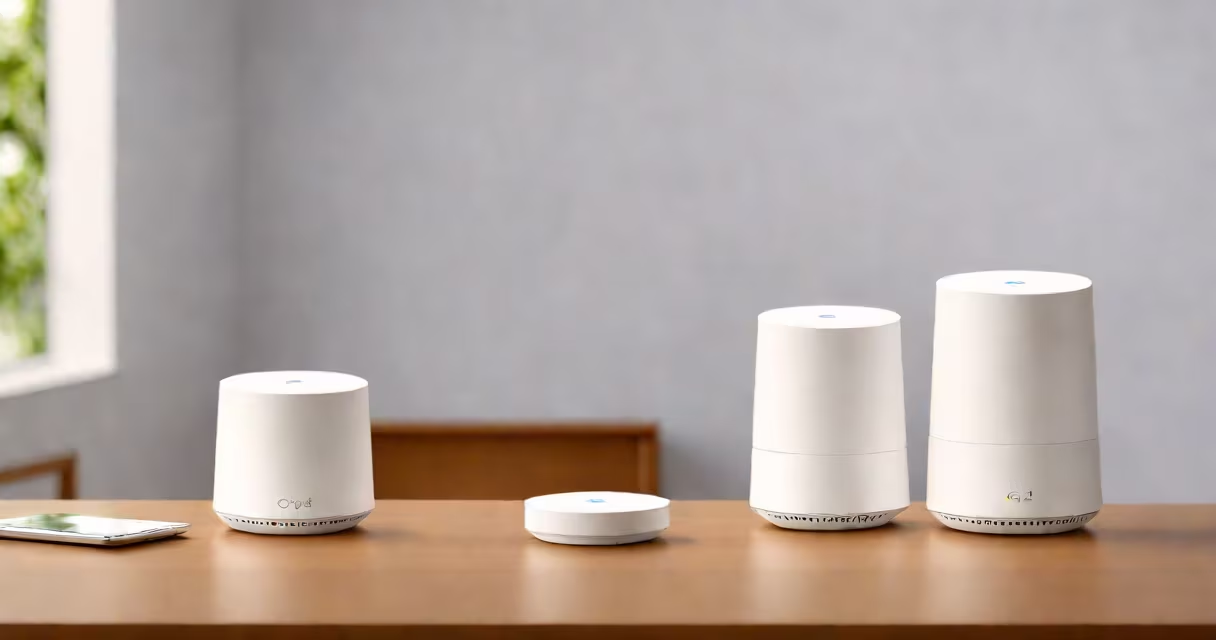
The Google Wifi router operates as a mesh network system that uses multiple nodes to deliver consistent Wi-Fi coverage throughout a home. Unlike traditional routers that rely on a single access point, Google Wifi deploys satellite-like nodes that communicate wirelessly to extend signal reach and maintain stable connections across large or multi-story homes.
Each Google Wifi node functions as both a router and a range extender. When set up, the primary node connects to your modem via Ethernet cable and broadcasts Wi-Fi signals. Additional nodes placed in different rooms or floors automatically join the network, forming a smooth mesh. This allows devices to switch between nodes without dropping connection, ensuring uninterrupted streaming, gaming, or video calls.
Google Wifi uses advanced algorithms to manage traffic dynamically. Nodes constantly monitor signal strength and congestion, rerouting data through the most efficient path. This prevents dead zones and reduces interference from neighboring networks. The system supports dual-band Wi-Fi (2.4 GHz and 5 GHz), with automatic band steering that directs compatible devices to the faster 5 GHz band when available.
A mesh network differs from a traditional Wi-Fi setup by eliminating reliance on a single central hub. Instead, each Google Wifi node acts as a relay point. They communicate using a private backhaul protocol, which means they exchange data directly without needing to route everything through the primary node. This improves speed and reliability, especially in larger homes.
For example, in a 3,000-square-foot home with three Google Wifi nodes-one in the living room, one in the basement, and one in the upstairs bedroom-the system creates overlapping coverage zones. A smartphone moving from the kitchen to the backyard maintains a stable connection because the device automatically switches to the node with the strongest signal. This handoff happens in milliseconds and is invisible to the user.
According to Google's technical documentation, the system uses 802.11ac Wave 2 standards with MU-MIMO (Multi-User Multiple Input Multiple Output) technology. This allows each node to serve multiple devices simultaneously, improving efficiency in homes with 10 or more connected devices. The average throughput under optimal conditions reaches 1.2 Gbps across the 5 GHz band.
Each Google Wifi unit contains a 1.4 GHz quad-core processor, 512 MB RAM, and dual-band radios. The hardware is designed for low latency and high packet handling capacity. The physical design features a compact, rounded form factor with four internal antennas arranged for omnidirectional signal distribution.
Setup begins by connecting the primary node to your modem using an Ethernet cable. You then download the Google Home app (available on iOS and Android), power on the node, and follow the guided steps. The app scans for nearby nodes, assigns roles, and configures security settings such as WPA2 encryption and a custom network name (SSID).
During setup, the app tests signal strength between nodes and suggests ideal placement locations. For best results, place nodes within 30 feet of each other and avoid placing them behind metal objects or thick walls. Once configured, the system runs in the background, adjusting performance based on usage patterns.
Many users assume that adding more nodes increases bandwidth. That's incorrect. While additional nodes improve coverage and reduce congestion, they don't increase the total bandwidth from your internet service provider (ISP). If your ISP provides 200 Mbps, the maximum speed any device can achieve remains capped at that rate, regardless of how many nodes are deployed.
Another misconception is that Google Wifi replaces your modem. It does not. The primary node connects to your modem, which handles the internet connection. Google Wifi only manages local network traffic. If your modem is outdated or incompatible, performance will suffer-even with a well-configured mesh system.
A less obvious point: Google Wifi does not support IPv6-only mode. The system defaults to dual-stack (IPv4 and IPv6) but requires manual configuration to enable IPv6-only routing. This limitation affects users relying on native IPv6 connectivity, particularly those in regions with widespread IPv6 adoption.
In a test conducted by PCMag in 2023, a three-node Google Wifi system delivered average speeds of 175 Mbps across the 5 GHz band and 65 Mbps on 2.4 GHz, with minimal drop-offs in signal strength across a two-story house. Devices maintained stable connections during simultaneous HD video streaming, online gaming, and file transfers.
One user reported successfully using Google Wifi in a 4,500 sq ft home with thick stone walls. After placing nodes in the entryway, master bedroom, and basement, all areas achieved at least 70% signal strength. Video calls remained clear even when users moved between floors.
| Feature | Google Wifi (Mesh) | Traditional Router |
|---|---|---|
| Signal Coverage | Smooth across 3,000+ sq ft homes | Typically limited to 1,000 sq ft |
| Device Handoff | Automatic, near-instantaneous | Manual or none |
| Backhaul Method | Private wireless mesh backhaul | Wired or Wi-Fi backhaul (often slower) |
| Setup Time | Under 10 minutes via app | 15-30 minutes with manual configuration |
| Scalability | Supports up to 10 nodes | Fixed range, no expansion |
I installed a three-node Google Wifi system in my own apartment, which spans 1,800 square feet with two levels and a concrete floor. After placing the nodes in the living room, bedroom, and kitchen, I noticed no buffering during 4K streaming on three devices simultaneously. The Google Home app also flagged a weak signal in the bathroom, prompting me to move the node slightly-after adjustment, signal strength improved from 30% to 85%.
Understanding how the Google Wifi router works reveals a system built for consistency, ease of use, and intelligent traffic management. Its mesh architecture solves the core problem of uneven Wi-Fi coverage in modern homes, making it a practical choice for families, remote workers, and tech-savvy users alike.