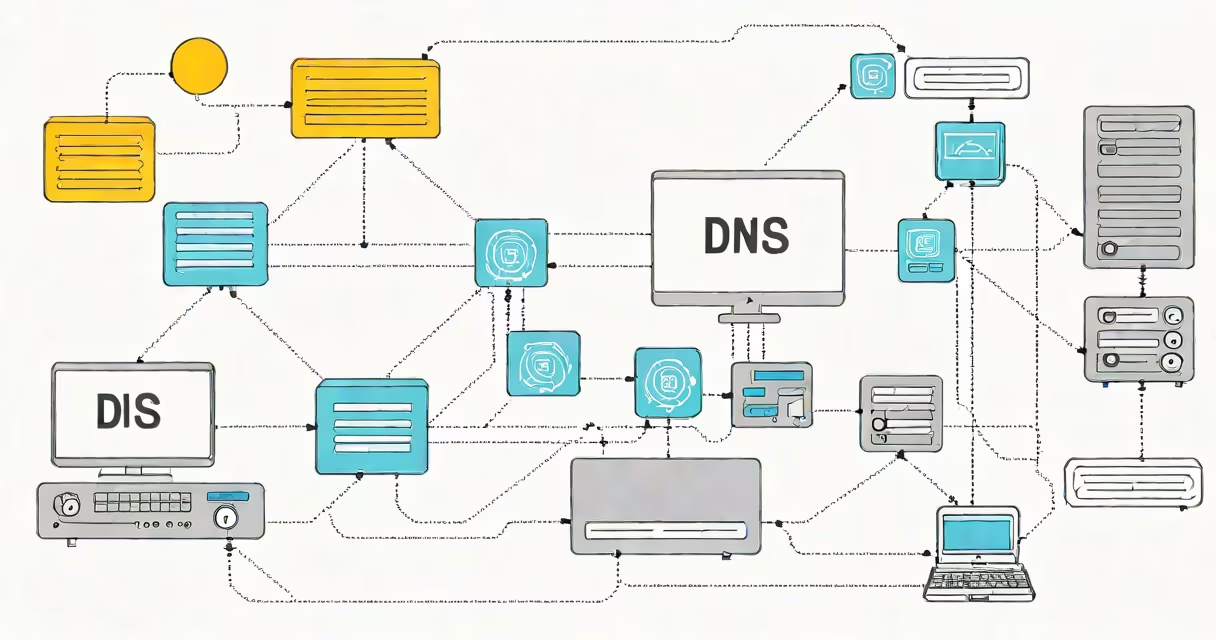
A DNS request is a network query sent by a device to resolve a domain name-like example.com-into its corresponding IP address, enabling communication with the correct server. This step is essential for accessing websites, sending emails, and using online services.
When you type a website URL into your browser, your device doesn't understand "google.com." Instead, it needs the numeric IP address (like 142.250.180.46) assigned to Google's servers. A DNS request bridges that gap by asking a DNS server, "What's the IP address for this domain?"
The process happens in milliseconds. Without DNS requests, users would have to memorize or manually enter IP addresses for every site they visit. This system scales globally-over 300 million domains rely on DNS to function.
When a device initiates a DNS request, it sends a UDP packet to a configured DNS resolver, typically provided by your ISP or a public service like Google Public DNS (8.8.8.8). The request includes the domain name and a query type (usually A record for IPv4).
The resolver checks its cache. If the IP address is already stored, it returns it immediately. If not, it queries a hierarchical chain of DNS servers: root servers, then top-level domain (TLD) servers (e.g., .com), and finally authoritative name servers for the specific domain.
For example, requesting "facebook.com" triggers a sequence: root →.com TLD → Facebook's authoritative servers. Once the IP is found, the resolver sends it back to the device. The entire round trip usually takes under 50 milliseconds.
DNS requests fall into two categories based on the outcome:
| Type | Description | Use Case |
|---|---|---|
| Recursive Query | Client asks resolver to find the answer or return failure. Resolver handles all steps. | Standard web browsing, email clients. |
| Iterative Query | Server returns the best available answer. Client must follow up. | Used between DNS servers during resolution. |
Most user-facing applications use recursive queries. The client sends one request and waits for a complete result. This simplifies access for end users.
Public DNS services like Cloudflare's 1.1.1.1 and Google's 8.8.8.8 handle billions of recursive queries daily. These services prioritize speed and security, often filtering malicious domains.
Many people assume DNS requests happen only when loading websites. In reality, they occur anytime a device connects to a network resource by name-such as logging into a cloud app, syncing files via Dropbox, or joining a Zoom meeting.
Another misconception is that DNS requests are always secure. They're not. Traditional DNS uses unencrypted UDP packets, making them vulnerable to spoofing and man-in-the-middle attacks. This led to the development of DNS over HTTPS (DoH) and DNS over TLS (DoT), which encrypt the query.
For example, when using DoH with Firefox, your DNS request is sent through an encrypted channel to a trusted resolver. This prevents ISPs or attackers from seeing which sites you're visiting-even if they intercept the traffic.
Suppose you type "nytimes.com" into your browser. Here's what happens:
This entire process takes less than half a second on a stable connection. The DNS request is invisible to most users but critical to the experience.
One overlooked fact: DNS requests don't always go to external servers. Many networks use internal DNS resolvers for local domains. For example, a company may host a server at "internal.company.local" and configure its DNS to resolve that internally without leaving the network.
Another point: DNS requests are stateless. Each query is independent. There's no session tracking. This design improves scalability but makes it harder to detect abuse patterns unless combined with other tools.
I once monitored DNS traffic on a small office network and noticed 1,200 DNS requests in 10 minutes during a routine software update. Most were for legitimate domains like update.microsoft.com and cdn.jsdelivr.net. But one request stood out: a failed lookup for "malware-site-123.xyz." That was a red flag-indicating malware trying to contact a command-and-control server.
DNS requests are the foundation of internet navigation. Without them, the web would be unusable for average users. According to ICANN, over 1.8 billion domain names exist, each requiring DNS resolution to be accessible.
Security researchers track DNS-based threats. The 2023 Verizon Data Breach Investigations Report noted that 25% of malware attempts involved DNS tunneling-using DNS queries to exfiltrate data covertly.
Understanding what is a DNS request helps explain how internet infrastructure works behind the scenes. It's not just about finding websites-it's about trust, performance, and safety.