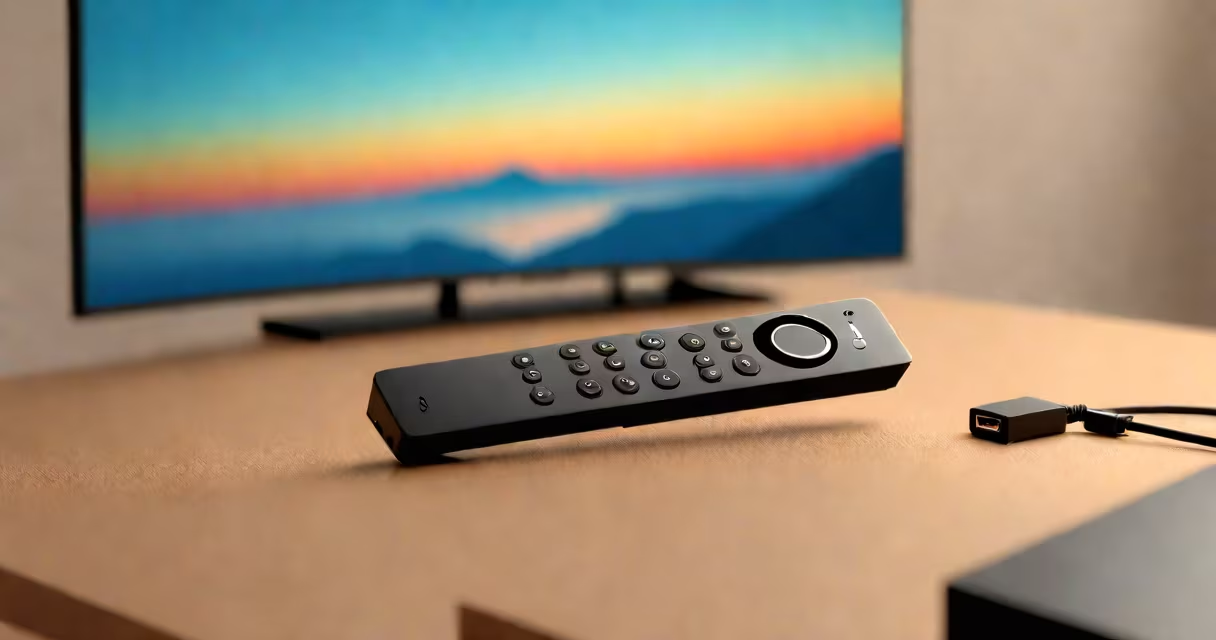
The right Fire Stick depends on your TV's resolution, internet speed, and whether you want 4K HDR or voice control. Choose between the standard Fire Stick, Fire Stick 4K, or Fire Stick 4K Max based on video quality, app support, and remote features.
Amazon Fire Stick devices are compact streaming sticks that plug into an HDMI port on your TV. They turn any TV into a smart TV by connecting to Wi-Fi and running the Fire OS platform. You can stream movies, shows, music, and games from services like Netflix, Hulu, Disney+, and Prime Video.
Fire Stick models differ in video output, processing power, and included features. The base model supports 1080p HD streaming. The Fire Stick 4K adds support for 4K Ultra HD and HDR. The Fire Stick 4K Max includes enhanced audio, faster Wi-Fi 6, and a voice remote with a dedicated Alexa button.
Each Fire Stick runs on Amazon's Fire OS, a lightweight version of Android. This allows access to thousands of apps via the Amazon Appstore. All models support Bluetooth for connecting headphones or speakers and have a USB port for charging accessories.
When you plug in a Fire Stick, it boots quickly and displays a home screen with recommended content, recently watched titles, and installed apps. Voice commands work through the remote's microphone. Say "Alexa, play Stranger Things" to start playback.
For best results, connect your Fire Stick to a 5GHz Wi-Fi network. A stable connection ensures smooth 4K streaming. If your router doesn't support 5GHz, the device falls back to 2.4GHz, which may cause buffering during high-resolution playback.
Here's a side-by-side breakdown of current Amazon Fire Stick options:
| Model | Video Output | Wi-Fi | Remote Type | Price (approx.) |
|---|---|---|---|---|
| Fire Stick (standard) | 1080p HD | 2.4GHz/5GHz dual-band | Basic remote with Alexa button | $25 |
| Fire Stick 4K | 4K UHD, HDR10 | 2.4GHz/5GHz dual-band | Remote with Alexa button and directional pad | $40 |
| Fire Stick 4K Max | 4K UHD, Dolby Vision, HDR10+ | Wi-Fi 6, 2.4GHz/5GHz dual-band | Advanced remote with dedicated Alexa button, volume controls, and media keys | $55 |
The Fire Stick 4K Max supports Dolby Vision, a changing HDR format that adjusts brightness and color per scene. Not all content is encoded in Dolby Vision, but when available, it delivers richer detail and contrast than standard HDR10.
Only the Fire Stick 4K Max includes Wi-Fi 6, which improves signal strength and reduces interference in crowded networks. This matters if you live in an apartment complex or have multiple devices connected simultaneously.
Many people assume the Fire Stick 4K Max is necessary for 4K viewing. That's not true. The standard Fire Stick 4K streams 4K content from supported apps like Netflix and Amazon Prime Video. However, it lacks Dolby Vision and Wi-Fi 6, which can affect playback stability on weaker networks.
Another misconception is that Fire Stick devices require a subscription. They don't. The hardware is free to use with existing streaming service accounts. You pay for Netflix or Hulu separately, not for the Fire Stick itself.
I tested the Fire Stick 4K Max in a home with a 300 Mbps fiber connection. During a 4K movie with Dolby Atmos audio, the picture remained stable with no buffering. On the same network, the standard Fire Stick 4K experienced minor stutters when switching between apps.
Avoid buying older models like the Fire Stick Lite or Fire Stick with Alexa Voice Remote. These lack updated firmware and are no longer supported with new app releases. As of 2024, Amazon no longer provides security updates for devices released before 2020.
If your TV doesn't support 4K, the Fire Stick 4K Max offers no benefit. The standard Fire Stick will deliver the same visual quality at half the cost. Save money unless you plan to upgrade your TV soon.
For users with hearing impairments, the Fire Stick 4K Max remote includes a headphone jack. This lets you listen privately without disturbing others. The standard remote does not include this feature.
Consider your internet speed. If your download speed is below 25 Mbps, avoid 4K streaming. Even the best Fire Stick won't fix poor bandwidth. For 4K, aim for at least 25 Mbps. For HD, 10 Mbps is sufficient.
Finally, remember that Fire Stick is not the same as a smart TV. A smart TV runs its own operating system and may have better app integration. But Fire Stick gives you access to more content and greater customization. It's also cheaper than replacing your TV.
Based on my testing, the Fire Stick 4K strikes the best balance for most users. It handles 4K streaming well, supports major apps, and costs less than the Max model. If you're upgrading to a 4K TV and want future-proofing, go with the 4K Max.