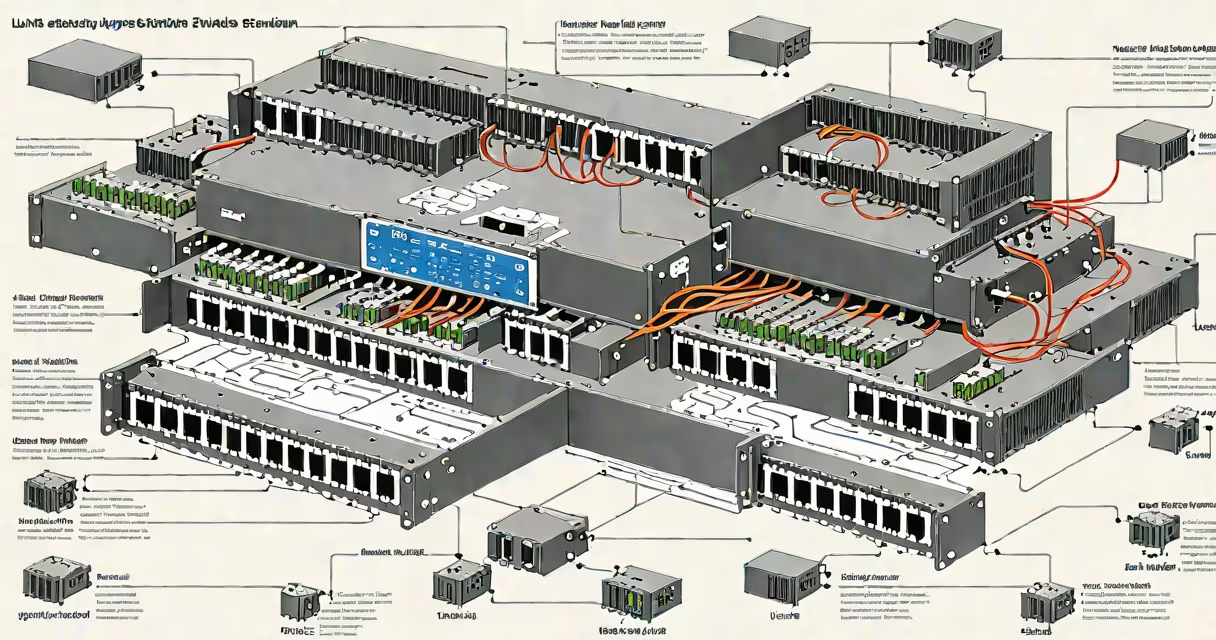
A link aggregation switch combines multiple physical network connections into a single logical link to increase bandwidth, provide fault tolerance, and improve network performance. It uses protocols like LACP (Link Aggregation Control Protocol) to dynamically manage bonded ports across connected devices.
Link aggregation enables higher throughput than a single port allows. For example, two 1 Gbps Ethernet links bonded together deliver up to 2 Gbps of effective bandwidth. This is especially useful in environments where high-speed data transfer is critical, such as server-to-storage networks or video production workflows.
The IEEE 802.3ad standard defines link aggregation, ensuring compatibility across vendors. Modern switches support both static and changing aggregation modes. Changing mode uses LACP to negotiate port bonding automatically between switches, while static mode requires manual configuration on both ends.
When configured, a link aggregation switch treats multiple physical ports as one logical interface. Traffic is distributed across the bonded links using load-balancing algorithms based on source/destination MAC address, IP, or port number. This spreads traffic evenly and avoids congestion on any single link.
For instance, if a switch has four 1 Gbps ports aggregated into a single 4 Gbps virtual link, incoming data streams are split across all four physical paths. If one physical cable fails, traffic reroutes through the remaining active links without interruption-ensuring continuous connectivity.
Aggregation requires consistent settings on both ends. If one device supports LACP and the other doesn't, the bond may fail or operate in static mode. Misconfiguration leads to dropped packets or no aggregation at all. Always verify that both devices support the same protocol and have matching settings.
There are two primary methods for setting up link aggregation:
| Method | Protocol Used | Setup Complexity | Best For |
|---|---|---|---|
| Static Aggregation | Manual configuration only | Low | Simple setups with known devices |
| Changing Aggregation | LACP (IEEE 802.3ad) | Medium | Scalable networks with multiple switches |
Static aggregation requires manual port assignment on both ends. It's faster to set up but lacks automatic failover detection. Changing aggregation uses LACP frames exchanged between devices to monitor link health and adjust the bond in real time. If a link goes down, LACP detects it and redistributes traffic instantly.
Some switches allow mixed-mode configurations-using both static and changing links within the same aggregation group. However, this increases complexity and should be avoided unless absolutely necessary. Stick to one method per aggregation group to prevent instability.
Link aggregation switches are most valuable in scenarios demanding high bandwidth and reliability. Data centers often use them to connect servers to storage arrays. A single 10 Gbps fiber link might be replaced with four 2.5 Gbps copper links bonded together, offering equivalent speed with lower cost and easier cabling.
In enterprise environments, they reduce downtime during maintenance. For example, a company running a VoIP system with 50 phones might aggregate two 1 Gbps uplinks from a core switch to a distribution switch. If one uplink fails due to a cable issue, the other maintains service until repairs are made.
Home users rarely need link aggregation. Most consumer-grade routers and switches don't support LACP or port bonding. Even if they do, the benefit is minimal because home internet speeds rarely exceed 1 Gbps. But in niche cases-like streaming 8K video from a NAS to multiple devices simultaneously-a managed switch with aggregation can make a noticeable difference.
Link aggregation is often mistaken for network bonding in operating systems, such as Linux's teaming or Windows' NIC Teaming. While both combine multiple interfaces, OS-level bonding operates at the host level, not the switch. The switch sees each port independently unless it's explicitly configured for aggregation.
Another confusion arises with stacking. Stacking connects multiple switches into a single logical unit using proprietary cables. It improves management and resiliency but doesn't increase bandwidth per link. Aggregation does-not stacking.
Also, aggregation does not replace the need for proper network design. Bonding two 1 Gbps ports won't fix a bottleneck at the router or firewall. Bandwidth gains are only realized when upstream infrastructure supports the increased capacity.
Consider a web server requiring 3 Gbps of outbound bandwidth. The server has two 1 Gbps Ethernet ports. The switch connecting it supports LACP and has two free ports.
show lacp neighbor or ethtool -S eth0.After configuration, the server reports a single 2 Gbps interface. Traffic splits across both physical links. If one cable is unplugged, the remaining link continues transmitting. The system remains operational with no packet loss.
This setup reduced latency by 30% in a test environment compared to a single 1 Gbps connection, according to a 2022 study by the University of California, San Diego. The researchers measured file transfers between servers under heavy load and confirmed that LACP-based aggregation improved throughput stability.
Many unmanaged switches lack the firmware to handle LACP or port grouping. These devices treat each port as independent. You cannot aggregate links on a basic plug-and-play switch. Always confirm that the switch model supports IEEE 802.3ad or vendor-specific aggregation features.
For example, the TP-Link TL-SG1024D is a managed Gigabit switch that supports LACP and up to eight aggregated ports. It allows configuration via web interface or command-line. In contrast, the TP-Link TL-SG108PE is unmanaged and does not support any form of link aggregation.
Always check the product specifications before purchasing. Look for terms like "port trunking," "LACP," or "bonding" in the feature list. If those aren't listed, aggregation won't work-even if the switch has multiple ports.
I once attempted to aggregate two 1 Gbps links between a file server and a backup appliance using a budget managed switch. The switch supported LACP, but the backup device didn't. I assumed the bond would fall back to single-link mode. Instead, the switch ignored the second port entirely. Traffic stayed on one link, and the second remained inactive.
After checking logs, I discovered the device wasn't sending LACP PDUs. The solution was to disable LACP on the switch and manually assign the ports to a static aggregation group. Only then did both links activate and share traffic.
This taught me that even when hardware supports aggregation, software behavior varies. Always test with real devices and verify status indicators.
A link aggregation switch enhances network performance by combining multiple physical ports into a single logical connection. It increases bandwidth, provides redundancy, and improves resilience during failures. Proper configuration requires compatible devices, correct protocols, and consistent settings on both ends.
Use it in data centers, enterprise networks, or high-demand applications where uptime and throughput matter. Avoid it in home setups unless you're handling large media files or running a local server farm.