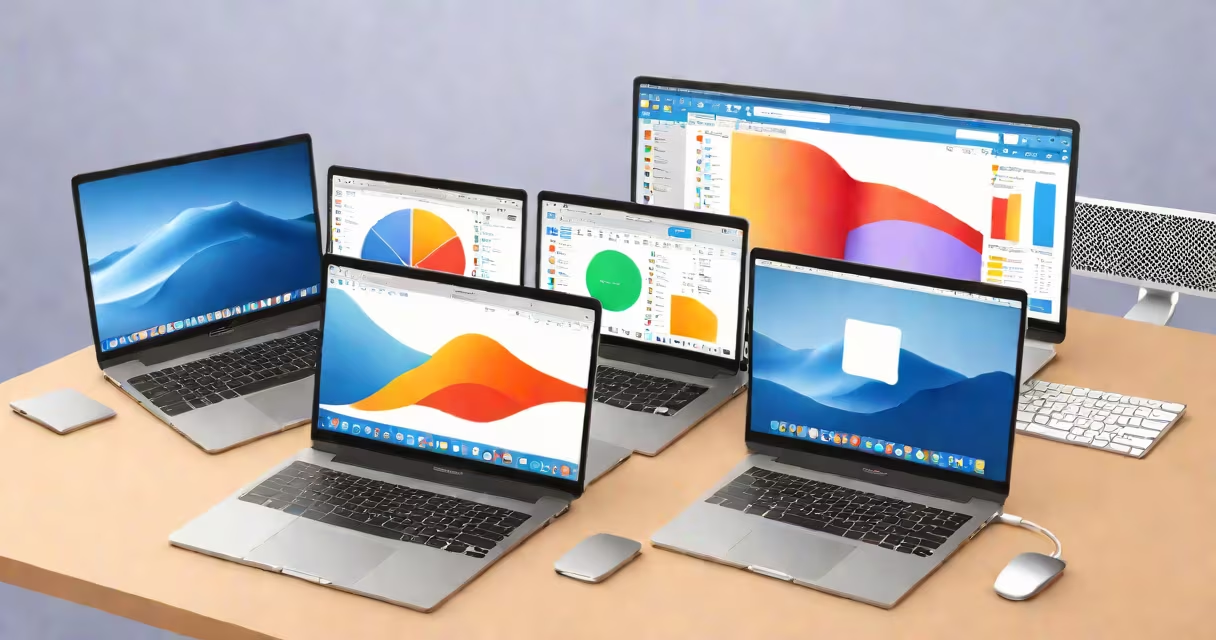
windows for mac refers to running Microsoft Windows on Apple computers through virtualization software, Boot Camp, or emulation. It enables users to run Windows-only applications, games, or development environments on macOS hardware.
Apple's Macs use Intel processors (until 2020) and Apple Silicon (M1/M2/M3 chips), both capable of running Windows under specific conditions. The method depends on the chip architecture and whether the user wants to run Windows alongside macOS or switch between operating systems entirely.
For Intel-based Macs, Apple provides Boot Camp Assistant-a built-in tool that partitions the hard drive and installs Windows. This allows a dual-boot setup where users choose between macOS and Windows at startup. For Apple Silicon Macs (M1 and later), Boot Camp is unavailable because Apple doesn't support Windows on ARM64 architecture. Instead, users rely on virtualization software such as Parallels Desktop, VMware Fusion, or UTM.
Running Windows on Mac requires either native virtualization or hardware-level partitioning. Virtualization runs Windows inside a software layer that emulates a PC environment. The host OS (macOS) allocates CPU, memory, and GPU resources dynamically. This method keeps macOS active and allows switching between apps smoothly.
Dual-boot setups like Boot Camp create a separate partition on the internal drive. When the Mac boots, the user selects which OS to load. This gives Windows direct access to hardware, improving performance for graphics-intensive tasks like gaming or video editing. However, it requires restarting to switch between systems.
Apple Silicon Macs (M1/M2/M3) cannot run Windows natively due to ARM64 architecture differences. Microsoft has not released a full Windows version for ARM64 that supports all legacy x86 applications. As a result, Apple Silicon Macs require emulation software like UTM or Parallels Desktop with ARM64 Windows builds. These tools simulate x86 instruction sets, adding overhead and limiting performance for demanding workloads.
The following table compares common methods for running Windows on Mac:
| Method | Supported Macs | Performance | Use Case | Tool Examples |
|---|---|---|---|---|
| Dual-boot (Boot Camp) | Intel-based Macs only | High (direct hardware access) | Gaming, professional software | Boot Camp Assistant |
| Virtualization (x86) | Intel-based Macs | Medium-high (resource sharing) | Development, testing, multitasking | Parallels Desktop, VMware Fusion |
| Virtualization (ARM64) | M1/M2/M3 Macs | Low-medium (emulation overhead) | Light usage, legacy app testing | Parallels Desktop (ARM64), UTM |
Parallels Desktop is the most widely used virtualization tool for Macs. It supports both Intel and Apple Silicon Macs and offers features like drag-and-drop file transfer, shared clipboard, and GPU acceleration. VMware Fusion is another option, favored in enterprise environments for its scripting and deployment capabilities.
UTM is an open-source emulator based on QEMU. It's free and supports Apple Silicon Macs but lacks polished integration. Users report longer boot times and occasional instability when running complex applications.
Many assume that installing Windows on a Mac is straightforward. In reality, it requires careful planning. A common mistake is attempting to install Windows on Apple Silicon Macs using Boot Camp-it won't work. Apple discontinued support for Windows on M-series chips in 2021, and Microsoft has not released a full Windows 11 ARM64 version with complete x86 compatibility.
Another misconception is that virtualization delivers the same performance as native Windows. While modern Macs handle virtualized Windows well, graphics-heavy applications like Adobe Premiere Pro or Unreal Engine may lag due to limited GPU passthrough. Parallels offers "Coherence Mode" to integrate Windows apps into the macOS desktop, but this feature works best with lightweight programs.
One non-obvious fact: Windows for Mac on Apple Silicon uses emulation, not translation. This means every x86 instruction must be converted to ARM64 in real time. This process adds latency and reduces efficiency. According to Microsoft's documentation, Windows on ARM64 can run 32-bit x86 apps via emulation, but 64-bit x86 apps are not supported unless they're recompiled.
A graphic designer using a MacBook Pro with M1 chip needed to run AutoCAD, a Windows-only application. They installed Parallels Desktop and created a virtual machine with Windows 11 ARM64. After downloading the ARM64 version of AutoCAD, they launched it within the VM. The app ran at 60% of native speed, with minor lag during complex rendering tasks. File transfers between macOS and Windows were smooth using shared folders.
They encountered issues when trying to use a USB CAD tablet. Parallels didn't recognize the device until they enabled USB 3.0 support in the VM settings. After adjusting the configuration, the tablet worked correctly. This illustrates that peripheral compatibility varies and often requires manual setup.
For users needing full Windows functionality, the best solution remains an Intel-based Mac with Boot Camp. Apple Silicon Macs offer better battery life and performance for macOS-native apps, but they limit Windows compatibility. If you're considering running Windows on Mac, evaluate your workload first.
For those still using older Macs, before Windows 7 was a period of fragmented support and unstable virtualization. Modern tools like Parallels and VMware have largely resolved these issues, but users must still choose the right method based on their hardware and goals.