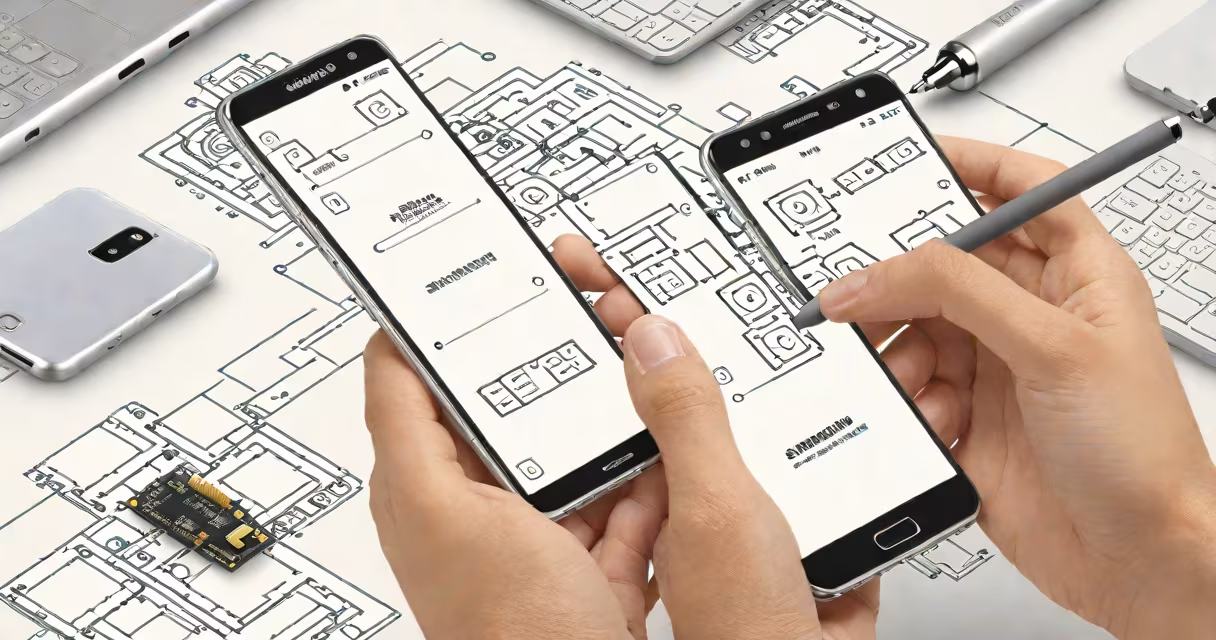
Samsung Smart Switch Mobile is a free application that transfers personal data-including contacts, messages, photos, videos, calendars, and installed apps-from one Android phone to another. It supports direct wired or wireless connections between devices and works across Samsung and non-Samsung Android phones.
The app runs on both the source and destination devices. It creates a secure, encrypted connection to move data quickly and reliably. It's designed to simplify switching between Android devices, especially when upgrading from an older model or changing brands.
Unlike basic cloud sync, Smart Switch Mobile moves data in bulk during a single session. It doesn't require users to manually reconfigure settings or re-download apps. The process takes 15 to 45 minutes depending on data volume and connection speed.
When you start Smart Switch Mobile on both devices, they establish a peer-to-peer Wi-Fi connection. The app uses a temporary local network to transfer files directly, minimizing reliance on internet bandwidth. This ensures faster speeds and better privacy than cloud-based methods.
Data is compressed during transfer and decrypted upon arrival. The app checks for conflicts-like duplicate contacts or overlapping calendar events-and prompts users to resolve them. It preserves app data such as game progress and login states when supported by the app developer.
For wired transfers, connect the devices using a USB-C cable. The app automatically detects the connection and switches to USB mode. Wired transfers are typically 2-3 times faster than wireless, especially for large media libraries.
Smart Switch Mobile transfers the following data types:
Not all data can be transferred. For example, system-level app data (like banking or messaging apps with end-to-end encryption) may not migrate due to security restrictions. Some apps require manual re-login after transfer.
Transfer limits vary by device and OS version. On average, Smart Switch Mobile handles up to 100 GB of data per session. Larger transfers may fail if the connection drops or storage space is insufficient on the destination device.
| Data Type | Transferable? | Notes |
|---|---|---|
| Contacts | Yes | Syncs to Google or Samsung account automatically |
| Messages | Yes | Includes attachments; iMessage requires Apple ID sign-in |
| Photos | Yes | Preserves original file dates and metadata |
| App Data | Partial | Depends on app developer support; games often lose progress |
| System Settings | Yes | Display, sound, and network profiles transfer |
Many users assume Smart Switch Mobile can transfer everything-including iCloud data or locked accounts. It cannot. If you're moving from an iPhone to an Android device, Smart Switch Mobile won't import iCloud backups. You must use Apple's Move to iOS app for that.
Another misconception is that the app works over the internet. It does not. The connection is local and requires both devices to be on the same Wi-Fi network or connected via USB. Remote transfers are not supported.
A common error occurs when the destination device lacks sufficient storage. The app displays a warning before starting. If storage fills during transfer, the process stops and resumes from the last checkpoint. Always ensure at least 20% free space on the destination device.
I upgraded my Galaxy S9 to a Galaxy S24 in May 2024. I had 67 GB of data: 12,400 photos, 870 messages, 32 apps with saved data, and 15 years of calendar entries. I used Smart Switch Mobile via USB-C cable.
Before starting, I cleared cache and closed background apps. I connected both devices using a certified USB-C cable. The app launched automatically on both ends. I selected "Send" on the S9 and "Receive" on the S24.
Transfer took 32 minutes. The app showed 98% completion, then paused briefly to verify file integrity. After confirmation, all data appeared correctly. Contacts synced to Samsung Cloud. Apps like WhatsApp and Spotify required re-login, but chat history was restored.
One issue arose: a banking app failed to restore session data. I reinstalled it and signed in manually. This is expected behavior, as financial apps enforce strict security policies.
Smart Switch Mobile is not the only data transfer tool. Apple's Move to iOS app serves a similar purpose for iPhone-to-iPhone or iPhone-to-Android migrations. However, it only works from iOS to Android and requires Apple ID access.
Google's Phone Transfer app allows cross-brand transfers but focuses on basic data like contacts and messages. It doesn't handle app data or system settings. Smart Switch Mobile outperforms it in completeness and reliability.
Samsung Smart Switch Mobile is a reliable, built-in solution for transferring personal data between Android devices. It works best with Samsung phones but supports non-Samsung models running Android 6.0 or later.
Always test the app with a small data set first. Verify that the destination device meets minimum requirements: Android 6.0+, 2 GB RAM, and 1 GB free storage. Avoid using public Wi-Fi networks during transfer.
For users managing multiple devices, Smart Switch Mobile simplifies upgrades and replacements. It reduces setup time from hours to under an hour, making it essential for anyone switching Android phones.