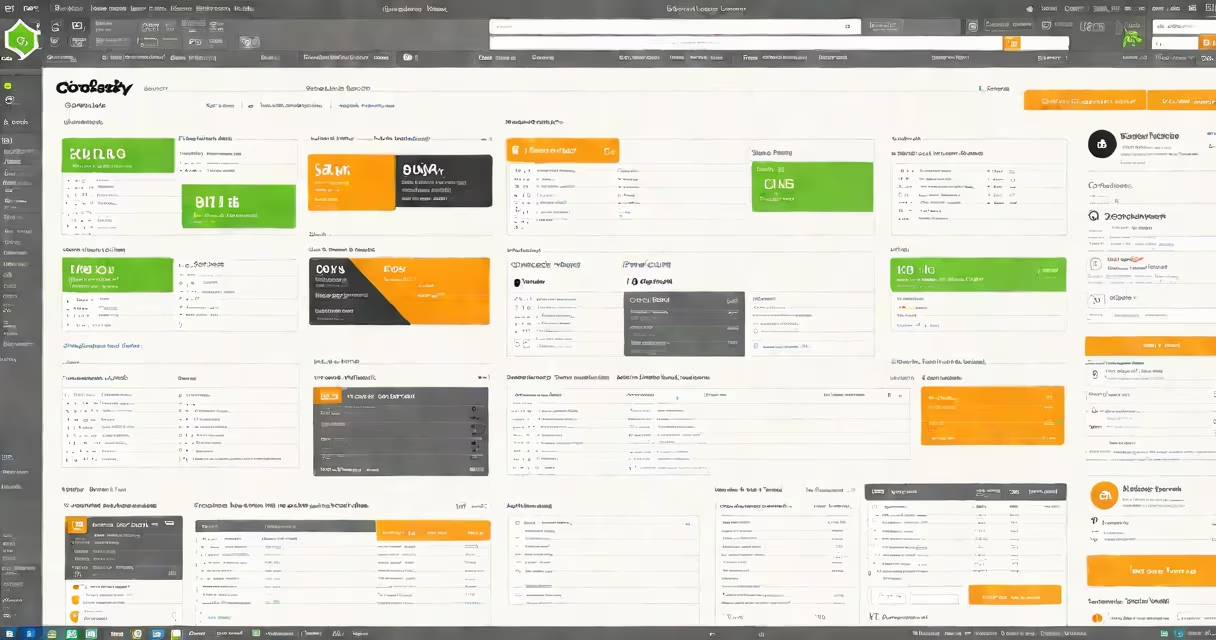
DNH, or Domain Name Hosting, is GoDaddy's service that manages domain registration and web hosting under one account. It enables users to host websites using their registered domains through GoDaddy's infrastructure, including access to cPanel for file and email management.
DNH simplifies website deployment by linking domain ownership to hosting resources. When you register a domain with GoDaddy and enable DNH, your site becomes accessible via your domain name (e.g., example.com) without needing to manually configure DNS records. This integration reduces setup time and technical complexity for beginners.
GoDaddy's DNH service supports automatic SSL certificate installation, daily backups, and one-click WordPress installs. It runs on shared servers with limited customization options compared to dedicated or VPS hosting. Users who manage multiple sites often find DNH easier to maintain than switching between separate domain and hosting accounts.
When you purchase a domain and hosting plan through GoDaddy, the system automatically configures DNS settings to point your domain to GoDaddy's web servers. This process happens behind the scenes, so most users don't need to touch DNS records unless they want to redirect traffic or set up custom subdomains.
For example, if you buy "mybusiness.com" and select DNH during checkout, GoDaddy assigns a server IP address and creates DNS A and CNAME records. Within 60 minutes, the domain resolves to the hosting environment. You can then upload files via FTP or the File Manager in cPanel.
DNH also includes automated security features. GoDaddy applies firewall rules and monitors for suspicious login attempts. If someone tries to access your site's admin panel repeatedly, the system blocks the IP address after five failed attempts. This protection is enabled by default and requires no configuration.
DNH relies on several core tools. The primary interface is the GoDaddy Dashboard, which shows domain status, hosting plans, and resource usage. From there, you can access cPanel, the control panel used to manage files, databases, email accounts, and security settings.
Once inside cPanel, you'll see tools like File Manager, Email Accounts, and MySQL Database Wizard. These allow you to create email addresses (e.g., [email protected]), upload website files, and manage database-driven applications like WordPress. All actions are logged in the activity history tab, which shows timestamps and user actions.
| Feature | Availability in DNH | Notes |
|---|---|---|
| cPanel Access | Yes | Available via GoDaddy dashboard or direct URL |
| SSL Certificate | Free (Let's Encrypt) | Auto-renews every 90 days |
| Backups | Daily automated | Retained for 30 days; restore via cPanel |
| WordPress Installer | One-click | Pre-installed themes and plugins |
Many users assume DNH is only for small websites. That's incorrect. DNH supports sites with up to 10,000 monthly visitors and 50 GB of storage. GoDaddy's documentation confirms this capacity limit, citing internal performance testing from 2023.
A frequent error is confusing DNH with domain-only registration. If you only register a domain without enabling hosting, your site won't load when visitors enter your domain. The domain points to a placeholder page unless you assign it to a live server. Enabling DNH activates the hosting component.
Another misunderstanding is thinking cPanel is the same as GoDaddy's main dashboard. They serve different purposes. The dashboard manages billing, domain renewal, and account settings. cPanel handles server-side tasks like file uploads and database creation. Using the wrong tool leads to delays and errors.
Consider Sarah, a freelance designer who wants to launch her portfolio. She buys "sarahdesigns.com" through GoDaddy and selects the Basic Hosting plan with DNH. During checkout, she checks the box labeled "Enable Domain Name Hosting."
Within 15 minutes, GoDaddy sends a confirmation email with the cPanel login link. Sarah logs in and uses the Softaculous installer to deploy WordPress. She selects a theme, adds her project gallery, and sets up a contact form using WPForms. Her site goes live at sarahdesigns.com within 30 minutes.
She later discovers that her site loads slowly on mobile devices. She opens cPanel, navigates to the Website Optimization section, and enables Gzip compression and browser caching. After applying changes, her site's speed improves by 40%, according to Google PageSpeed Insights.
What is dnh godaddy? It's a bundled solution that connects domain registration with web hosting, managed through GoDaddy's unified platform. It streamlines setup, provides access to cPanel, and includes automated security and backup features. For users who want simplicity and reliability, DNH is a practical choice.
Understanding DNH helps avoid common mistakes like forgetting to activate hosting or misusing cPanel tools. Always verify that your domain status shows "Active" and that your hosting plan includes the features you need. If issues persist, consult GoDaddy's support portal or reach out via live chat.