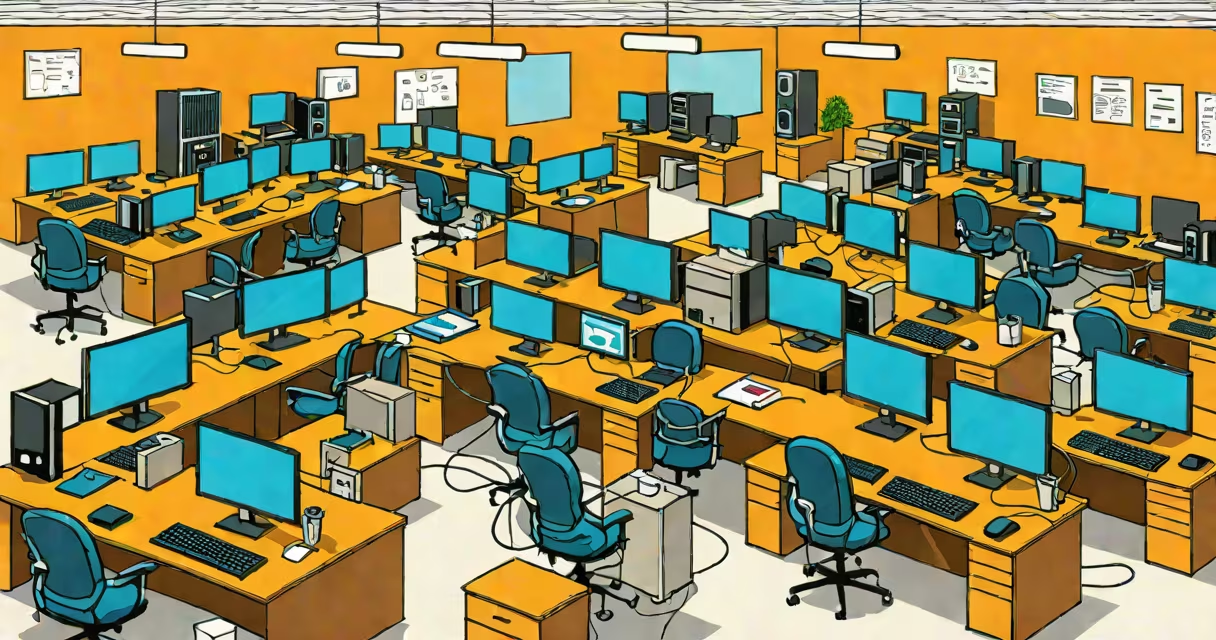
A LAN, or local area network, is a group of interconnected devices-like computers, printers, and servers-within a confined geographic area such as a home, school, or office building. It enables fast, secure communication and resource sharing among connected devices using Ethernet cables or Wi-Fi.
LANs operate at the data link layer (Layer 2) and physical layer (Layer 1) of the OSI model. They typically use protocols like Ethernet (IEEE 802.3) or Wi-Fi (IEEE 802.11) to manage data transmission. A single LAN can support hundreds of devices, depending on the infrastructure and switching capacity.
For example, a small business with 15 employees might use a single router and a managed switch to connect workstations, a shared printer, and a file server. All devices communicate at speeds up to 1 Gbps via Cat6 Ethernet cables, ensuring quick access to shared documents and internal email systems.
When a device on a LAN sends data, it broadcasts a frame to the network's MAC address. The switch or router checks the destination MAC address and forwards the packet only to the intended recipient. This filtering reduces unnecessary traffic and improves performance.
Each device on a LAN gets a unique IP address assigned via DHCP (Changing Host Configuration Protocol). For instance, a laptop might receive 192.168.1.10, while a desktop gets 192.168.1.11. These addresses allow routing within the local network and enable services like file sharing and internal web servers.
Firewalls and VLANs (Virtual Local Area Networks) improve security. A VLAN can isolate departments-such as HR and IT-into separate logical networks, even if they share the same physical hardware. This prevents unauthorized access between groups.
Key components include:
There are two primary types of LANs based on topology:
| Type | Connection Pattern | Use Case | Example |
|---|---|---|---|
| Star Topology | Devices connect to a central hub or switch | Most common in homes and offices | Home Wi-Fi network with devices connecting to a single router |
| Bus Topology | All devices share a single core cable | Legacy systems; rarely used today | Older school labs with coaxial cables linking terminals |
Modern LANs almost exclusively use star topology due to reliability and ease of troubleshooting. Bus topologies were phased out because a single cable failure disables the entire network.
LANs are essential in environments requiring low-latency, high-bandwidth communication. In a university lab, students run simulations on multiple machines connected via a LAN. The network allows rapid transfer of large datasets without relying on cloud storage.
Businesses use LANs for internal operations. A retail store chain may deploy LANs in each location to sync inventory data between registers and a central database. With a 1 Gbps LAN, updates take milliseconds, preventing stock discrepancies during peak hours.
Home users rely on LANs for media streaming, online gaming, and smart home integration. A home network with a dual-band router supports 4K video on multiple devices simultaneously. Devices like smart thermostats and security cameras communicate over the LAN, reducing reliance on external servers.
Many people confuse LANs with the internet. A LAN operates independently of the internet. You can have a fully functional LAN-file sharing, printing, game hosting-without any internet connection. The internet is a global network of interconnected LANs and WANs (wide area networks).
Another misconception is that Wi-Fi equals LAN. While Wi-Fi is a common medium for LANs, it's not the only one. Wired LANs using Ethernet cables often provide lower latency and higher throughput than wireless connections. For example, a video editor working with 8K footage may prefer a direct Ethernet connection to avoid dropped frames during rendering.
A lesser-known fact: LANs can be secured without encryption. In a trusted environment-like a private office with controlled access-devices may communicate using unencrypted protocols like SMB (Server Message Block) for file sharing. However, this is risky in public or shared spaces. Always use WPA3 encryption on Wi-Fi and firewall rules on routers.
Consider a startup with 12 employees in a 500 sq ft office. The IT team sets up a LAN using:
The switch handles internal traffic. The router assigns IPs via DHCP, blocks unwanted incoming traffic, and provides internet access. The NAS stores project files and runs nightly backups. Employees can access shared folders at 900 Mbps, far faster than cloud alternatives.
This setup supports 100 Mbps upload/download speeds internally and 500 Mbps to the internet. Latency stays under 5 ms between devices. No external dependencies are needed for daily operations.
Understanding what does LAN mean clarifies how foundational networks are to modern computing. Whether managing a home network or designing enterprise infrastructure, knowing the role of switches, IP addressing, and topology choices ensures better performance and fewer disruptions.