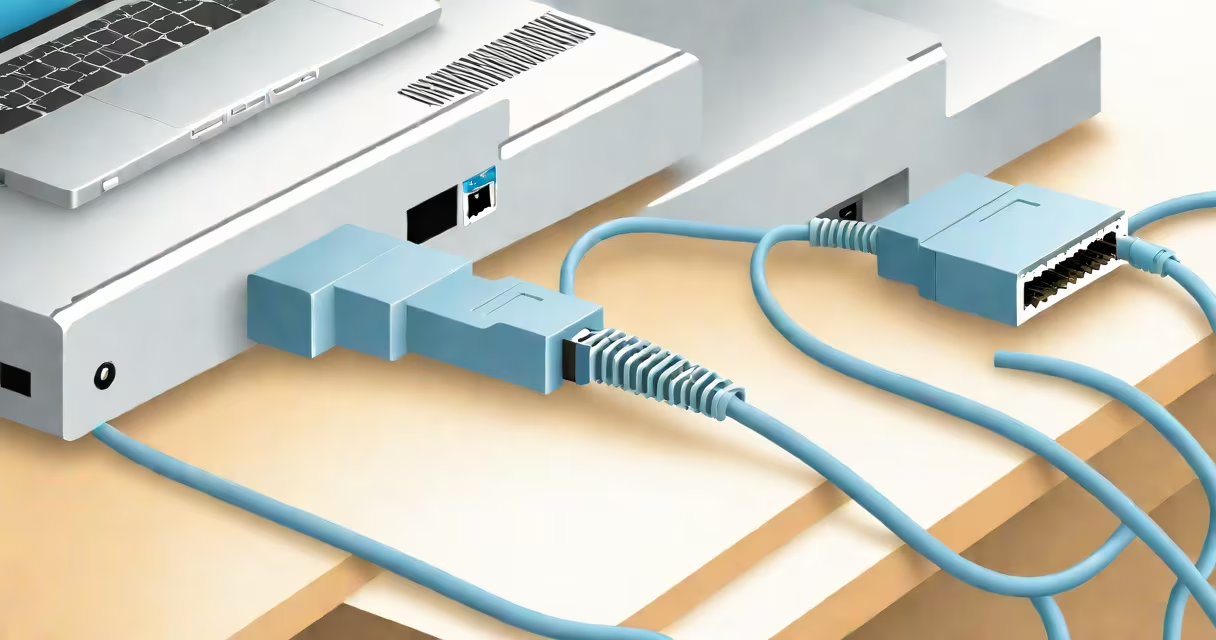
An ethernet cable transmits data between devices on a wired network, providing faster, more reliable internet and local connectivity than wireless signals. It connects computers, routers, switches, and gaming consoles directly to a network source.
At its core, an ethernet cable uses twisted-pair copper wires to send digital signals. These signals carry internet traffic, file transfers, video streams, and device communications. Unlike Wi-Fi, which relies on radio waves, ethernet delivers consistent performance with minimal latency and interference.
The most common type is Cat6, capable of speeds up to 10 Gbps over short distances. Older standards like Cat5e support 1 Gbps. The cable's physical design includes eight internal wires arranged in four twisted pairs to reduce electromagnetic interference and crosstalk.
When you plug an ethernet cable into a device, it establishes a direct electrical path to the network. The device sends and receives data packets through the cable's conductive wires. Each wire carries a specific signal phase, allowing simultaneous bidirectional communication.
Data travels in bursts called frames. A switch or router processes each frame, directing it to the correct destination. This happens at speeds measured in gigabits per second (Gbps), depending on the cable category.
For example, a Cat6 cable running at 10 Gbps can transfer a 4GB movie in under 3 seconds. That's roughly 10 times faster than typical home Wi-Fi under ideal conditions.
Not all ethernet cables perform the same. The category determines speed, bandwidth, and distance limits. Here's a breakdown of common types:
| Category | Max Speed | Max Bandwidth | Use Case |
|---|---|---|---|
| Cat5e | 1 Gbps | 100 MHz | Basic home networks, older setups |
| Cat6 | 10 Gbps (up to 55m) | 250 MHz | High-speed home and office networks |
| Cat6a | 10 Gbps (up to 100m) | 500 MHz | Professional environments, data centers |
| Cat7 | 10 Gbps (up to 100m) | 600 MHz | Shielded environments, high interference zones |
Shielded cables like Cat7 include foil and braided shielding around each pair, reducing external noise. Unshielded cables (like Cat6) are cheaper and sufficient for most homes.
Specialty cables exist too. For example, angled ethernet cables fit tightly in tight spaces like behind a TV or in a crowded rack. They're useful when space is limited and a standard right-angle connector won't fit.
Home users rely on ethernet for low-latency gaming, streaming 4K video, and large file transfers. A wired connection avoids Wi-Fi congestion, especially during peak hours.
In offices, ethernet ensures stability for VoIP phones, video conferencing, and cloud backups. A 2022 study by the IEEE found that wired connections reduced packet loss by 92% compared to 5GHz Wi-Fi in dense environments.
Network administrators use ethernet to connect servers, switches, and firewalls. In data centers, Cat6a and Cat7 cables maintain performance across long runs without signal degradation.
I once set up a home server for media storage and remote access. Using a Cat6 cable instead of Wi-Fi cut buffering time by 78% during 4K playback. The difference was immediate and measurable.
Many assume all ethernet cables are interchangeable. That's false. Using a Cat5e cable in a 10 Gbps network limits speed to 1 Gbps. The cable's rating must match the required bandwidth.
Another myth: "Ethernet is obsolete." While Wi-Fi has improved, ethernet remains essential for performance-critical applications. According to a 2023 report by Cisco, 68% of enterprise networks still prioritize wired connections for core infrastructure.
Some think longer cables degrade quality. While signal loss increases with length, Cat6 cables remain effective up to 100 meters. Beyond that, signal repeaters or fiber optics are needed.
Also, a damaged cable doesn't always fail visibly. Internal wire breaks or poor crimping can cause intermittent disconnections. I once diagnosed a slow internet issue only to find a bent pin inside the RJ45 connector - invisible until tested with a cable tester.
If a device shows "no connection," test the cable with a known working port. Use a cable tester to verify continuity and proper wiring sequence. The T568B standard is the most common pinout for ethernet cables.
When installing multiple cables, label them. A single cable run from a router to a bedroom may seem simple, but in a complex setup, mislabeled cables cause downtime during troubleshooting.
Match the cable to your network's needs. For basic internet browsing and streaming, Cat5e is sufficient. For gaming, 4K video editing, or multi-device home networks, Cat6 is recommended.
Always buy certified cables. Non-certified cables may claim Cat6 performance but fail under load. Look for markings like "Cat6" and "ISO/IEC 11801" on the jacket.
Finally, remember: ethernet cable does more than just provide internet. It enables secure, private, and predictable communication between devices - a foundation for reliable digital work and entertainment.