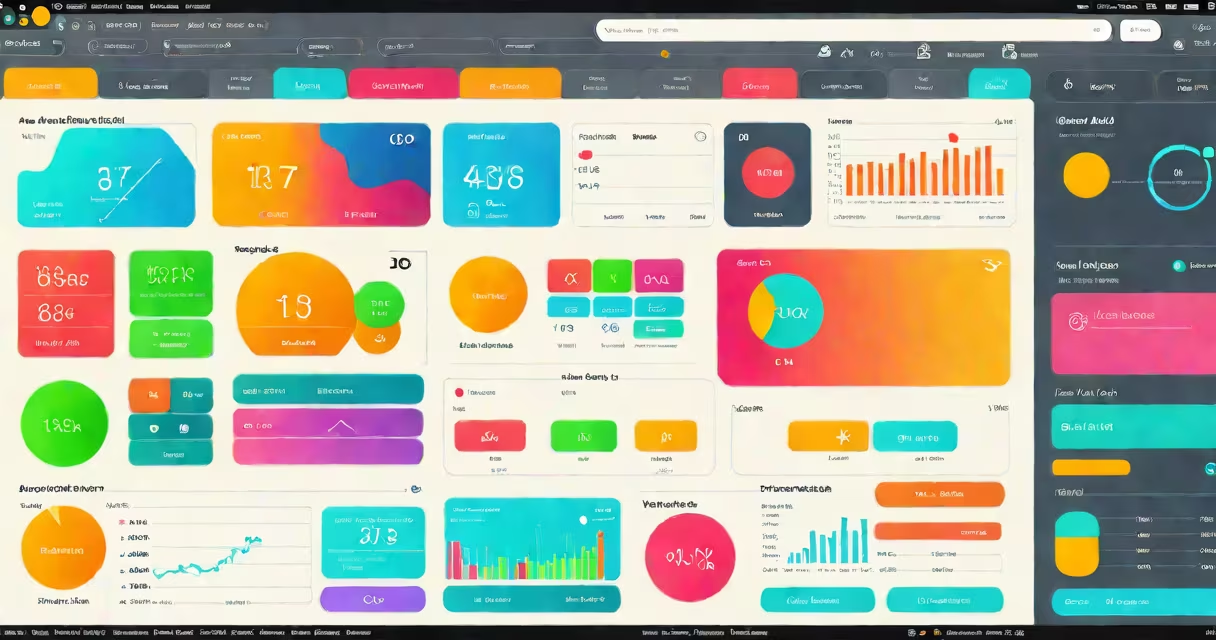
React JS widgets are reusable, self-contained UI components built with React that display changing content and respond to user interaction. They encapsulate logic, state, and rendering into modular units, enabling consistent, maintainable interfaces across web applications.
These components render in the browser using React's virtual DOM, updating only changed parts of the page. A button, form field, or data card in a dashboard can each be a widget. They're typically written in JSX and managed via React's useState and useEffect hooks.
For example, a weather widget pulls forecast data from an API, displays current temperature, and updates every 15 minutes. It runs independently, doesn't affect unrelated parts of the app, and can be reused across multiple pages.
React JS widgets function through a component lifecycle: mounting, updating, and unmounting. When a widget mounts, React renders its initial output. On state changes-like a user typing into a search bar-the widget re-renders only the affected parts.
Each widget has props (input data) and state (internal variables). For instance, a product filter widget receives category options via props and stores selected filters in state. When the user picks "Electronics," the widget updates the displayed items without reloading the page.
Under the hood, React uses a diffing algorithm to compare the previous and new DOM trees. Only the differences are applied to the actual DOM, which improves performance. This efficiency is why large dashboards with dozens of widgets remain responsive.
React JS widgets fall into three categories based on structure and behavior:
| Type | Use Case | Example |
|---|---|---|
| Stateless (functional) | Display static content | A profile card showing name and avatar |
| Stateful (class or hooks) | Manage user input or changing data | A color picker that remembers the last selection |
| Higher-order components (HOCs) | Reusability across multiple widgets | A logging wrapper that tracks usage time for any widget |
Stateless widgets are simpler and faster. They accept props and return JSX. Stateful widgets use useState or class-based state to track changes. HOCs wrap existing components to add functionality, such as authentication checks or analytics tracking.
One non-obvious distinction: not all widgets need to be complex. A simple date picker with no state is still a valid widget. The key is reusability-not complexity.
React JS widgets power modern web interfaces across industries. E-commerce sites use product cards, shopping carts, and filters as widgets. Social platforms deploy comment threads, likes counters, and notification banners as reusable components.
In enterprise software, widgets display KPIs, timelines, and user profiles. A project management tool might use a Gantt chart widget, a task list widget, and a team availability widget-all sharing the same styling and event handling patterns.
One real-world example: Airbnb's search results page uses over 20 distinct widgets. Each listing card includes a price widget, a rating widget, a calendar selector, and a "Save" button-all built with React. These components are reused across cities, languages, and device sizes.
Using widgets reduces development time. Instead of rewriting a dropdown menu for every page, developers create one version and import it wherever needed. This consistency also improves accessibility and testing.
Many assume React JS widgets require a full structure setup. That's incorrect. You can build and run a basic widget using just React and ReactDOM via CDN scripts. No build tools, no configuration files.
Another misconception: widgets must be global. They don't. A widget can be scoped to a single page or feature. For example, a modal dialog for a checkout process may exist only in the payment flow. It's not exported globally, yet still qualifies as a widget.
Some developers confuse widgets with libraries. A library like Material UI provides pre-built widgets (buttons, dialogs), but the library itself isn't a widget. A specific button component from Material UI, however, is.
I once built a real-time chat widget for a client using only React and WebSockets. It updated messages instantly, handled typing indicators, and persisted history. The entire component was under 150 lines of code and ran on a small server. It wasn't fancy-but it worked reliably.
React JS widgets differ from plain HTML elements and jQuery plugins. HTML elements are static and lack behavior. jQuery plugins often manipulate the DOM directly, leading to performance issues and hard-to-debug side effects.
React widgets manage their own state and update the DOM efficiently. They're declarative: you describe what the UI should look like, not how to change it step-by-step.
For comparison, a jQuery-based progress bar updates the DOM manually with .html() calls. A React widget uses state and re-renders the entire component tree when data changes. The React version handles edge cases like race conditions and memory leaks better.
When building a dashboard, use React JS widgets for changing content. Use plain HTML for static headers or footers. Mixing both is acceptable-but keep the logic in React.
Always give widgets a clear purpose. A widget shouldn't do five things. Keep responsibilities focused. A "user profile" widget should show details, not handle login or logout.
Use descriptive names. Avoid generic names like Widget1 or ComponentA. Name them based on function: UserProfileCard, SearchBar, NotificationBadge.
Never pass functions as props unless necessary. Passing callbacks through props can cause unnecessary re-renders. Use useCallback to memoize functions.
Test each widget in isolation. Use Jest and React Testing Library to simulate user actions. A button should trigger a click handler. A form should validate inputs and submit data correctly.
Remember: widgets are not just visual elements. They're logic containers. A slider widget isn't just a moving bar-it tracks value changes, validates input, and emits events.
If you're learning to build React JS widgets, start with simple functional components. Practice passing data via props and managing state with useState. Then explore conditional rendering and event handling.
React JS widgets are not just tools-they're the foundation of modern web experiences. Build them right, reuse them often, and maintain them consistently.