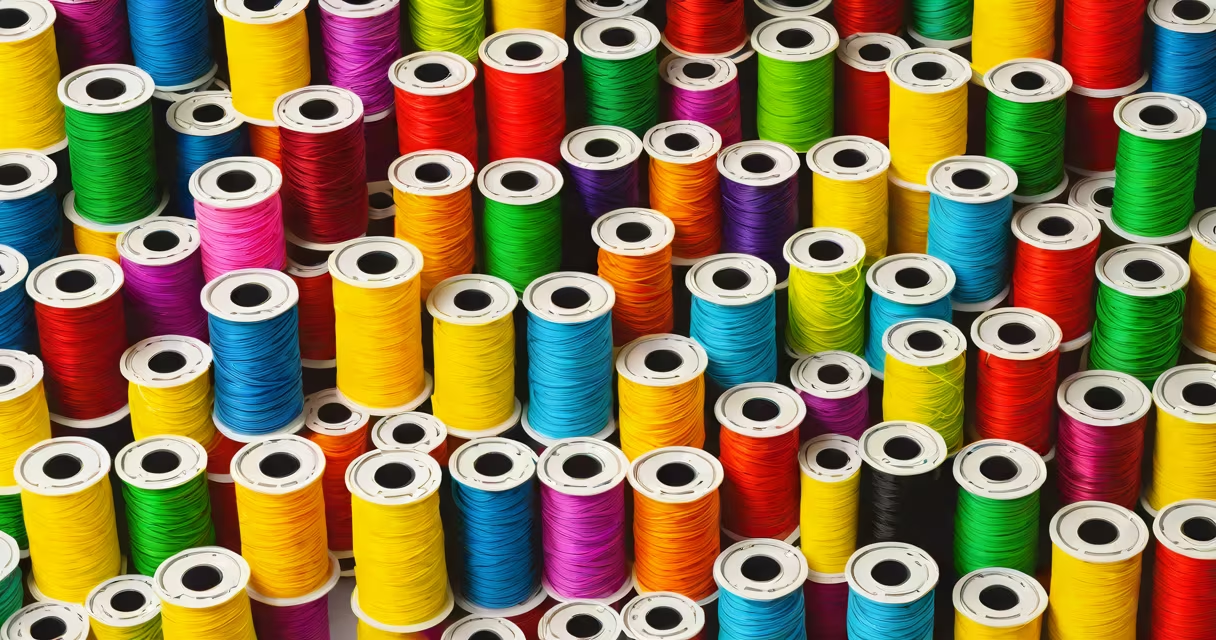
Choose filament color based on your project's function, visibility needs, and material type-bright colors improve visibility for prototypes, while neutral tones suit functional parts. Avoid dark filaments unless you're using a high-contrast printer bed.
3D printing filament comes in hundreds of colors, but not all are equally useful. The best choice depends on a display model. PLA, ABS, PETG, and TPU each have different color availability and performance traits. For most users, choosing a color that enhances clarity or contrast is more important than aesthetics.
Color doesn't change the mechanical strength of a printed part, but it impacts how well you see layer lines, warping, or imperfections. Lighter shades like white, light gray, or pastel blue show surface defects more than black or dark red. This makes them ideal for inspecting print quality during testing.
Dark filaments absorb ambient light and reduce contrast on the print bed. If you're using a camera-based auto-bed leveling system, dark filaments may cause the sensor to misread the bed surface. Some printers require a minimum reflectivity threshold-black filament can trigger false bed detection errors.
For example, a user testing a new extruder setup reported inconsistent bed adhesion when switching from white PLA to black PLA. The issue resolved only after adjusting the bed level sensor sensitivity. This shows that color affects hardware interaction, not just appearance.
PLA is the most common filament and offers the widest color range-over 100 standard colors from brands like Primo, Hatchbox, and ColorFabb. It's ideal for beginners and visual projects. However, PLA degrades faster under UV exposure; bright colors fade within weeks if left in sunlight.
ABS and PETG have fewer color options. ABS typically comes in black, white, gray, and red. PETG is mostly clear, translucent, or opaque white. These materials resist heat better than PLA and are better for functional parts. If you need a colored PETG part, look for brands like eSUN or MatterHackers that offer limited color lines.
| Material | Common Colors | Best Use Case |
|---|---|---|
| PLA | White, black, red, blue, green, yellow, pastels | Prototypes, models, educational projects |
| ABS | Black, white, gray, red, orange | Functional parts, outdoor use, higher temp resistance |
| PETG | Clear, white, black, translucent | Enclosures, tool holders, food-safe applications |
| TPU (flexible) | Black, gray, white, transparent | Seals, grips, wearable parts |
Some filaments, like glow-in-the-dark or metallic PLA, have limited durability. Glow-in-the-dark PLA loses luminescence after 6 months of regular use. Metallic filaments often clog nozzles due to particle abrasion. Always test small batches before large prints.
Use bright colors for parts that need to stand out. Red or yellow PLA improves visibility in assembly instructions or training models. A study by MIT Media Lab found that participants identified labeled components 30% faster when they were printed in high-contrast colors.
For engineering prototypes, use neutral tones like light gray or beige. These minimize visual distraction and allow focus on form and fit. If you're presenting a design to clients, avoid neon colors-they can seem unprofessional in technical contexts.
I once printed a gear train model in bright turquoise PLA for a workshop. Attendees noted the color helped track motion paths during demonstrations. But when we later used the same model in a factory setting, the color was distracting-staff kept asking if it was a warning sign. That taught me: context determines color utility.
Many assume dark filament improves the look of finished parts. In reality, dark colors hide layer lines and surface texture, making defects harder to spot. A black PLA print may appear smooth until touched-then you feel the roughness. Lighter colors reveal imperfections early, allowing faster iteration.
Another myth: "All colors perform the same." This is false. Some pigments affect melting temperature. A 2022 study by the University of California, Berkeley, found that certain red and blue PLA formulations had a 5°C higher melt point than standard white PLA. This affects nozzle temperature settings and can lead to under-extrusion if ignored.
Also, don't assume that mixing colors produces consistent results. Layer-by-layer blending creates mottled effects, not uniform hues. If you want a gradient, use a dual-extrusion printer with separate color feeds. Single-nozzle setups cannot reliably blend colors.
Start with white or light gray PLA for learning. These colors make layer alignment visible and reduce bed adhesion issues. Once confident, try bright colors for labeling or prototyping. For functional parts, stick with neutral or black-especially if the part will be exposed to heat or wear.
What color filament you should get depends on purpose, not preference. Test your chosen color on a calibration cube first. Measure layer height, wall thickness, and corner accuracy. Only then decide if the color fits your goal.