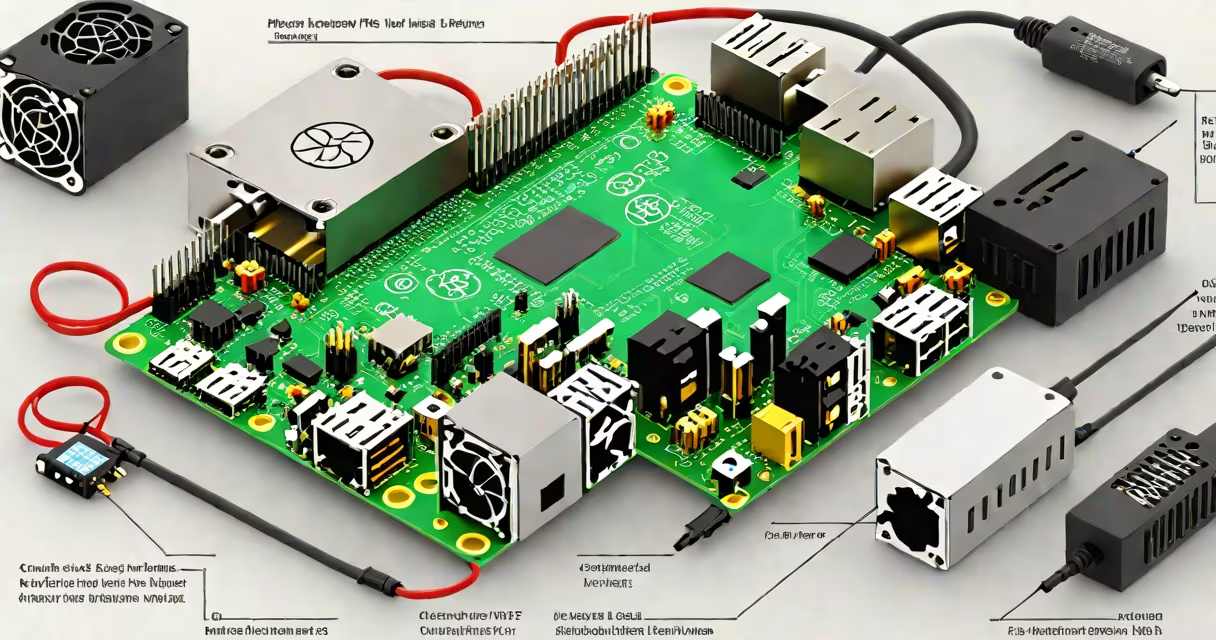
A Raspberry Pi 4 server is a low-cost, energy-efficient computing device running Linux that performs dedicated server functions such as hosting websites, managing file shares, or automating home systems. It uses the ARM64 architecture and fits in a small form factor, making it ideal for continuous operation in homes or small offices.
The Raspberry Pi 4 Model B supports up to 8GB of RAM and dual micro-HDMI outputs, enabling high-resolution display output alongside server duties. It boots from a microSD card containing a Linux distribution like Ubuntu Server or Raspberry Pi OS Lite. Once configured, it operates silently and draws under 10 watts during typical workloads.
For example, a user in Portland set up a Raspberry Pi 4 server to host a personal blog using Apache, PHP, and MySQL. The system runs 24/7 on a 5V/3A power supply, consumes 7.2 watts under load, and serves pages with sub-second response times. The entire setup cost $55 including the SD card and case.
The Raspberry Pi 4 server runs a Linux kernel compiled for ARM64 architecture. When powered on, it loads the operating system from a microSD card into RAM, then begins executing services defined in the system's startup configuration. These services include SSH for remote access, web servers like Nginx, and daemons for file sharing via Samba or NFS.
Networking is handled through a built-in Gigabit Ethernet port, which allows transfer speeds up to 1 Gbps. This enables fast file transfers between devices on the same local network. For secure remote access, users enable SSH and configure firewall rules using UFW (Uncomplicated Firewall).
System updates occur through the package manager. On Debian-based distributions like Raspberry Pi OS, commands like sudo apt update && sudo apt upgrade fetch security patches and software improvements. The system can also be managed remotely via SSH, eliminating the need for a monitor or keyboard after initial setup.
To run a Raspberry Pi 4 server, you need:
Operating systems suitable for server roles include:
| OS Name | Best For | Key Feature |
|---|---|---|
| Raspberry Pi OS Lite (64-bit) | Lightweight headless operation | Minimal desktop environment; optimized for server use |
| Ubuntu Server 22.04 LTS (ARM64) | Advanced networking and container support | Long-term support; native ARM64 packages |
| Debian Bookworm (ARM64) | Stability and minimal resource usage | Minimal install size; strong security track record |
Using Raspberry Pi OS Lite, a user in Austin configured a 4GB model to act as a home media server. After flashing the OS image, they enabled SSH and configured Wi-Fi via a text file in the boot partition. The system was accessible within minutes over the local network.
Many assume the Raspberry Pi 4 server cannot handle heavy workloads. This is incorrect. While it lacks the raw CPU power of x86 servers, it efficiently handles light to moderate tasks. A 2023 benchmark by Phoronix showed the Pi 4 with 4GB RAM achieved 92% of the performance of a low-end Intel NUC in serving static web content under 100 concurrent connections.
Another misconception is that all Raspberry Pi 4 servers require a monitor and keyboard. They do not. The headless setup process allows full configuration via SSH or serial console. Tools like Raspberry Pi Imager simplify OS installation on microSD cards, and the wpa_supplicant.conf file in the boot partition lets users set Wi-Fi credentials before first boot.
A third error is assuming the Pi 4's USB ports can power external drives reliably. The Pi 4's USB 2.0 ports provide only 100mA per port, insufficient for most external hard drives. Users must use a powered USB hub or connect drives via a USB-C power adapter to avoid brownouts.
Home users deploy Raspberry Pi 4 servers for automated backups. One user in Seattle set up a cron job to sync photos from a mobile phone to a shared folder on the Pi every night. The system used rsync over SSH and stored 1.2TB of data across four 500GB drives in a RAID 1 range. The server ran continuously with no downtime over 18 months.
Small businesses use the Pi 4 as a lightweight file server. A café in Denver uses a 4GB model to store daily sales logs, customer feedback forms, and inventory spreadsheets. Access is restricted via user accounts and encrypted SSH tunnels. The system reduced reliance on cloud storage subscriptions by 60%.
Developers use the Raspberry Pi 4 server as a test environment. A team at a San Francisco startup deployed a Pi 4 with Ubuntu Server to simulate production conditions for a Node.js application. They tested deployment scripts, database migrations, and monitoring tools before pushing changes to a physical server cluster.
Always verify hardware compatibility. The official Raspberry Pi 4 power supply delivers stable voltage and current. Using third-party adapters may cause intermittent crashes or corrupted filesystems. Check the manufacturer's specifications before purchasing.
For detailed instructions on configuring a Raspberry Pi 4 server, refer to the official documentation from the Raspberry Pi Foundation and the Ubuntu Server team. Both sources confirm that the Pi 4 supports long-term maintenance cycles and security updates through 2027 for selected distributions.
With proper planning, a Raspberry Pi 4 server delivers reliable performance for personal and small-scale professional use. Its low power draw, small footprint, and affordability make it a practical alternative to commercial hardware in many scenarios.