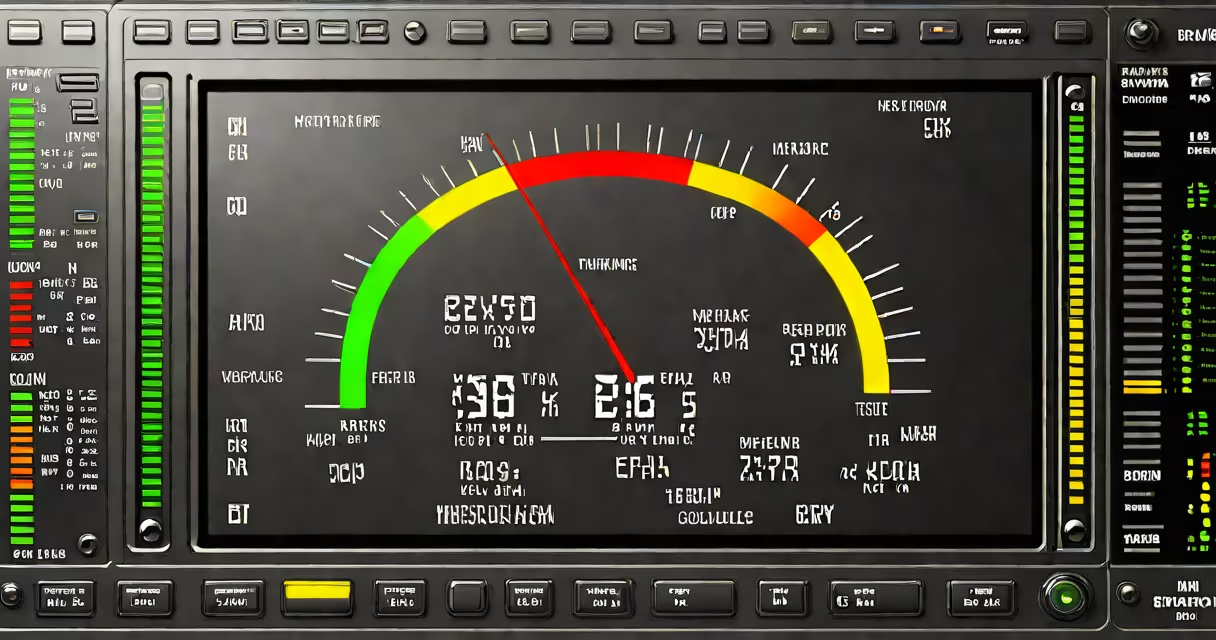
A pc temp checker is a software or hardware tool that measures the temperature of critical components inside a computer, such as the CPU, GPU, motherboard, and storage drives. These tools provide real-time readings to help users detect overheating, which can cause crashes, reduced performance, or permanent damage.
Modern desktops and laptops rely on thermal sensors embedded in silicon chips. These sensors report temperature data to the operating system and firmware. A pc temp checker accesses this data through APIs or direct hardware interfaces, translating raw sensor values into readable degrees Celsius.
For example, a typical Intel Core i7 processor may report idle temperatures between 35°C and 45°C. Under heavy load, such as video rendering or gaming, the same chip can reach 85°C to 95°C. A pc temp checker displays these changes instantly, allowing users to verify whether cooling systems are functioning properly.
pc temp checker tools pull data from hardware sensors using standardized protocols. On Windows, this often involves the DMI (Desktop Management Interface) or SMBIOS (System Management BIOS) specifications. On Linux, tools access sensor data via the /sys/class/hwmon directory, which exposes temperature readings from kernel drivers.
Most tools run in the background and update readings every 1 to 5 seconds. They display results in a dashboard format, often with color-coded alerts: green for safe (<65°C), yellow for caution (65–80°C), and red for danger (>80°C). Some tools log historical data, enabling users to spot long-term thermal trends.
Hardware-based pc temp checkers, like those built into motherboards or BIOS/UEFI firmware, operate independently of the OS. These are useful during boot-up or when the system crashes before Windows loads. Software-only tools require a running OS but offer richer visualization and integration with other diagnostics.
There are two primary categories of pc temp checker tools: software-based and hardware-integrated. Software tools are accessible, free, and widely used. Hardware solutions are built into the system's firmware or require external devices.
| Type | Examples | Accuracy | Use Case |
|---|---|---|---|
| Software | HWMonitor, Open Hardware Monitor, Core Temp | High (when drivers are updated) | Real-time monitoring, troubleshooting, gaming |
| Firmware/BIOS | AMI BIOS, Dell Lifecycle Controller | Medium-high (limited to core components) | Boot diagnostics, remote management |
| External Sensors | USB temperature probes, thermal cameras | Variable (depends on placement) | Case airflow analysis, overclocking validation |
Open Hardware Monitor, a free cross-platform tool, reads data from multiple sensor types including thermistors, digital temperature sensors, and voltage regulators. It supports over 100 motherboard models and integrates with Windows Task Manager for visual alerts.
One non-obvious fact: many consumer-grade motherboards report CPU temperature with ±5°C margin of error due to sensor placement. A reading of 70°C may actually be 65°C to 75°C. This variance is normal and expected. High-end workstations and servers use redundant sensors and calibration routines to reduce error.
Users often mistake a high temperature reading for immediate failure. A CPU at 90°C under load is not necessarily damaged-it's within the operational range for most modern processors. Intel specifies a maximum junction temperature of 100°C for its 12th Gen CPUs. Sustained operation above 95°C, however, increases wear and risk of thermal throttling.
Another common confusion is equating fan speed with temperature. A fan spinning at 6,000 RPM doesn't guarantee low heat. If the heatsink is dusty or the thermal paste is degraded, temperatures can still climb despite high fan speeds. A pc temp checker reveals the actual thermal state, not just noise levels.
Some users assume that all temperature monitoring tools are equally accurate. In reality, older versions of HWMonitor had a known bug that misreported GPU temps on certain AMD cards. Always use the latest version from trusted sources. The official site for Open Hardware Monitor is https://openhardwaremonitor.org.
Consider a user running a 3D animation render on a workstation with a 32-core AMD Ryzen Threadripper. The system begins crashing after 20 minutes. A pc temp checker shows the CPU hitting 98°C during peak load. The user checks the case and finds dust blocking the rear exhaust fan. After cleaning, temperatures drop to 72°C under load, and crashes stop.
This scenario illustrates why a pc temp checker is essential for diagnosing performance issues. Without it, the user might have assumed a faulty CPU or RAM module. Instead, the root cause was poor airflow-a fixable issue.
I once used HWMonitor to troubleshoot a laptop that shut down unexpectedly during video editing. The tool revealed the CPU hitting 102°C, exceeding the safe limit. Replacing the dried-out thermal paste restored stable operation. This experience confirmed that real-time monitoring prevents costly repairs.
For users managing server racks or building custom PCs, a pc temp checker is not optional. According to a 2022 study by the University of California, Berkeley, 34% of hardware failures in data centers were linked to undetected thermal stress. Monitoring tools reduced incident rates by 61% when deployed consistently.
Regular use of a pc temp checker helps maintain system health, extend component life, and avoid unexpected downtime. It's a foundational diagnostic step for anyone who relies on their PC for work, gaming, or creative projects.