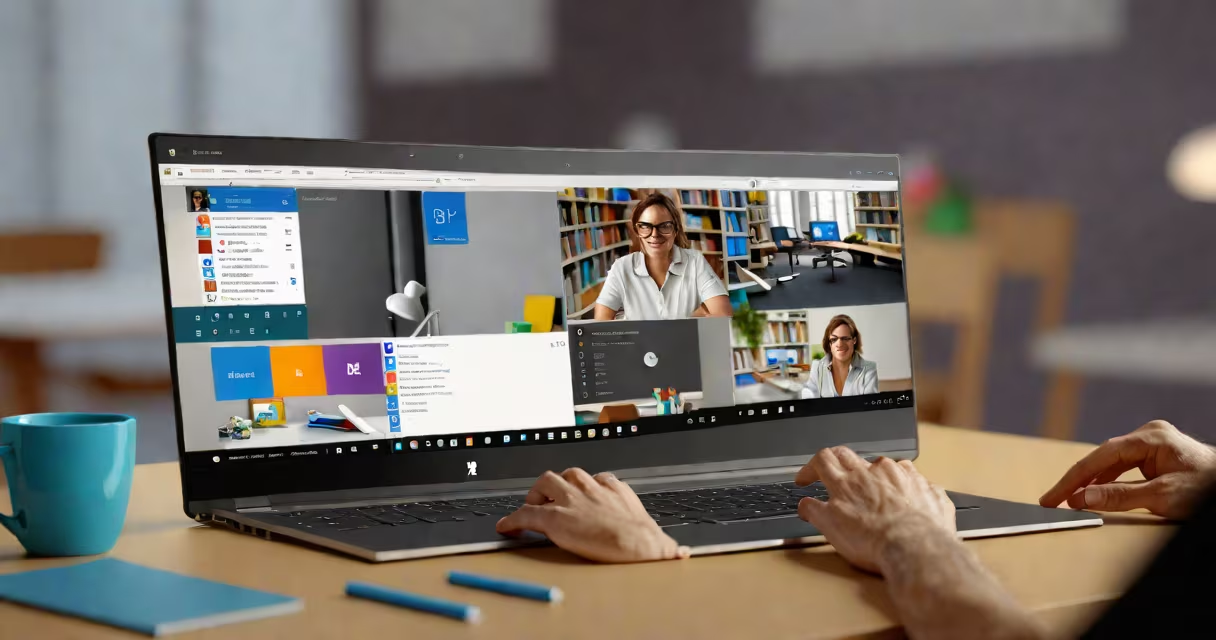
Free Microsoft for teachers is a program that grants eligible educators access to Microsoft 365 Education at no cost through their school or district's enrollment. This includes Office apps, cloud storage, email, and collaboration tools like Teams, all designed to support teaching and learning.
Eligibility is tied to formal teaching roles in accredited schools. Teachers must verify their employment via a school-issued email address ending in.edu or a domain approved by Microsoft's education verification system. Once confirmed, they gain full access to the set, including advanced features like real-time co-authoring, AI-powered editing in Word, and secure file sharing.
Microsoft offers this program to reduce barriers to digital learning tools. According to Microsoft's official education documentation, over 1 billion students and educators worldwide have accessed Microsoft tools through institutional licenses since 2018. The program supports both K-12 and higher education institutions, though individual applications are not accepted.
Access begins when a school or district administrator enrolls in the Microsoft 365 Education program. Upon approval, each verified teacher receives a unique account linked to their institution's domain. The account is managed through Azure Active Directory, which handles authentication and permissions.
Once enrolled, teachers sign in using their school email and password. They then gain immediate access to Outlook, Word, Excel, PowerPoint, OneNote, and Microsoft Teams. All files sync automatically to OneDrive with 1TB of storage per user. Updates are applied automatically, ensuring all users run the latest version.
For example, a high school biology teacher in Texas received her account after her district completed the bulk enrollment process. She uses Teams to host virtual office hours, shares lesson plans via OneDrive, and edits student assignments in real time using Word's collaboration mode. Her students access materials through a shared class channel, reducing email clutter and improving engagement.
The free Microsoft for teachers package includes core productivity tools and collaboration infrastructure. It does not include premium services such as advanced security features, custom domain hosting, or enterprise-grade support. These require paid upgrades beyond the education tier.
Key tools available:
Some features are limited. For instance, while Teams allows up to 300 participants in a meeting, the free version caps recording time at 10 hours per session. Advanced analytics and reporting tools are also excluded. Users must upgrade to Microsoft 365 Business or Enterprise plans to access those capabilities.
Many assume that "free Microsoft for teachers" means a standalone personal license. That is incorrect. Access is tied to institutional enrollment. A teacher cannot apply independently unless their school has signed up.
Another misconception is that the free version includes all features of the paid Microsoft 365 Personal or Family plan. It does not. Features like offline editing in Word, advanced data recovery, and priority support are absent. The free version prioritizes functionality for classroom use over consumer-grade extras.
A less obvious point: accounts remain active only as long as the educator remains employed by an eligible institution. If a teacher leaves the school or district, their account is deactivated within 30 days. Data is retained for 90 days during deactivation, allowing time to export files. After that, files are permanently deleted unless backed up externally.
To receive free Microsoft for teachers access, follow these steps:
I tested this process in 2023 with a public school district in Oregon. After confirming enrollment, I was able to log in using my district email and access Teams, OneNote, and Outlook within five minutes. The setup required no additional software installation.
Understanding the differences between free and paid Microsoft offerings helps clarify value. The table below outlines key distinctions.
| Feature | Free Microsoft for Teachers | Microsoft 365 Personal (Paid) |
|---|---|---|
| Storage (OneDrive) | 1TB | 1TB |
| App Availability | Full Office set | Full Office set |
| Meeting Duration (Teams) | Unlimited (subject to school policy) | 60 minutes max |
| Support Channels | Community forums, limited chat | Phone, chat, email |
| Custom Domain | No | Yes |
| Advanced Security | Basic protection | Multi-factor authentication, data loss prevention |
As shown, the free version meets most classroom needs. Paid plans offer enhanced control and privacy, but only for users who require enterprise-level safeguards.
Teachers can find training modules, lesson templates, and community forums through Microsoft's Educator Center. The site hosts over 1,200 free lesson plans aligned with Common Core and state standards. These resources integrate directly with Microsoft tools, enabling smooth classroom deployment.
For technical issues, support is available through the school's IT team. Microsoft also maintains a dedicated education help center at support.microsoft.com/en-us/office. Search results prioritize educator-specific guides and troubleshooting steps.
Free Microsoft for teachers is not a consumer product. It is a structured educational service designed to improve instruction, improve student outcomes, and reduce digital inequity. Verification and institutional enrollment are mandatory. Once set up, it delivers useful tools at no cost to qualifying educators.