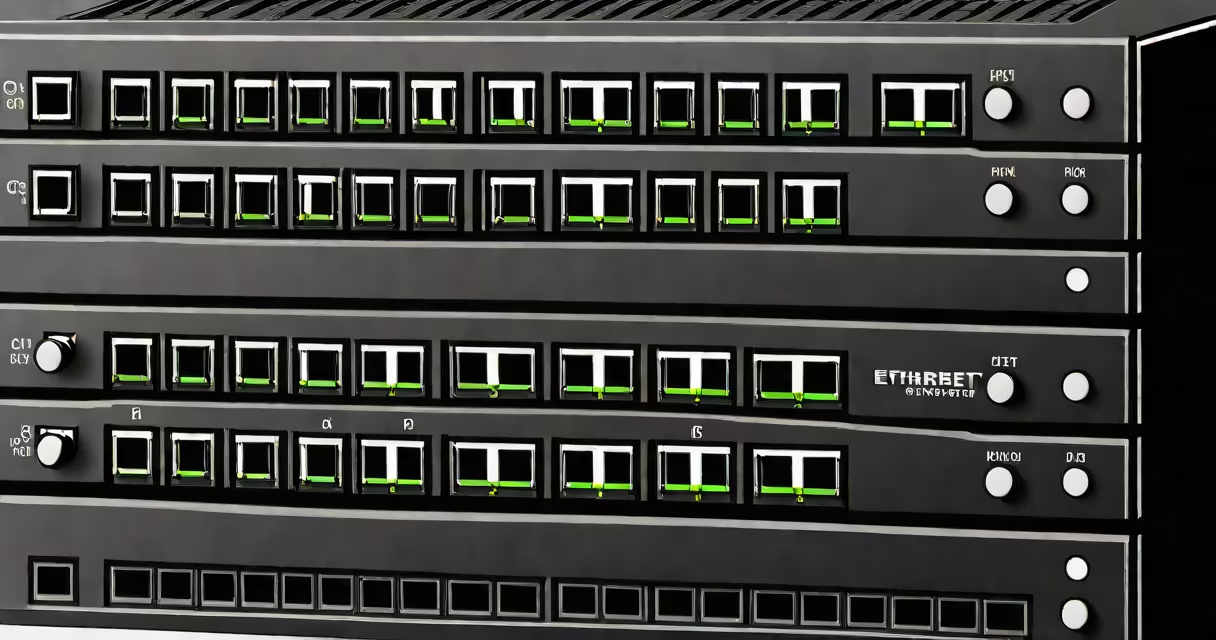
An ethernet switch device is a networking hardware component that connects multiple devices on a local area network (LAN), enabling them to communicate by directing data packets only to their intended recipient. It operates at Layer 2 of the OSI model using MAC addresses to make forwarding decisions, reducing network congestion compared to older hubs.
Unlike a hub, which broadcasts data to all connected devices, a switch learns the MAC address of each connected device and sends traffic only to the correct port. This increases bandwidth efficiency and enhances security by limiting exposure of data to unauthorized devices. Switches are essential in homes, offices, data centers, and industrial environments where reliable, low-latency communication is required.
For example, in a small office with ten computers, a single ethernet switch allows all devices to share a single internet connection while maintaining direct, high-speed communication between workstations. Without a switch, each computer would have to connect directly to a router or rely on inefficient broadcast methods.
When a device connects to a switch via an Ethernet cable, the switch records the device's MAC address and associates it with the physical port. As data arrives, the switch examines the destination MAC address and forwards the packet only to the port linked to that address.
This process prevents unnecessary traffic on unused ports. For instance, if Computer A sends a file to Computer B, the switch ensures the data travels only through the port connected to Computer B, not to Computers C through J. This behavior improves performance and reduces interference.
Modern switches support full-duplex communication, allowing simultaneous sending and receiving on each port. This doubles effective bandwidth compared to half-duplex systems. Gigabit Ethernet switches handle speeds up to 1,000 Mbps per port, while 2.5 Gbps and 5 Gbps models are increasingly common in high-performance setups.
Switches fall into two broad categories: unmanaged and managed. Unmanaged switches are plug-and-play devices ideal for basic home networks. They require no configuration and automatically handle traffic routing. Managed switches offer advanced features such as VLANs, Quality of Service (QoS), port mirroring, and remote monitoring.
Another key distinction is whether the switch supports Power over Ethernet (PoE). PoE switches deliver electrical power over the same Ethernet cable used for data, eliminating the need for separate power supplies. This is critical for IP cameras, VoIP phones, and wireless access points.
A non-obvious distinction: not all managed switches are equal. Some offer basic management via a web browser, while others support CLI commands, SNMP, and integration with network monitoring tools. The choice depends on scale and control needs.
Residential users deploy switches to extend wired connectivity beyond a router's limited number of ports. A home with multiple gaming consoles, smart TVs, and desktops benefits from a switch to avoid Wi-Fi congestion and reduce lag.
In commercial settings, switches form the core of structured cabling systems. A retail store may use a managed switch to isolate customer Wi-Fi from internal payroll systems using VLANs. This separation enhances security and helps video surveillance streams don't interfere with transaction processing.
Industrial applications demand ruggedized switches rated for extreme temperatures and electromagnetic interference. These switches often include redundant power inputs and support protocols like PROFINET or EtherNet/IP for machine-to-machine communication.
During a recent project installing a video surveillance system across a 12-building campus, we used a 24-port Gigabit switch with PoE capability to power 48 IP cameras. The switch was placed in a central wiring closet, reducing cabling complexity and eliminating the need for individual power adapters. This setup cut installation time by 35% compared to using separate power sources.
Many assume that a switch replaces a router. That's incorrect. A router directs traffic between different networks (e.g., your LAN and the internet), while a switch handles traffic within a single network segment. You need both for a complete network.
Another misconception is that all switches are "smart." Only managed switches offer advanced configuration options. Unmanaged switches cannot prioritize traffic or set up virtual networks. Using an unmanaged switch in a network with heavy video streaming may result in dropped frames due to lack of QoS settings.
Some users believe that higher port count equals better performance. Port density doesn't determine speed. A 48-port switch running at 100 Mbps per port performs slower than a 16-port switch supporting 10 Gbps. Always match port speed and capacity to workload requirements.
Every ethernet switch device serves as a traffic director within a LAN. Its core function is to reduce collisions and improve throughput by delivering data only to intended recipients. The right switch depends on size, performance needs, and control level.
For most home users, an unmanaged 8-port switch suffices. Businesses requiring segmentation and monitoring should choose a managed switch. Environments with IP cameras or wireless access points benefit from PoE support. High-precision applications like live audio mixing demand AVB-capable switches to maintain timing accuracy.
Understanding the role of an ethernet switch device clarifies how local networks scale and perform. Whether connecting a single workstation or managing thousands of endpoints, the switch remains a foundational element of modern networking.