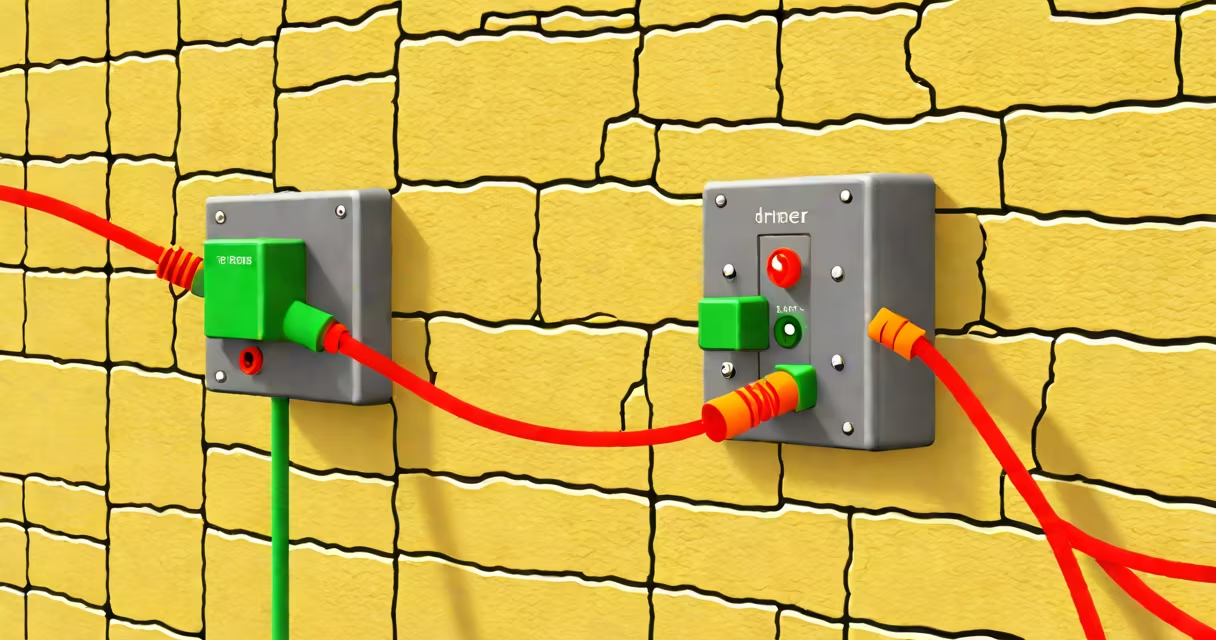
An ethernet cable tracer detects the physical path of network cables through walls, floors, or ceilings by sensing electromagnetic fields generated by data signals. It helps locate cables behind drywall, under flooring, or within conduits without drilling or cutting.
These tools work by detecting the alternating current (AC) magnetic field emitted by active ethernet cables carrying data. The tracer's probe picks up this field, and the device displays signal strength via LEDs or audio tones. A stronger signal indicates proximity to the live cable.
Most models operate passively-no power needed-and require the cable to be actively transmitting data. They don't work on idle or unpowered cables. Some advanced versions include frequency filters to distinguish between multiple nearby cables.
When an ethernet cable transmits data, it generates a low-frequency electromagnetic field around the twisted pairs. This field radiates slightly into surrounding materials like drywall or carpet. The ethernet cable tracer uses a sensitive coil sensor in its probe to detect this field.
As the user moves the probe along a wall or floor, the device responds with increasing audio pitch or brighter LED indicators when approaching the cable. The peak signal marks the cable's location. Some models offer directional arrows or visual maps for complex runs.
For best results, the cable must be powered and transmitting traffic. Passive traces fail on unused cables or those connected only to a switch with no data flow. You can simulate activity by pinging the port or using a network tester to generate brief bursts.
There are two primary types: passive and active. Passive tracers rely solely on the cable's existing signal. Active tracers send a test signal through the cable and detect it at the far end, allowing identification even when the cable is idle.
| Type | Signal Requirement | Use Case | Accuracy |
|---|---|---|---|
| Passive | Active data transmission | Quick checks in live networks | High when traffic present |
| Active | None - sends test signal | Locating dead cables or hidden runs | Very high - works on idle lines |
Some models support dual-mode operation. For example, the Fluke Networks DSX-8000 supports both passive and active modes. It can trace cables during normal operation or inject a signal for diagnostics on disconnected lines.
Advanced tracers may include features like frequency tuning to filter out interference from power lines or Wi-Fi routers. Others have audible alerts that change pitch based on distance-higher pitch means closer to the cable.
Electricians, IT technicians, and building managers use ethernet cable tracers to map network infrastructure during renovations, repairs, or audits. They're essential when installing new devices in a room with unknown wiring.
A common scenario: a technician needs to run a new security camera in a conference room. The wall is sealed. Using a passive tracer, they move the probe slowly along the baseboard. As they near the cable, the LED lights turn green and the beep increases in frequency. They mark the spot, drill a hole, and pull the new cable through.
Another example: a school district reports intermittent internet in classrooms. The IT team suspects a damaged cable behind a false ceiling. With an active tracer, they inject a signal at the patch panel and follow it with the probe. The signal drops abruptly at a junction box-indicating a break. They replace the cable segment without removing ceiling tiles.
An ethernet cable tracer does not diagnose network performance issues. It cannot identify bad connections, faulty ports, or packet loss. It only locates the physical path of a cable.
Many users assume it can detect fiber-optic cables. It cannot. Fiber uses light, not electrical current, so no electromagnetic field is produced. Tracing fiber requires specialized tools like OTDRs (optical time-domain reflectometers).
A frequent error is using a passive tracer on a dormant cable. Without data flow, the field is too weak to detect. The solution: activate the connection. Ping the IP address or connect a device to generate traffic. Alternatively, use an active tracer.
Another mistake: assuming the tracer shows the entire cable run. It only finds the closest segment. A cable may enter a wall at one point and exit at another-often several feet away. Always verify with a continuity tester or network analyzer.
I once used a passive tracer in a home office with thick plaster walls. The signal was faint, and the probe gave inconsistent readings. After checking, I realized the cable ran through a metal conduit. The shield blocked the magnetic field entirely.
Switching to an active tracer solved the issue. I connected the transmitter to one end of the cable and walked the probe along the wall. The signal appeared at the junction box. I confirmed the path with a network cable tester.
This highlights a key rule: passive tools fail in shielded environments. Always assess the installation type before choosing a tracer.
Use an ethernet cable tracer when you need to find a cable's location quickly and safely. It's faster and less invasive than cutting holes or removing flooring.
Compare it to a network cable tester: the tester verifies connectivity and pinout integrity. The tracer finds the physical path. Use both together for full validation.
While the term "ethernet cable tracer" sounds technical, it describes a simple, focused tool. It doesn't replace network analysis software or diagnostic suites. But for physical routing tasks, it's indispensable.
Always pair it with a known working cable and a clear goal. Know its limits-especially regarding shielding and signal requirements. And remember: a tracer shows location, not health.
Understanding this helps avoid wasted time and prevents damage to walls or equipment. For accurate results, use the right tool for the job.