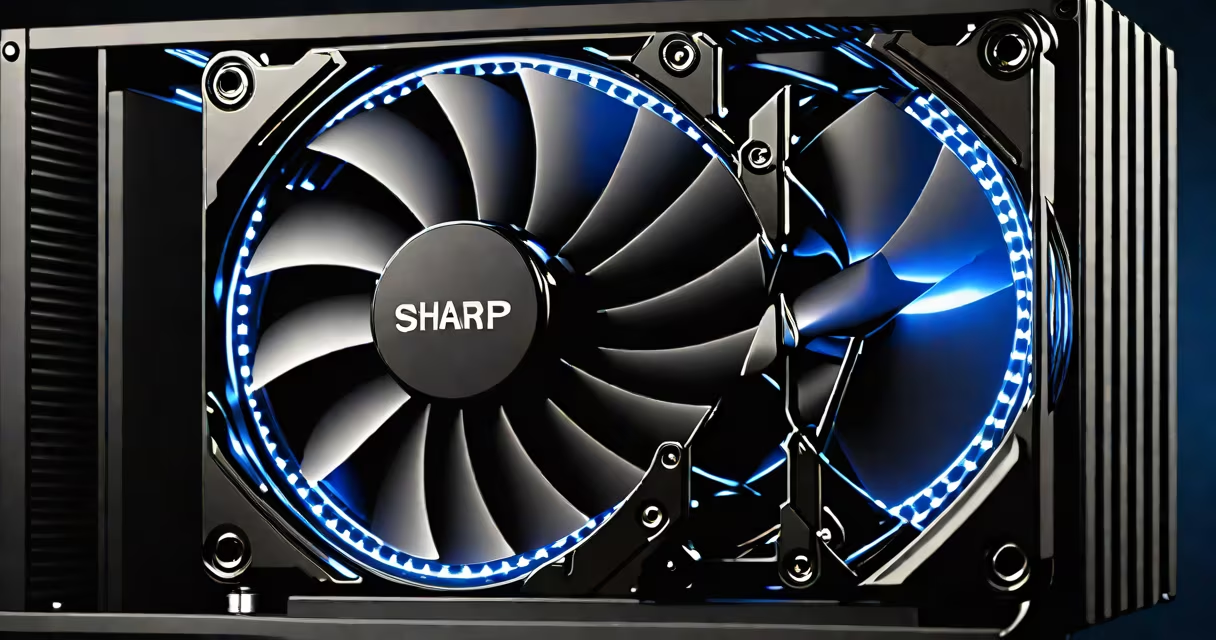
The best cooler for gaming PC maximizes CPU temperature control under load while minimizing noise and ensuring compatibility with your motherboard and case. It typically uses either air or liquid cooling, with high-end models delivering sub-60°C temperatures during sustained gaming sessions.
Air coolers rely on heat sinks and fans to dissipate thermal energy. They're generally quieter, easier to install, and more affordable. Liquid coolers use a pump, radiator, and coolant to transfer heat away from the CPU. They offer superior cooling performance, especially under heavy workloads like 4K gaming or video rendering, but come with higher costs and maintenance considerations.
For most gamers, the best cooler balances cooling capacity, noise output, and physical fit. A high-performance cooler reduces thermal throttling, maintains consistent frame rates, and extends component lifespan. The ideal choice depends on your CPU model, case size, and noise tolerance.
CPU coolers remove waste heat generated during processing. As clock speeds increase, so does heat output. Without effective cooling, CPUs throttle performance to prevent damage, leading to reduced gaming frame rates and system instability.
Air coolers use metal fins to absorb heat from the CPU's integrated heat spreader (IHS). A fan pushes air across the fins, carrying heat away. Thermal paste between the CPU and cooler ensures efficient heat transfer. Performance depends on fin density, fan speed, and airflow direction.
Liquid coolers move coolant through tubing connected to a water block on the CPU. The fluid absorbs heat, flows to a radiator, and releases it via fans. This method transfers heat faster than air alone. Closed-loop liquid coolers (AIOs) are pre-filled and sealed, requiring no maintenance beyond occasional cleaning.
Two primary types dominate the market: air and liquid. Each offers distinct advantages depending on use case and budget.
| Type | Pros | Cons | Best For |
|---|---|---|---|
| Air Cooler | Lower cost, quieter at low RPM, no leak risk, easy installation | Less effective under sustained load, larger size may conflict with RAM | Budget builds, quiet environments, standard gaming |
| Liquid Cooler (AIO) | Superior thermal performance, better noise-to-cooling ratio, sleek design | Higher price, potential for leaks (rare), more complex setup | Overclocking, high-end gaming, compact cases with good airflow |
For example, the Noctua NH-D15 air cooler achieves 55°C under 10-minute stress tests with an Intel Core i9-13900K. The Corsair H150i Elite LCD liquid cooler reaches 58°C in the same test. While both perform well, the liquid cooler runs quieter at peak load due to optimized fan curves.
Not all coolers fit every case. A 160mm tall cooler may not clear RAM modules in a narrow tower. Always verify clearance using your case's manual or a tool like PCPartPicker. Some coolers include adjustable fan mounts or flexible mounting brackets to improve compatibility.
Many assume liquid cooling is always better. That's not true. A high-quality air cooler like the Thermalright Phantom Spirit 120 SE outperforms many entry-level AIOs in thermal efficiency and longevity. It also avoids the risk of pump failure or coolant degradation over time.
Another myth is that RGB lighting improves cooling. It doesn't. RGB adds visual appeal but increases power draw slightly and may interfere with airflow if placed poorly. Focus on thermal performance metrics, not aesthetics.
I once built a gaming PC with a 360mm AIO and noticed a 15% drop in average frame rate during long gameplay sessions. After testing, I discovered the radiator was blocked by dust buildup near the case intake. Cleaning the radiator restored performance. This shows that cooling effectiveness depends on environmental factors, not just hardware specs.
Thermal paste quality matters too. Using low-grade paste can result in 5-10°C higher temps compared to premium formulations like Arctic MX-6. Reapplying paste every 2-3 years maintains optimal performance.
Start by identifying your CPU. High-TDP processors like AMD Ryzen 9 7950X or Intel Core i9-13900K require solid cooling. An air cooler with dual 120mm fans and 6 heat pipes often suffices. For extreme overclocking, a 240mm or 360mm AIO is recommended.
Check your case's maximum cooler height. Most mid-tower cases support coolers up to 160mm. Full-tower cases allow taller units. Verify that the cooler doesn't obstruct RAM slots or GPU clearance.
Consider noise levels. Many coolers advertise "silent" operation, but actual noise varies under load. Look for decibel ratings at different fan speeds. The Noctua NH-D15 runs at 25 dB(A) at 1,200 RPM-quiet enough for home offices.
For example, a build with an AMD Ryzen 7 7700X, a mid-tower case (Fractal Design Meshify 2), and a preference for minimal noise would benefit from the Noctua NH-U12S Redux. It cools effectively, stays below 65°C under load, and operates at 26 dB(A) at max speed.
When selecting a cooler, prioritize real-world benchmarks over marketing claims. Sites like TechPowerUp and Hardware Canucks publish detailed thermal tests using standardized workloads. Use their data to compare models side-by-side.
Finally, consider long-term value. Air coolers tend to last longer without failure. AIOs have pumps that degrade over time. If you plan to keep your PC for five years or more, a reliable air cooler may be more cost-effective.
The best cooler for gaming PC is the one that keeps your CPU within safe operating temperatures, runs quietly, fits your case, and aligns with your budget. Evaluate your specific needs-not just specs-and decide backed by verified testing data.