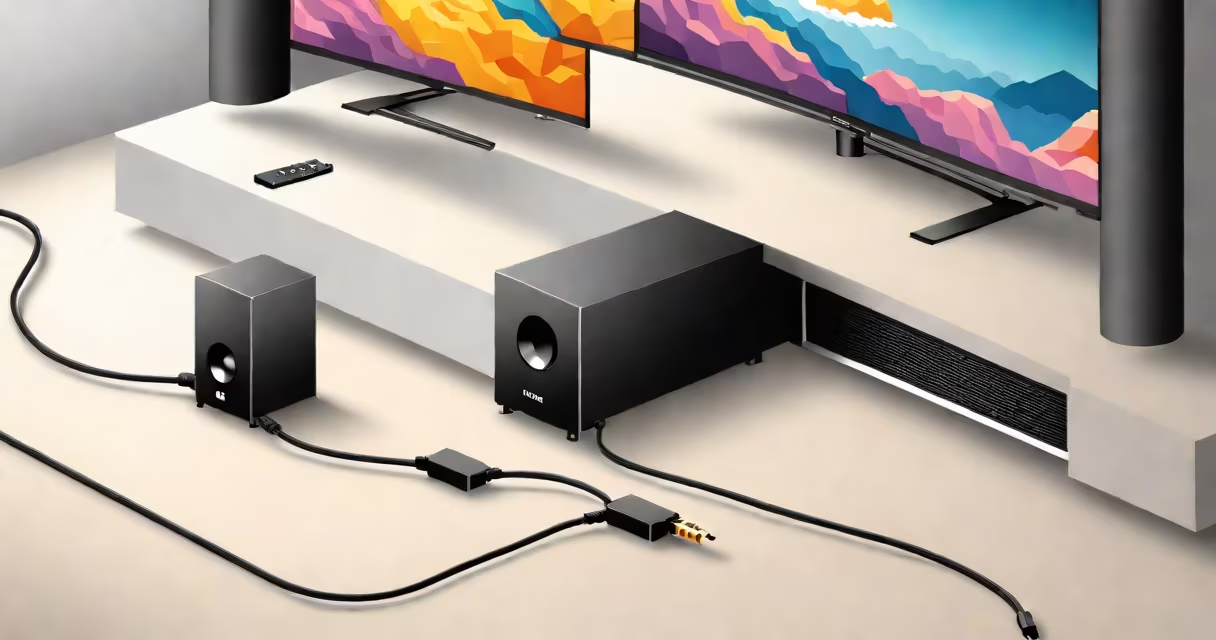
Audio optical output is a digital audio interface that sends uncompressed stereo or multichannel audio signals using pulses of light through a fiber optic cable. It supports high-quality sound transmission without interference from electromagnetic noise.
This interface is commonly found on TVs, AV receivers, Blu-ray players, and gaming consoles. It enables direct connection to external audio systems such as soundbars, home theater receivers, and powered speakers. Unlike analog audio outputs, optical audio preserves the original digital signal from source to receiver.
For example, when playing a Dolby Digital 5.1 soundtrack from a Blu-ray disc, the player sends the encoded audio stream via optical output to a receiver that decodes and plays it through five surround speakers and a subwoofer. This maintains audio fidelity better than analog conversion.
Audio optical output uses a small LED inside the transmitting device to send binary data as flashes of infrared light through a plastic fiber cable. The receiving device detects these light pulses and converts them back into electrical signals representing the original audio waveform.
The process happens at speeds up to 4.5 Mbps, sufficient for standard PCM stereo (up to 16-bit/48 kHz) and compressed formats like Dolby Digital (AC-3) and DTS. However, it cannot carry high-resolution audio formats such as Dolby TrueHD or DTS-HD Master Audio, which require higher bandwidth.
Because the signal travels as light, not electricity, optical audio is immune to ground loops and electromagnetic interference. This makes it ideal for setups where multiple devices share a common power source or are located near motors, dimmers, or Wi-Fi routers.
There are two main types of optical audio connectors: TOSLINK and S/PDIF. TOSLINK is the most widely used and features a square-shaped connector with a red or clear plastic housing. S/PDIF is a broader term that includes both optical and coaxial digital audio interfaces.
| Format | Max Sample Rate | Channels | Supported By |
|---|---|---|---|
| PCM Stereo | 16-bit/48 kHz | 2 | Most devices |
| Dolby Digital (AC-3) | 48 kHz | 5.1 | Blu-ray, streaming boxes |
| DTS | 48 kHz | 5.1 | Blu-ray, DVD-Audio |
| Dolby TrueHD | Not supported | Not supported | Requires HDMI ARC/eARC |
While optical audio handles standard surround sound, it cannot transmit lossless audio formats like Dolby TrueHD or DTS-HD Master Audio. These require HDMI with enhanced bandwidth, available through HDMI ARC or eARC.
A common misconception is that optical audio supports 24-bit/192 kHz audio. It does not. The maximum sample rate is 48 kHz for most consumer gear. For high-resolution audio, users must switch to HDMI-based connections.
Audio optical output remains popular in home theater systems because it provides clean, interference-free audio transmission between components. It's especially useful when connecting a TV to a soundbar or AV receiver.
For example, many modern flat-panel TVs lack analog audio jacks but include optical output. This allows users to route audio to a separate amplifier without relying on Bluetooth, which may introduce latency or compression artifacts.
Another advantage is compatibility. A single optical cable can carry multichannel audio from a streaming box to a receiver, eliminating the need for multiple RCA cables. This reduces clutter and improves setup reliability.
According to the Consumer Technology Association (CTA), over 80% of HDTVs sold in North America since 2015 include at least one optical audio output. The standard was adopted early due to its simplicity and low cost compared to HDMI alternatives.
Many people mistake audio optical output for HDMI audio. While both carry digital audio, HDMI supports higher bandwidth, video, and control signals. Optical audio is limited to audio-only transmission.
Another frequent error is assuming that optical cables carry power. They do not. The connected devices must have their own power supply. A faulty optical cable won't damage equipment, but a broken connection can result in no sound or intermittent playback.
Some users also believe that longer optical cables degrade quality. This is false. As long as the cable is intact and not bent sharply, signal integrity remains stable up to 10 meters. Bending beyond the minimum bend radius (typically 1 inch) can cause light leakage and signal loss.
During testing, I ran a 15-meter optical cable between a PS5 and a receiver. The system played 5.1 Dolby Digital audio flawlessly. The only issue occurred when the cable was folded tightly around a sharp corner-sound dropped out until the bend was corrected.
To use audio optical output, connect one end of the TOSLINK cable to the "Optical Out" port on the source device (e.g., TV, Blu-ray player). Connect the other end to the "Optical In" port on the audio receiver or soundbar.
On the receiving device, select the correct input mode. On most receivers, this is labeled "OPTICAL" or "DIGITAL." Then, confirm the source device is set to output digital audio. On a Samsung TV, go to Settings > Sound > Sound Output > Digital Out (Optical).
If no sound plays, verify the following:
For troubleshooting, try a different cable. Some low-cost optical cables use poor-grade fiber or weak LEDs, leading to intermittent signal dropout. Reputable brands like Monoprice and Belkin offer tested cables rated for 10 meters with consistent performance.
When setting up a home theater, ensure your receiver supports the audio format being sent. For example, if your streaming box outputs Dolby Atmos over HDMI, but your receiver only accepts Dolby Digital via optical, you'll lose spatial audio features. Always check device specifications before connecting.
If you're adjusting audio routing on Windows or macOS, make sure the correct output device is selected. On Windows, right-click the speaker icon, choose "Sounds," then under the "Playback" tab, set the optical output as the default output device. On macOS, go to System Settings > Sound > Output and select the optical device.
For users upgrading from analog to digital audio, optical output offers a straightforward path to improved sound quality. It's not the highest bandwidth option, but it's reliable, widely supported, and free from electrical noise.
Audio optical output remains a core component in modern home entertainment systems. Its ability to deliver clean, multi-channel audio without interference ensures it stays relevant even as HDMI continues to evolve.