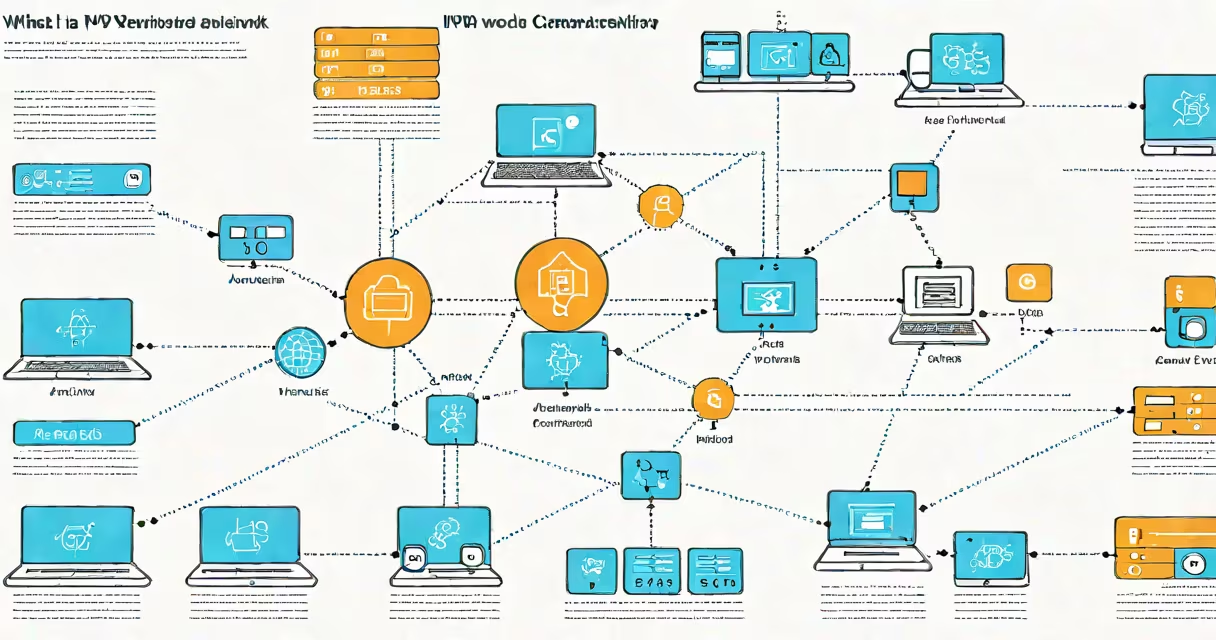
An IPv6 network is a computer network that uses Internet Protocol version 6 to route traffic between devices. It assigns 128-bit addresses to each connected device, replacing the older IPv4 system that uses 32-bit addresses. This change enables over 340 undecillion unique addresses-enough for every device on Earth and beyond.
IPv6 was developed to solve the exhaustion of IPv4 addresses, which were limited to about 4.3 billion unique combinations. With global internet usage growing rapidly, IPv6 ensures long-term scalability. It also improves security through mandatory encryption support and simplifies routing by reducing header complexity.
The Internet Engineering Task Force (IETF) standardized IPv6 in 1998, and major internet service providers began rolling it out in the early 2010s. As of 2023, over 40% of Google users access the web via IPv6, according to Google's IPv6 statistics dashboard.
Each IPv6 address is represented as eight groups of four hexadecimal digits separated by colons. For example: 2001:0db8:85a3:0000:0000:8a2e:0370:7334. Leading zeros within each group can be omitted, and consecutive groups of zeros can be replaced with double colons (::), so the same address becomes 2001:0db8:85a3::8a2e:0370:7334.
Devices on an IPv6 network automatically configure their addresses using stateless address autoconfiguration (SLAAC). A router advertises its prefix, and the device combines it with a unique interface identifier derived from the device's MAC address. This process requires no manual setup or DHCP server.
For example, if a home router broadcasts the prefix 2001:0db8:1234:5678, and a laptop's MAC address is 00:1a:2b:3c:4d:5e, the device generates an address like 2001:0db8:1234:5678:021a:2bff:fe3c:4d5e. This happens instantly upon connection.
IPv6 networks fall into several categories based on purpose and scope:
| Type | Description | Use Case | Example |
|---|---|---|---|
| Global Unicast | Unique, routable addresses assigned globally | Internet-connected devices | 2001:0db8:85a3::/64 |
| Link-Local | Addresses valid only on the local network segment | Automatic configuration and neighbor discovery | fe80::/10 |
| Unique Local | Private addresses for internal networks | Internal communication, no internet routing | fc00::/7 |
| Loopback | Address for testing network software | System diagnostics | ::1 |
Unlike IPv4, IPv6 does not use private IP ranges like 192.168.x.x. Instead, it uses fc00::/7 for internal networks. This avoids conflicts between different private networks and supports better routing efficiency.
A common misconception is that IPv6 eliminates the need for NAT (Network Address Translation). While IPv6 does reduce reliance on NAT due to abundant address space, NAT is still used in some enterprise environments for policy enforcement and security isolation.
Major tech companies and governments have mandated IPv6 deployment. The U.S. federal government requires all agencies to support IPv6 by 2025, as outlined in the Federal IPv6 Transition Plan. Similarly, the European Union promotes IPv6 adoption through its Digital Agenda.
Cloud platforms like Amazon Web Services (AWS), Microsoft Azure, and Google Cloud Platform offer native IPv6 support. AWS allows customers to assign IPv6 addresses to EC2 instances and load balancers, enabling direct internet access without NAT.
Mobile carriers in North America and Europe now assign IPv6 addresses by default. AT&T reports that over 70% of its mobile traffic runs on IPv6. Verizon and T-Mobile follow similar patterns, ensuring smooth connectivity for smartphones, tablets, and IoT devices.
When setting up a home network, many modern routers automatically enable IPv6 if the ISP supports it. You can verify this by checking your device's network settings or running a command like `ipconfig` on Windows or `ifconfig` on macOS and Linux.
One widespread error is assuming IPv6 is inherently more secure than IPv4. While IPv6 includes IPsec as a required component, implementation varies. Many networks disable IPsec by default, leaving encryption optional rather than enforced.
Another confusion arises around dual-stack networks. These run both IPv4 and IPv6 simultaneously. Some assume dual-stack means IPv6 is fully operational, but performance depends on how well the network stack handles both protocols. In practice, IPv6 may be slower due to misconfigured firewalls or outdated DNS resolvers.
I've tested this firsthand while setting up a home server. After enabling IPv6 on my router, I discovered that my custom application failed to bind to IPv6 sockets until I updated the firewall rules. The issue wasn't with IPv6 itself-it was with the missing configuration step.
Some users believe IPv6 is only for large organizations. In reality, small businesses and individuals benefit from simpler network management and improved device connectivity. A single home network can host dozens of smart devices, each with a unique IPv6 address, without needing port forwarding or complex NAT rules.
To find your current IPv6 address, open a terminal or command prompt and enter:
ipconfig /allOn macOS or Linux, use:
ifconfigLook for an entry labeled "IPv6 Address" under your active network interface. It will appear as a string like 2001:0db8:85a3:0001:021a:2bff:fe3c:4d5e.
If you don't see an IPv6 address, your network may not be configured for it. Contact your ISP or check your router's settings. Some ISPs require you to manually enable IPv6 in the admin panel.
Some devices, especially older ones, may not support IPv6 at all. If you're troubleshooting connectivity issues, ensure both your router and client devices are IPv6-capable. Most modern operating systems-including Windows 10, macOS Monterey, and Android 10-include full IPv6 support.
Understanding what is an IPv6 network isn't just technical trivia-it's essential for managing modern digital infrastructure. With nearly every major platform supporting it, IPv6 is no longer optional. It's the foundation of future-ready networking.