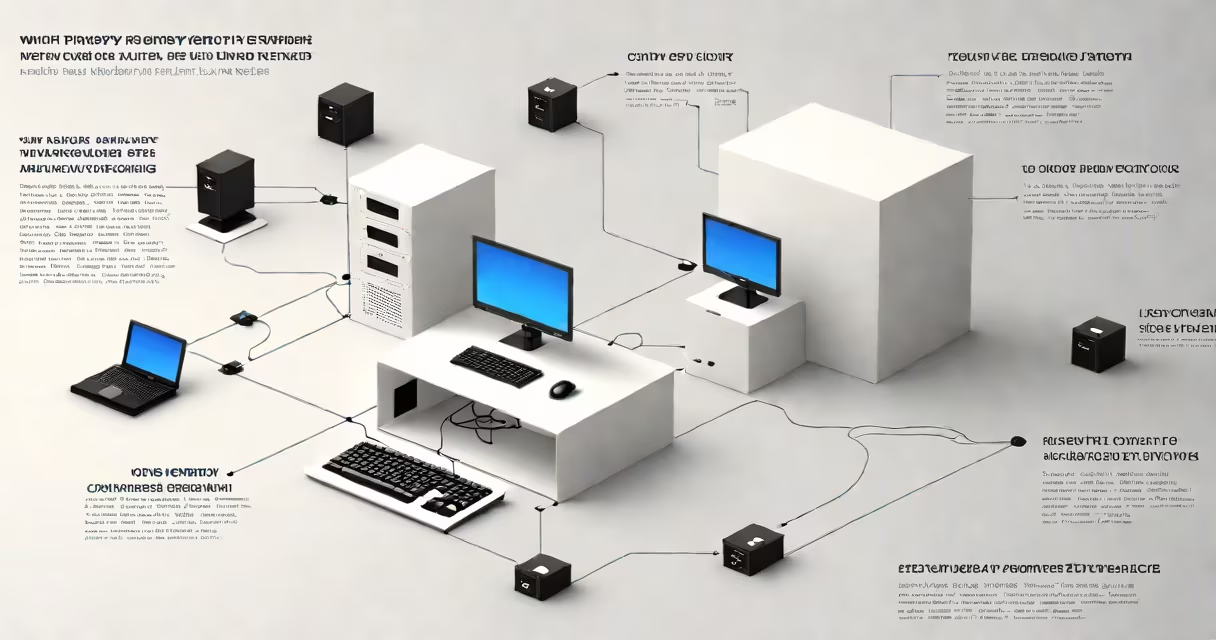
A proxy server address is a unique identifier composed of an IP address and a port number that routes internet requests through an intermediary server. This setup enhances privacy, filters content, or bypasses geographic restrictions. The format is typically IP:port, such as 192.168.1.100:8080.
When a device sends a request to access a website, it can be configured to first send the request to a proxy server. That server then forwards the request to the destination website, receives the response, and sends it back to the original device. This process hides the user's actual IP address and can improve performance through caching.
For example, a company might set up a proxy server at 10.0.1.5:3128 to monitor employee web usage and block access to social media during work hours. All outgoing traffic from devices on the network passes through this address, enabling centralized control.
The proxy server acts as a middleman between a client and the internet. When a browser or app sends a request, it checks the proxy settings. If a proxy is enabled, the request goes to the specified IP and port instead of going directly to the destination.
Each proxy server runs on a specific port. Common ports include 8080, 3128, and 8888. Port numbers are standardized to avoid conflicts-port 80 is used for HTTP, but proxies often use higher-numbered ports to prevent interference with standard web traffic.
For instance, if a user configures their system to use 172.16.0.10:8080, all web traffic is routed through that server. The proxy logs the request, applies filtering rules, and may cache frequently accessed content. This reduces bandwidth use and speeds up load times for repeated visits.
A proxy server address consists of two parts: the IP address and the port number. The IP address identifies the physical machine hosting the proxy service. The port number specifies the communication endpoint on that machine.
IP addresses come in two versions: IPv4 (e.g., 192.168.1.1) and IPv6 (e.g., 2001:db8::1). Most proxy configurations still use IPv4 due to widespread compatibility. The port number ranges from 1 to 65535, but proxies typically use well-known ports like 8080 or 3128.
| Type | Example | Common Use |
|---|---|---|
| HTTP Proxy | 10.1.1.5:8080 |
Web browsing, content filtering |
| HTTPS Proxy | 192.168.0.100:8443 |
Secure connections, encrypted traffic |
| SOCKS Proxy | 172.16.1.20:1080 |
Streaming, gaming, P2P applications |
SOCKS proxies differ from HTTP/HTTPS proxies because they operate at a lower network layer and handle any type of traffic-not just web requests. They're useful for applications that require direct TCP or UDP connections, such as video conferencing tools or online games.
Organizations use proxy server addresses to enforce security policies, monitor employee activity, and reduce bandwidth costs. Schools and libraries deploy them to block inappropriate content and ensure compliance with acceptable use policies.
Individual users rely on proxy addresses to access region-restricted content. For example, someone in Europe trying to watch a U.S.-only streaming show might connect through a proxy located in New York. The proxy server appears to originate the request, making the site think the user is in the U.S.
Another use is anonymizing web browsing. By routing traffic through a proxy, the user's real IP address remains hidden from websites. However, this protection is limited-many free proxies log user data or inject ads into pages. High-quality services often charge a fee for better privacy and reliability.
Many people confuse a proxy server address with a regular IP address. A proxy address is not the destination-it's a gateway. Just as a postal mailbox doesn't deliver mail itself but routes it to the correct person, a proxy doesn't serve content but forwards requests.
Another misconception is that using a proxy ensures complete anonymity. While it masks the user's IP, the proxy server itself can track activity. Some providers store logs for days or weeks. A reputable service will state its logging policy -some claim "no logs," but verification is difficult.
Also, not all proxies support HTTPS. An HTTP-only proxy cannot securely handle encrypted traffic. If you're accessing banking sites or entering passwords, ensure the proxy supports TLS/SSL encryption. Otherwise, sensitive data could be intercepted.
Suppose you're setting up a proxy on a Windows 10 machine to access a restricted internal portal. You've been given the proxy address: 10.20.30.40:3128.
10.20.30.40) and port (3128).After applying, test the connection by visiting a known internal site. If the page loads, the proxy is working. If not, verify the address is correct and the server is reachable.
I once configured a proxy for a remote team using 192.168.5.10:8080 to access a development API. After entering the address, we discovered the port was blocked by the firewall. Switching to port 8081 resolved the issue-this taught me that both the IP and port must be accessible.
Always test proxy addresses with tools like curl or telnet. For example, run telnet 10.0.1.5 8080 to confirm connectivity. If the connection fails, the server may be offline or firewalled.
Understanding what a proxy server address is enables better control over network behavior, improved security, and greater access to global resources. Whether managing a corporate network or securing personal browsing, knowing how to use and verify this address is essential.