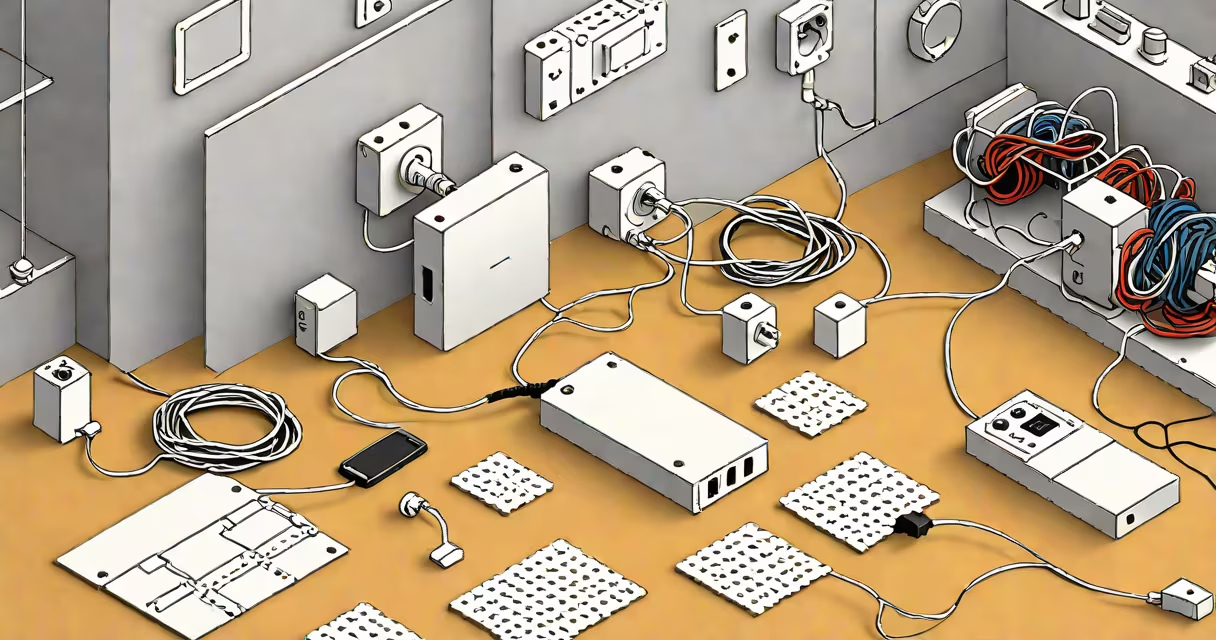
An ADSL filter, also known as a microfilter, is a small device that separates voice and data signals on a single telephone line. It helps broadband internet traffic doesn't interfere with phone calls, and vice versa. Without it, users may hear buzzing, static, or dropped calls during internet use.
ADSL (Asymmetric Digital Subscriber Line) uses high-frequency data signals over standard copper phone lines. These signals operate at frequencies above human hearing-typically between 25 kHz and 1.1 MHz-while voice calls use frequencies below 4 kHz. An ADSL filter blocks the high-frequency data signal from reaching analog devices like telephones, fax machines, and modems, while allowing low-frequency voice signals through.
Each analog device connected to a phone line-whether a landline phone, answering machine, or fax-must have its own ADSL filter. Plugging multiple devices into a single filter or skipping filters entirely causes signal degradation and performance issues. Filters are typically color-coded (usually red or blue) and plug directly into wall sockets.
When an ADSL line is active, the router sends data using high-frequency pulses. These pulses travel along the same copper wire used for voice. Without filtering, this data can leak into analog devices, creating audible noise or disrupting call quality.
The filter acts as a low-pass filter. It allows frequencies below 4 kHz (voice) to pass through unimpeded while blocking higher frequencies (data). This prevents interference between services sharing the same physical line. A typical filter has two ports: one for the phone line (wall jack), one for the device (phone or fax).
For example, if a home has a landline phone, a fax machine, and an ADSL modem-all connected to the same phone line-the modem connects directly to the wall. The phone and fax each connect through their own filter, which is plugged into the wall socket. This setup isolates the data signal from voice equipment.
There are two main types of ADSL filters: inline and plug-in. Inline filters are small boxes that sit between the wall socket and the device. Plug-in filters are designed to fit into wall outlets and accept both the line and device plugs.
| Type | Use Case | Pros | Cons |
|---|---|---|---|
| Inline | Phones, faxes, alarm systems | Simple, widely available, easy to replace | Can be bulky; may block adjacent outlets |
| Plug-in | Wall outlet access points | Neat installation; saves space | Less portable; requires outlet modification |
Filters are rated for specific frequency ranges. Most consumer models support 25 kHz to 1.1 MHz, matching standard ADSL speeds. Some advanced filters include surge protection or additional shielding against electromagnetic interference (EMI).
A non-obvious fact: not all filters are equal. Generic or unbranded filters may fail to meet ITU-T G.992.1 standards, leading to poor signal separation. According to the International Telecommunication Union, compliant filters must attenuate data signals by at least 40 dB above 4 kHz to prevent crosstalk.
ADSL filters are required in homes and offices with legacy copper-based broadband. They're especially critical in areas where line quality is poor or where multiple devices share a single line. ISPs often provide filters free of charge with new service activation.
Usage scenarios include:
Without filters, data packets can cause audible noise in phone handsets. For example, a user in California reported a persistent "buzz" during calls when using a 2006-era router without proper filtering. After installing individual filters on all phones, the noise disappeared completely.
Many people assume that a single filter can serve multiple devices. This is incorrect. Each analog device must have its own filter. Sharing a filter leads to signal bleed and degraded performance.
Another mistake is plugging the modem into a filter instead of the wall socket. The modem must connect directly to the wall jack. The filter goes between the wall socket and the phone or fax. Placing the filter after the modem creates a loop that disrupts signal integrity.
Some users confuse ADSL filters with powerline adapters or Wi-Fi extenders. These solve different problems: powerline devices transmit data over electrical wiring; Wi-Fi extenders boost wireless coverage. An ADSL filter addresses signal interference on copper phone lines.
I once encountered a customer who replaced a faulty filter with a USB-powered LED lamp adapter. The result was intermittent internet drops and distorted audio. The lamp had no filtering capability and introduced electrical noise. Replacing it with a certified microfilter restored stability.
To verify a filter is working, disconnect all devices except the modem. Test a phone call. If noise persists, check that the filter is properly seated and not damaged. Use a multimeter to test continuity across the filter's input and output ports-there should be a clear path for low frequencies.
If a device still experiences interference, try replacing the filter with a model from a reputable brand like TP-Link, Netgear, or the ISP's official model. Always avoid third-party filters labeled "universal" or "for all modems"-they often lack proper filtering specs.
For troubleshooting, follow this checklist:
According to the Federal Communications Commission (FCC), improper filtering is a leading cause of customer-reported broadband issues. The FCC recommends consulting your ISP's support portal for model-specific filter recommendations.
Understanding the difference prevents confusion. An ADSL filter is a hardware device for physical line isolation. An IP filter is a logical rule set for network access control. Both improve connectivity-but in entirely different domains.
ADSL filters remain essential in regions with limited fiber rollout. As of 2023, the FCC reports that 21% of U.S. households still rely on DSL for internet access. In these cases, correct filter usage is critical for stable service.
Always use a filter for every analog device on a line with ADSL. One missing filter can degrade performance across the entire system. If you're setting up a new connection, confirm that all phones, fax machines, and alarms are filtered before testing.