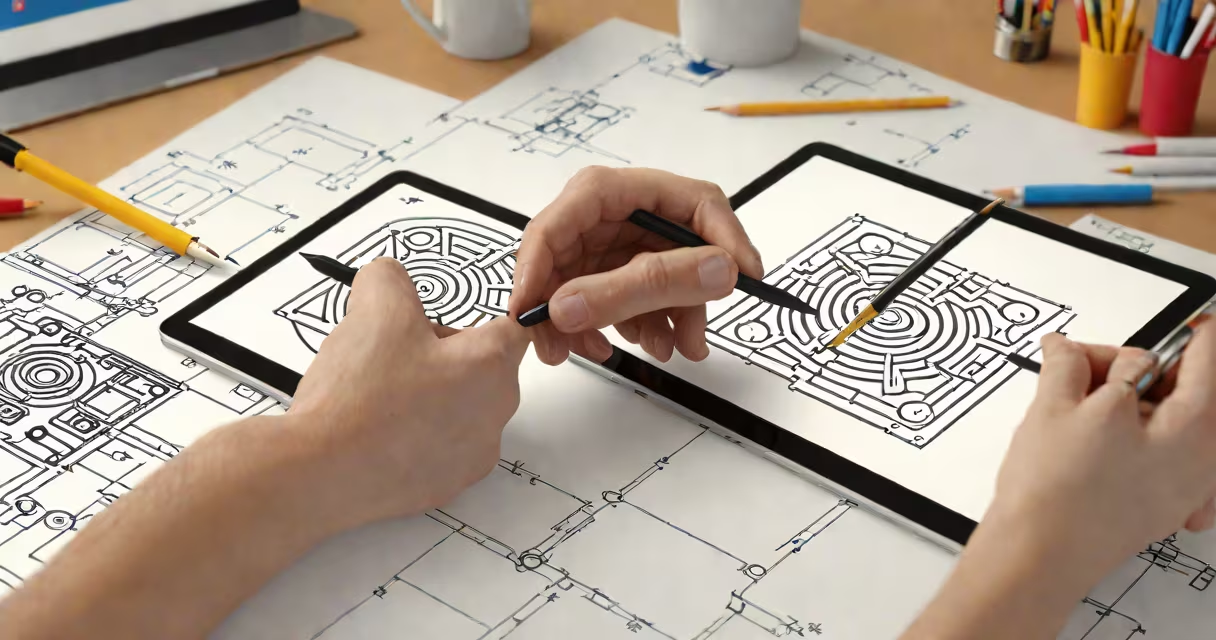
Vectoring an image means transforming a pixel-based graphic into a format defined by mathematical equations, enabling infinite scaling without degradation. This process converts visual elements into points, lines, and curves that maintain sharpness at any size.
Unlike raster images-made of fixed grids of pixels-vector graphics rely on coordinates and formulas. A circle drawn in vector form is defined by its center point, radius, and path equations, not individual colored dots. This makes vector files ideal for logos, icons, and illustrations that must appear crisp on everything from business cards to billboards.
According to Adobe's official documentation, vector graphics "are resolution-independent," meaning they render at any scale. The W3C also confirms that SVG (Scalable Vector Graphics), the standard web format, uses XML-based syntax to describe shapes mathematically, ensuring consistent display across devices.
When you vector an image, software traces the outlines of a raster file using algorithms that detect edges and color transitions. The result is a series of anchor points connected by Bézier curves, which define smooth, precise contours.
For example, a company logo originally saved as a 1000×1000-pixel PNG becomes blurry when enlarged to 5000×5000 pixels. But if that same logo is converted to a vector format like .SVG or .AI, it remains perfectly sharp at any size because the software recalculates the shape based on the underlying math, not pixel density.
Most vectorization tools use automatic tracing, but complex images-especially those with gradients, textures, or overlapping colors-require manual refinement. Designers often adjust anchor points, tweak curve handles, and simplify paths to reduce file size while preserving detail.
There are several common formats used in vector work, each suited to different applications:
| Format | Primary Use | File Extension | Key Feature |
|---|---|---|---|
| SVG | Web graphics, responsive design | .svg | Text-based, editable in any code editor |
| EPS | Print-ready artwork, cross-platform compatibility | .eps | Supports both vector and raster data |
| AI | Professional design workflows | .ai | Native to Adobe Illustrator; supports layers and effects |
| Document sharing, print production | Can embed vector and raster content; widely supported |
Designers choose formats based on workflow needs. For instance, SVG is preferred for websites because it loads quickly and scales smoothly across screen sizes. EPS remains popular in print shops due to its long-standing support in prepress systems.
A non-obvious fact: many vector files still contain embedded raster images. If a logo includes a photo of a person, that portion stays as pixels-even within a vector document. This hybrid approach preserves realism but limits scalability for that specific element.
People often think vectoring means simply "making something look smoother." That's incorrect. Vectoring is not about smoothing edges-it's about replacing pixel data with geometric precision.
Another frequent error: assuming all vector files are small. While vector files tend to be smaller than high-res raster images, complex illustrations with thousands of anchor points can grow large. A detailed map with hundreds of labeled regions may exceed 10MB in .AI format, despite being scalable.
Some assume vectoring is automatic and perfect. In reality, automatic trace tools struggle with low-contrast images, fine details, or shadows. A hand-drawn sketch with pencil smudges may produce jagged, inaccurate paths unless manually cleaned up.
I once tried to vector a vintage poster with faded ink and uneven lighting. The auto-trace generated 120 overlapping paths. After hours of cleaning, I reduced the path count to 17 and improved clarity. The lesson: automation saves time, but human oversight ensures quality.
Suppose a local bakery wants a new logo. They provide a black-and-white scan of a hand-drawn design. The original is 800×600 pixels, saved as a PNG.
To vector it:
The resulting vector version displays perfectly at 100px or 10,000px. The original raster version loses detail beyond 2000px. This difference is critical for branding consistency across mediums.
Even if the client only needs a 2-inch logo, using a vector file prevents future issues. If they later want to print it on a 10-foot banner, the design won't pixelate.
Understanding what vectoring an image means is essential for anyone involved in digital design, marketing, or publishing. It's not just a technical term-it's a practical necessity for creating adaptable, professional visuals.
When you need a logo, icon, or illustration that works everywhere-from mobile apps to outdoor signage-vectoring ensures reliability. Always request vector versions of assets, especially for commercial projects.