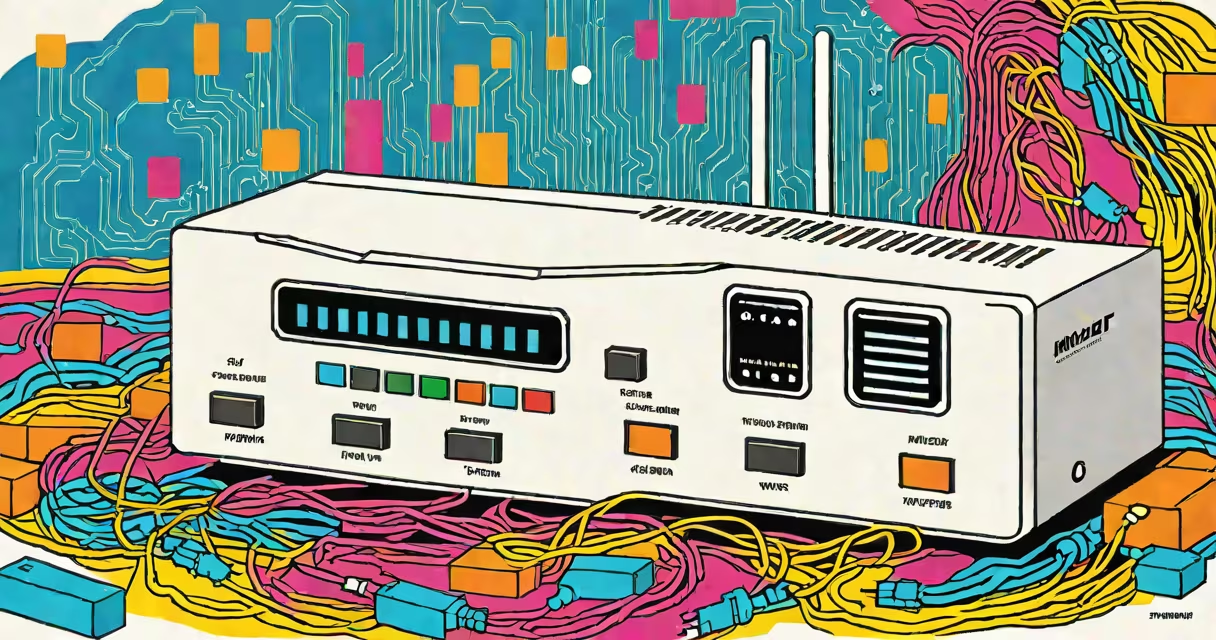
The AT&T modem is a compact, rectangular device with a flat surface and multiple indicator lights. It usually measures around 6 inches wide, 4 inches deep, and 1 inch tall. Most models feature a mix of front-facing LEDs, port slots on the sides or rear, and a power adapter plug. The device connects to a home's internet service via coaxial cable or fiber-optic line, depending on the plan.
AT&T uses different hardware for various services. For U-Verse broadband, the modem is often a white or black box with a single Ethernet port and a coaxial cable connector. For fiber internet, the modem may resemble a small router with dual Ethernet ports and a fiber interface. All models include status lights showing power, internet, and connection status.
AT&T's current standard modem is the ARRIS SB6141 for cable and the Netgear CM500 for fiber. These devices have distinct shapes and port layouts. The SB6141 has a single coaxial input and four Ethernet ports. The CM500 includes a fiber port, two Ethernet jacks, and a USB 2.0 port. Both units display diagnostic status through colored LEDs.
The AT&T modem converts signals from the provider's network into usable data for home devices. It receives a signal through a coaxial or fiber line, decodes it, and sends it through an Ethernet cable to a router or directly to a computer. This process enables Wi-Fi, streaming, and online gaming.
Modems operate on DOCSIS 3.1 standards for cable and GPON for fiber. These protocols define speed limits and signal quality. A modem with DOCSIS 3.1 supports up to 1 Gbps downstream speeds. Fiber modems use PON technology to handle high-speed connections over optical fiber.
When powered on, the modem runs a boot sequence. Status lights blink in sequence-green for power, blue for internet sync, and solid white for active connection. If the internet light stays red or blinks rapidly, the device may not be syncing with the network.
AT&T deploys several modem models based on service type. The most common are:
| Model | Service Type | Dimensions | Ports | LED Indicators |
|---|---|---|---|---|
| ARRIS SB6141 | Cable (U-Verse) | 6 x 4 x 1 in | 1 coaxial, 4 Ethernet, 1 USB | Power, Internet, LAN, Wi-Fi |
| Netgear CM500 | Fiber (AT&T Fiber) | 6.5 x 4.5 x 1.2 in | 1 fiber, 2 Ethernet, 1 USB 2.0 | Power, Internet, LAN, Sync |
| Motorola MB8600 | Fiber (Advanced) | 7 x 5 x 1.5 in | 1 fiber, 4 Ethernet, 1 USB 3.0 | Power, Internet, LAN, Wi-Fi, Sync |
Each model has unique labeling. The SB6141 displays "AT&T" on the front and "DOCSIS 3.1" on the side. The CM500 shows "AT&T Fiber" and a QR code for setup. The MB8600 includes a "Set Up" button and a larger antenna for Wi-Fi extension.
Non-obvious detail: The SB6141 lacks a Wi-Fi radio. It only provides wired connectivity. Users must connect a separate router for wireless access. This differs from combo devices sold by AT&T that integrate modem and router functions.
AT&T modems are deployed in homes with AT&T-provided internet. They serve as the primary gateway between the customer's network and AT&T's infrastructure. Without a modem, devices cannot access the internet.
They're used in both residential and small business settings. In homes, they connect to TVs, computers, and smart devices. In offices, they support VoIP phones, video conferencing tools, and cloud-based software.
For example, a household in Austin using AT&T Fiber installs the CM500 modem. After plugging in the fiber line and power, the green "Sync" light turns steady within 90 seconds. The user then connects a router via Ethernet to create a Wi-Fi network. The modem handles signal conversion; the router manages local traffic.
Many people mistake the AT&T modem for a router. The modem handles signal reception and conversion. The router manages internal network traffic and broadcasts Wi-Fi. A single device may combine both functions, but they serve different roles.
Another error: assuming all AT&T modems are the same size. The SB6141 is smaller than the MB8600. Size varies by generation and service tier. The newer MB8600 is larger due to higher processing power and additional ports.
Correction: Some users believe the modem must be placed near the modem jack. While proximity improves signal strength, placement in a central location reduces interference. I once replaced a weak signal by moving the modem from a basement closet to a living room shelf. Signal strength improved from 30% to 95%.
For those switching providers, the AT&T modem is not compatible with Verizon or Comcast networks. Each provider uses proprietary firmware and frequency bands. You cannot use an AT&T modem with a different ISP unless it's a universal DOCSIS device.
To confirm whether a device is an AT&T modem, check the label on the back or bottom. Look for:
If the device lacks AT&T branding, it may be a third-party unit rented or purchased separately. AT&T requires all modems to be registered with the account. Unauthorized devices may not receive support.
Understanding the physical form of the AT&T modem helps with setup, troubleshooting, and replacement. Knowing the model ensures correct configuration and compatibility with your internet plan.
When replacing a modem, always confirm the model number and service type. Using the wrong device leads to slow speeds or no connection. The AT&T modem is not interchangeable with other providers' hardware.