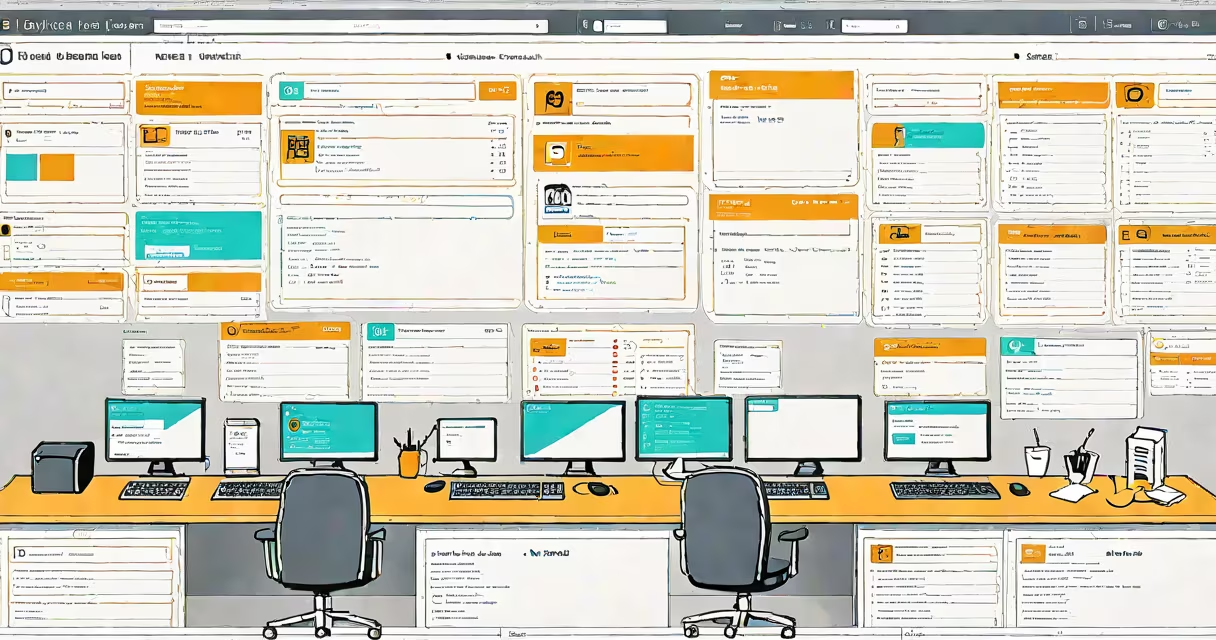
A web help desk is a cloud-based platform that centralizes user support requests, tracks issues through automated workflows, and assigns tickets to appropriate agents. It enables organizations to manage technical inquiries, service tickets, and customer feedback via a single online interface accessible from any device.
Web help desks operate on a request-response model. When a user submits a problem-such as a forgotten password, software crash, or hardware malfunction-the system generates a unique ticket. This ticket logs the issue's details, timestamps the submission, and routes it to the correct support team based on predefined rules. Agents then respond, update status, and close the ticket once resolved.
These systems integrate with email, chat, phone, and API endpoints. They often include features like SLA tracking, knowledge base access, reporting dashboards, and user self-service portals. Popular platforms include Zendesk, Freshdesk, and ServiceNow. The core function remains consistent: reduce response time, improve accountability, and standardize support processes across departments.
When a user reports an issue, the web help desk captures the request through a form, email, or embedded widget. The system validates inputs, checks for duplicates, and assigns a priority level based on severity or department. For example, a critical server outage may trigger an urgent alert, while a minor login error gets classified as low priority.
Once assigned, the ticket appears in an agent's queue. The agent reviews the history, adds notes, attaches screenshots, and communicates via internal messages or public replies. As the issue progresses, the system updates the status-"New," "In Progress," "Pending User Input," or "Resolved."
Automated triggers ensure follow-ups. If a high-priority ticket remains unaddressed for 30 minutes, the system sends a reminder to the responsible agent. If no action occurs within two hours, escalation rules notify supervisors. These mechanisms prevent delays and maintain service level agreements (SLAs).
Modern web help desks consist of several interconnected modules:
| Type | Function | Use Case |
|---|---|---|
| Self-service portal | Allows users to search FAQs, submit tickets, and track progress without agent involvement. | Reduces volume by resolving common issues like password resets. |
| Ticketing engine | Manages creation, routing, prioritization, and closure of support cases. | Tracks all interactions for audit and performance analysis. |
| Knowledge base | Hosts articles, guides, and troubleshooting steps. | Empowers users to solve problems independently. |
| Reporting & analytics | Generates metrics on response time, resolution rate, and agent workload. | Identifies bottlenecks and informs staffing decisions. |
Some platforms specialize in specific domains. For example, a help desk used by a university might focus on student account access, while a SaaS company uses one for product bug reports. The underlying architecture remains similar: structured data capture, workflow automation, and role-based access control.
Many assume a web help desk is just a fancy email inbox. That's incorrect. While email integration exists, the platform enforces structure. A simple email thread lacks tracking, escalation rules, and historical context. A ticket in a web help desk persists, is searchable, and can be linked to related incidents.
Another confusion arises between web help desks and live chat tools. Live chat offers real-time interaction but doesn't maintain long-term records. A web help desk stores every step of a case, enabling audits and trend analysis. You can't analyze chat logs the way you can analyze ticket metadata.
Even more subtle: web help desks aren't inherently AI-powered. Some vendors market AI features like auto-categorization or sentiment analysis, but these are optional add-ons. The core functionality-ticket creation, assignment, and closure-works without machine learning. Relying on AI for basic operations risks overcomplicating simple needs.
In 2022, a mid-sized nonprofit adopted a web help desk to replace scattered emails and spreadsheets. Before implementation, staff spent 12 hours weekly manually organizing support requests. After deployment, average response time dropped from 48 hours to under 6 hours.
Here's how it worked: An employee reported a printer failure via the help desk portal. The system automatically created Ticket #2045, assigned it to the facilities team, and sent a confirmation email. The technician logged in, updated the ticket with a repair note, and marked it closed. The employee received a notification: "Your printer has been fixed." All actions were timestamped and stored.
Over six months, the organization processed 317 tickets. 68% were resolved in under 24 hours. Managers used the dashboard to identify recurring issues-like outdated drivers-and scheduled bulk updates. The result was a 40% reduction in repeat calls.
I've personally configured a web help desk for a school district using a free tier of Freshdesk. The setup took less than four hours. I mapped roles (admin, agent, viewer), imported 120 common issues into the knowledge base, and set up automatic email-to-ticket conversion. Within a week, teachers began submitting requests through the portal instead of texting administrators.
Organizations often fail by skipping configuration. Setting up a web help desk isn't just installing software-it requires defining workflows, assigning permissions, and training users. Without clear ownership, tickets pile up. One study by Gartner found that 60% of help desk failures stem from poor process design, not flawed tools.
Another mistake is neglecting the knowledge base. A well-maintained library reduces repetitive queries. For example, a single article on resetting Outlook passwords can prevent 20 monthly tickets. But if content is outdated or hard to find, users bypass it entirely.
Finally, avoid over-customization. Adding too many fields, custom statuses, or complex automations increases maintenance overhead. Keep the interface clean. Focus on core functions: submit, assign, update, resolve.
Web help desk systems are essential for scaling support efficiently. They turn chaotic requests into organized workflows, improve transparency, and provide measurable outcomes. Whether supporting employees, customers, or students, they deliver consistency and accountability across digital interactions.