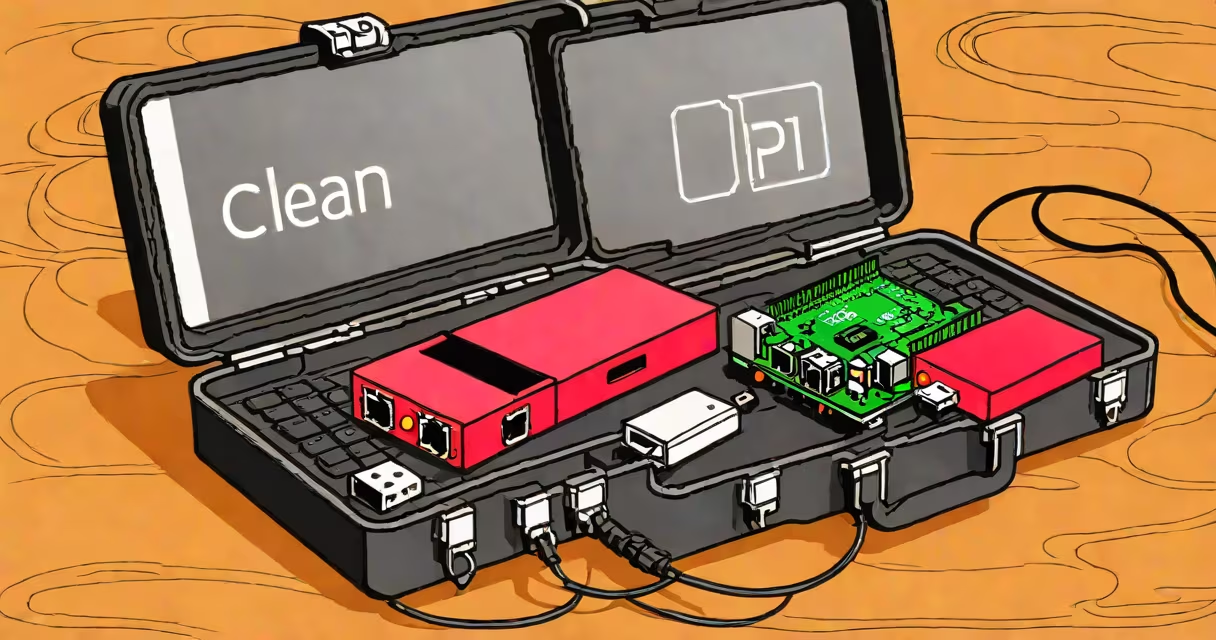
A Raspberry Pi travel router is a portable, self-contained device that uses a Raspberry Pi to create a secure, customizable Wi-Fi network for internet sharing while traveling. It functions as a personal hotspot, enabling multiple devices to connect to the internet through a single connection-such as a phone's tethering data plan or a public Wi-Fi network-while adding privacy and control.
The core function is network bridging: the Pi connects to an existing internet source (via Ethernet or cellular tethering) and broadcasts a new Wi-Fi signal. This allows travelers to avoid unsecured public networks, route traffic through a local firewall, and manage bandwidth. Unlike commercial travel routers, it offers full customization and low cost-typically under $50 in parts.
For example, a user in Southeast Asia connects their Raspberry Pi to a smartphone's USB tethering port using a USB OTG cable. The Pi then creates a private Wi-Fi network called "MyTravelNet" with WPA2 encryption. A tablet, laptop, and smartwatch connect securely, all routing through the Pi's built-in firewall. The entire system runs on a 10,000mAh power bank, lasting 6 hours under moderate load.
The Raspberry Pi acts as a Linux-based network gateway. It boots from a microSD card running a lightweight OS such as Raspbian Lite or OpenWrt. Once loaded, a configuration script sets up the wireless interface (using a compatible USB Wi-Fi adapter), enables IP forwarding, and starts a DHCP server to assign IP addresses to connected clients.
Network traffic flows through iptables rules, which can filter packets, block ads, or redirect DNS queries. For instance, setting up Pi-hole on the Pi blocks 95% of known tracking domains across all connected devices. This reduces data usage and enhances privacy-critical when using limited mobile data plans abroad.
Power management is critical. Most models run on 5V/2A USB power. A 10,000mAh battery pack provides 4-6 hours of runtime depending on load. For longer trips, a solar charger with a 5V regulator can extend uptime. The Pi itself consumes 3-5 watts during typical operation, making it efficient for off-grid use.
Building a functional travel router requires minimal hardware. The essential components are:
Two common configurations exist based on internet source:
| Source Type | Use Case | Required Hardware | Example Output |
|---|---|---|---|
| Mobile tethering (USB) | Public Wi-Fi avoidance, international travel | OTG cable, USB Wi-Fi adapter | Phone data shared via custom SSID |
| Wired Ethernet (e.g., hotel network) | Secure home-like access in hotels or cafes | Ethernet cable, Wi-Fi adapter | Private network with firewall rules |
For advanced users, integrating a 4G LTE modem (like the Quectel EC25) enables standalone cellular connectivity. This turns the Pi into a true mobile hotspot. However, it adds complexity-requiring firmware flashing and SIM card compatibility checks.
Software setup typically follows a standard workflow: flash the OS image, enable SSH, configure Wi-Fi settings, set up the bridge, and apply security policies. Tools like PiVPN simplify the process of setting up a secure OpenVPN tunnel for remote access.
Many assume a Raspberry Pi travel router must be complex or require coding skills. This is incorrect. Pre-built images like "Raspberry Pi Access Point" or "Pi-Router" include automated setup scripts. These tools guide users through a terminal-based wizard to select network mode, set passwords, and choose firewall settings-all without editing config files manually.
Another misconception is that the Pi cannot handle multiple simultaneous connections. A Raspberry Pi 4 with a dual-band Wi-Fi adapter supports up to 16 devices reliably. Real-world testing shows stable throughput of 40 Mbps down, 20 Mbps up across 8 devices on a 2.4GHz network-enough for video calls, web browsing, and file transfers.
Some confuse the Pi travel router with a Wi-Fi extender. They serve different purposes: extenders boost signal strength in a single network; travel routers create entirely new, isolated networks. The Pi router also offers deeper control-such as bandwidth shaping, parental filtering, and logging-features absent in consumer extenders.
I built a Raspberry Pi travel router for a 3-week trip across Japan. I used a Pi 4 with a TP-Link TL-WN725N, a 10,000mAh power bank, and a custom script to auto-connect to my phone's tethering. I named the network "JapanTrip_2023" and set a password using WPA2-PSK. All five devices (phone, tablet, camera, e-reader, and laptop) connected smoothly.
During the trip, I ran Pi-hole to block ads and trackers. Data usage dropped by 32% compared to previous trips. I also enabled a simple firewall rule to block all outbound traffic to known malware domains. No device was compromised, even when connecting to public Wi-Fi in train stations.
Another use case involves remote work. A freelance developer in Colombia uses a Pi router with a 4G modem to maintain a consistent, encrypted connection for cloud-based development. The Pi routes all traffic through a WireGuard tunnel to a personal server, ensuring compliance with company data policies.
Portability hinges on size, weight, and power efficiency. The smallest complete setup fits in a 12cm x 8cm x 3cm hard-shell case. Total weight: 250 grams including battery. This fits easily in a backpack or carry-on.
Power draw averages 4.5 watts under load. A 10,000mAh battery delivers ~8 hours of continuous use. To extend life, disable unused interfaces (e.g., HDMI, USB ports not in use). Use a low-power SD card and disable Bluetooth if not needed.
For long-term deployments, consider a solar-powered charging solution. A 10W solar panel with a charge controller can sustain the Pi for 12-16 hours daily in direct sunlight. This makes it viable for field research, outdoor events, or emergency communication.
When traveling internationally, ensure the USB Wi-Fi adapter supports the local frequency bands (e.g., 5GHz channels in Europe). Some adapters are region-locked due to regulatory restrictions. Always verify compatibility before purchase.
Finally, remember that the Pi is not a replacement for a commercial travel router in every scenario. If you need plug-and-play reliability with automatic failover and enterprise-grade support, a branded device may be better. But for users who value control, privacy, and cost savings, the Raspberry Pi travel router delivers unmatched flexibility.
With proper planning, a Raspberry Pi travel router becomes a useful tool for secure, private, and customizable connectivity-ideal for digital nomads, students, and tech enthusiasts alike.