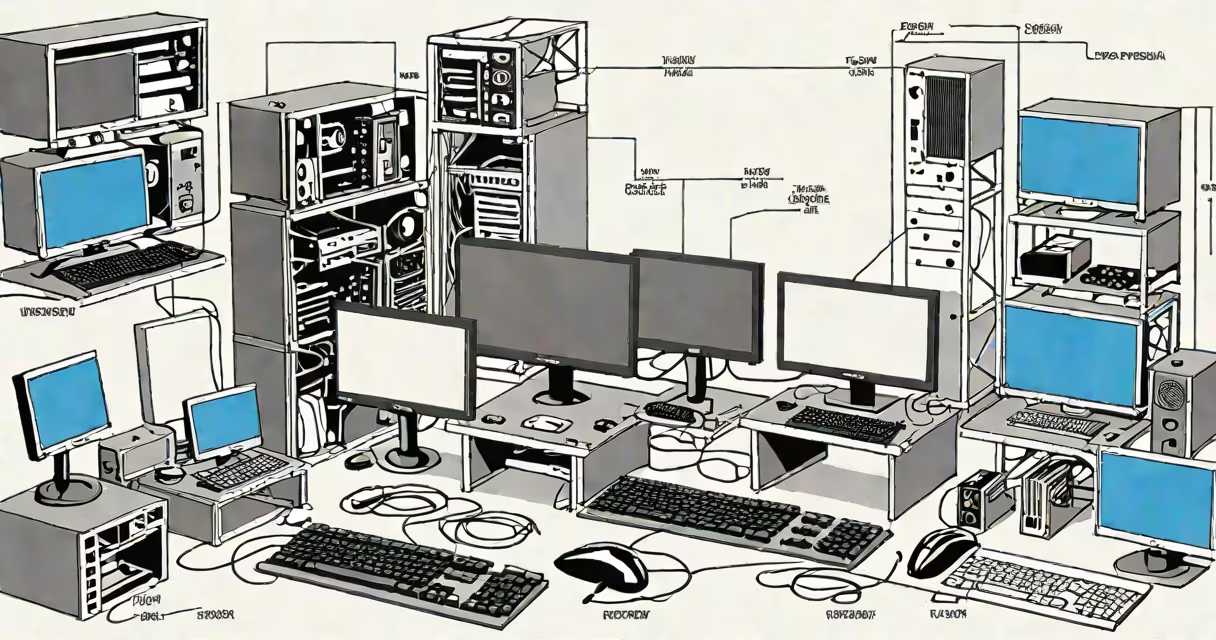
Peripherals of computer are external hardware devices that connect to a computer to provide input, output, or storage functions. They extend the computer's capabilities beyond its core processing and memory components.
These devices are not essential for basic operation but are required for most users to interact with the system. A keyboard sends keystrokes to the CPU, a monitor displays visual output, and a printer produces physical copies of digital files. Without peripherals, a computer would be unusable for everyday tasks.
Peripherals fall into three functional categories: input, output, and storage. Input devices capture data from users-keyboards, mice, webcams, and microphones. Output devices deliver processed data-monitors, speakers, and printers. Storage peripherals include USB drives, external hard drives, and network-attached storage (NAS).
Peripherals communicate with the computer through ports such as USB, HDMI, Thunderbolt, or wireless protocols like Bluetooth and Wi-Fi. When plugged in, the operating system detects the device and loads a driver-a software component that translates signals between the hardware and the OS.
For example, when you press a key on a USB keyboard, the keyboard sends a signal via the USB port to the computer's motherboard. The operating system uses the keyboard driver to interpret the signal as a specific character. That character then appears on screen in a document or chat window.
Modern systems support plug-and-play functionality. Most USB peripherals are recognized automatically upon connection. Some require manual driver installation, especially older or specialized hardware like industrial scanners or MIDI controllers.
The following table outlines major peripheral types, their primary functions, and typical examples.
| Type | Function | Examples |
|---|---|---|
| Input | Send data to the computer | Keyboard, mouse, touchscreen, microphone, webcam |
| Output | Display or produce results from the computer | Monitor, speaker, printer, projector |
| Storage | Store data externally | External SSD, USB flash drive, NAS device |
| Specialized | Support niche applications | Graphics tablet, VR headset, barcode scanner |
Monitors are among the most common output peripherals. A 27-inch 4K display with HDR10 support delivers sharp visuals ideal for photo editing and video production. These screens connect via HDMI or DisplayPort cables and draw power from the computer's GPU.
Printers serve both home and office environments. A laser printer like the HP LaserJet Pro MFP M428fdw prints up to 35 pages per minute and includes scanning and copying features. It connects via USB or Wi-Fi, allowing multiple users to send print jobs remotely.
Many people assume all external devices are peripherals. This is incorrect. Devices like external hard drives are peripherals, but so are internal components such as RAM or GPUs-those are not peripherals because they are installed inside the computer case.
A key distinction: peripherals are external and removable. Internal components are permanently mounted and not designed for frequent swapping. For example, a solid-state drive (SSD) installed in a PCIe slot is not a peripheral-it's a core component. But the same SSD in a USB enclosure becomes a peripheral.
Another misconception is that all peripherals require drivers. While most do, some devices operate without them. A standard USB mouse or keyboard typically works without installing software. However, advanced gaming mice with programmable buttons may need custom drivers to access all features.
I set up a home office using a laptop and three peripherals: a mechanical keyboard, a dual-monitor setup, and a wireless headset. The keyboard connected via USB-C to the laptop's USB port. The monitors used HDMI cables and were extended to create a single workspace.
The headset connected via Bluetooth. After pairing, audio routed automatically to the headset during video calls. All devices worked without additional software-thanks to built-in Windows driver support.
When I needed to transfer a 12GB video file, I used a 1TB external SSD connected via USB 3.2. The transfer completed in under 4 minutes. This speed highlights how modern peripherals improve efficiency beyond the computer's internal storage.
Some peripherals offer higher reliability and performance than others. For example, a wired Ethernet adapter provides more stable internet than Wi-Fi, especially in high-interference areas. A USB 3.2 Gen 2x2 external SSD can transfer data at up to 2 GB/s-faster than many internal drives.
According to the National Institute of Standards and Technology (NIST), USB 3.2 standards ensure consistent data rates across compliant devices. This reduces variability in peripheral performance, which matters for professionals handling large datasets.
The IEEE 802.11ax standard (Wi-Fi 6) improves wireless peripheral performance. Devices using Wi-Fi 6 experience lower latency and better throughput compared to older Wi-Fi versions. This makes wireless keyboards and mice more responsive in demanding workflows.
Understanding the role of peripherals helps avoid poor purchasing decisions. A low-quality webcam with poor resolution and no autofocus limits video call quality. Choosing a 1080p model with automatic light adjustment ensures clearer communication.
Peripherals rely on the computer's central processing unit (CPU), memory, and bus architecture to function. The CPU processes input signals from a mouse and updates the screen accordingly. Memory holds temporary data while the OS manages device connections.
Without the underlying hardware, peripherals cannot operate. A monitor won't display anything without a graphics card. A keyboard won't register inputs without a USB controller. The computer's core components make peripheral use possible.
Peripherals of computer are tools that bridge human interaction with digital systems. They define how we input, view, and store information. Knowing their types, functions, and technical limits allows smarter choices in setup, troubleshooting, and upgrades.