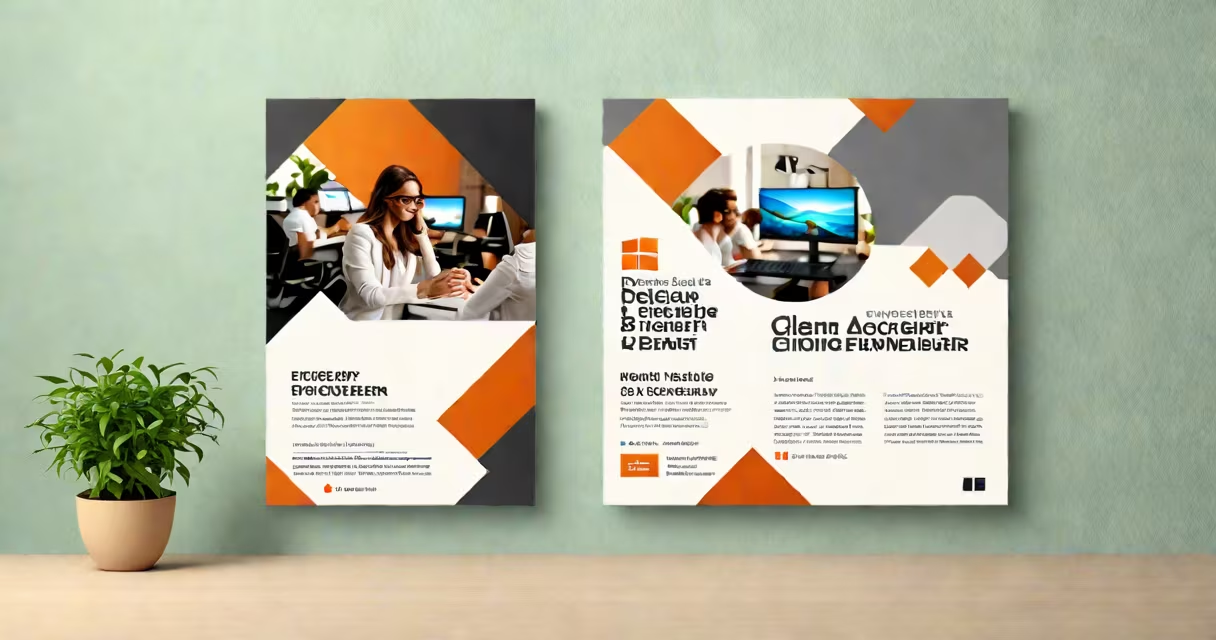
Microsoft Publisher is a desktop publishing application designed for creating visually rich print and digital materials such as flyers, brochures, newsletters, business cards, and event invitations. It's tailored for users who need to produce polished marketing assets without advanced graphic design skills.
Publisher operates within the Microsoft Office set and integrates with Word, Excel, and Outlook. Its interface includes templates, drag-and-drop tools, and design wizards that simplify layout creation. Unlike Word, which focuses on text-heavy documents, Publisher emphasizes visual hierarchy, color theory, and spatial arrangement for maximum impact.
According to Microsoft's official documentation, Publisher supports export formats including PDF, PNG, and JPEG, making it suitable for both physical printing and online sharing. It's available through Microsoft 365 subscriptions and as a standalone purchase for Windows PCs.
At its core, Publisher uses a grid-based layout system that aligns elements precisely. Users select a template based on their project type-such as "Event Flyer" or "Business Card"-and then customize placeholder text, images, and colors. The software automatically adjusts spacing and alignment to maintain consistency.
Design features include master pages for consistent headers and footers across multiple pages, text boxes with automatic resizing, and a built-in image editor for cropping and brightness adjustments. You can also apply predefined themes that unify fonts, colors, and effects across all pages in a project.
For example, a nonprofit organizing a charity run might use Publisher to create a multi-page event program. They'd start with the "Event Program" template, replace the sample text with actual schedule details, insert photos of past events, and apply a theme using green and gold tones to match their branding. The final document exports as a PDF for distribution and printing.
Small businesses frequently use Publisher to produce promotional materials. A local café might design a seasonal menu with high-resolution photos of drinks, custom typography, and a branded border. The software allows them to reuse the same layout for monthly updates by swapping out content.
Nonprofits and schools rely on Publisher for fundraising campaigns, newsletters, and event announcements. A school PTA group could build a parent newsletter featuring class updates, upcoming events, and volunteer sign-up forms-all formatted consistently across six pages.
Here's a breakdown of typical project types:
| Project Type | Typical Output | Use Case Example |
|---|---|---|
| Flyer | Single-page print or digital PDF | Local gym promotion for a free fitness workshop |
| Brochure | Tri-fold or bi-fold layout | Real estate agent showcasing a property listing |
| Business Card | Standard 3.5 x 2 inch card | Freelance designer distributing contact info at a networking event |
| Newsletter | Multi-page PDF or printed booklet | Community center reporting on monthly activities and member highlights |
Microsoft Publisher is not intended for complex vector graphics, photo editing, or web design. It lacks support for layer-based editing, advanced masking, or animation. For those tasks, professionals use Adobe Illustrator, Photoshop, or Figma.
A common misconception is that Publisher can replace professional design software. While it simplifies layout, it doesn't offer precise control over kerning, stroke weight, or bleed settings required for commercial printing. A magazine cover designed in Publisher may look acceptable on screen but fail quality checks during press production.
Another limitation: Publisher is Windows-only. It does not run on macOS, Linux, or mobile devices. This restricts its use in cross-platform workflows. For example, a marketing team using MacBooks cannot collaborate on a Publisher file unless they use virtualization or cloud-based alternatives like Canva or Google Slides.
Many users confuse Publisher with PowerPoint. Both allow visual layouts, but PowerPoint is optimized for presentations with sequential slides and animations. Publisher is optimized for static, multipage documents meant for printing or digital download.
One non-obvious fact: Publisher includes a built-in mail merge feature that can generate personalized direct mail pieces. You can import a list of customer emails and names from Excel, then auto-populate a series of customized flyers. This functionality is often overlooked but useful for targeted marketing campaigns.
I once helped a small bookstore create a holiday gift guide using Publisher. We pulled book titles and descriptions from a spreadsheet, applied a holiday-themed template, and generated 120 unique flyers with individualized discount codes. The process took under two hours and reduced manual entry errors compared to previous methods.
Another frequent error is using low-resolution images. Publisher doesn't downscale poorly compressed photos automatically. A 72-dpi image exported as a PDF may appear blurry when printed at 300 dpi. Always use 300-dpi images for print-ready files.
Use Publisher when you need to produce consistent, brand-aligned print materials quickly and affordably. It's ideal for organizations without dedicated designers or budget for premium software.
For example, a church might use Publisher to create weekly bulletins, sermon handouts, and youth group flyers. All materials follow the same font family, logo placement, and color scheme. The consistency reinforces identity and makes materials instantly recognizable.
Microsoft Publisher what is it used for? It's a tool for turning ideas into clear, professional visuals-especially for small teams, nonprofits, and local businesses that need to communicate effectively without hiring a designer.