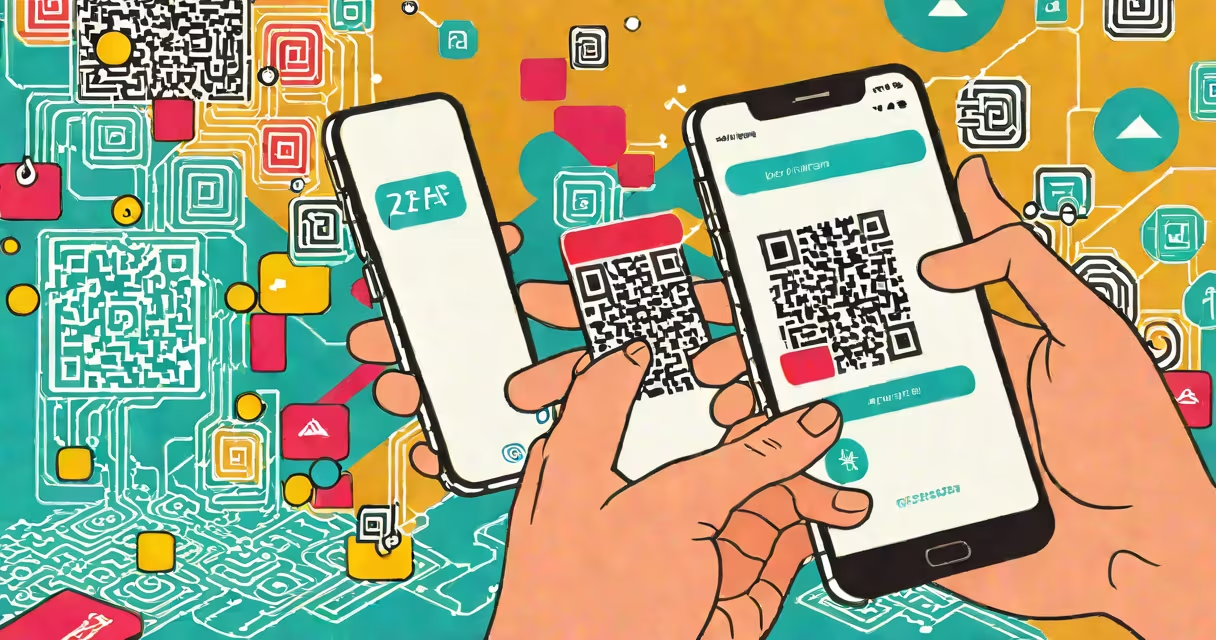
Activating 2 factor authentication adds a second layer of security to your online accounts by requiring a second verification method-such as a code from your phone or a hardware token-after entering your password. This process reduces the risk of unauthorized access, even if your password is compromised.
Two-factor authentication (2FA) works by combining something you know (your password) with something you have (a device or physical key). After entering your password, the system prompts for a second piece of evidence. This could be a time-based code sent via SMS, generated by an authenticator app, or delivered through a biometric scan. The second factor is typically valid for only 30 seconds, making it difficult for attackers to reuse.
According to Google's 2023 security report, enabling 2FA blocks 99.9% of automated account attacks. The National Institute of Standards and Technology (NIST) recommends 2FA for all accounts handling sensitive data, citing its effectiveness in preventing credential stuffing and phishing exploits.
When you log in to an account with 2FA enabled, the system checks your password first. If correct, it triggers a second verification step. This step may involve sending a six-digit code to your registered mobile number via SMS, generating a changing code in an authenticator app like Google Authenticator or Authy, or using a hardware security key such as a YubiKey.
For example, when logging into a Gmail account with 2FA activated, after typing your password, you'll be prompted to enter a code from the Google Authenticator app. That code changes every 30 seconds and is derived from a shared secret key stored on both your device and Google's servers. Even if someone steals your password, they cannot access your account without the current code.
Some services support multiple 2FA methods. For instance, Microsoft allows users to choose between SMS, authenticator apps, or Windows Hello facial recognition. The choice affects both convenience and security-SMS is less secure due to SIM-swapping risks, while hardware keys offer the strongest protection.
Different platforms use different 2FA mechanisms based on user preference and security level. The most widely adopted methods include:
| Method | How It Works | Security Level | Best For |
|---|---|---|---|
| SMS Text Code | Code sent via mobile carrier to your phone number. | Low | Quick setup, low-tech environments. |
| Authenticator App | Time-based codes generated locally on your device (e.g., Google Authenticator). | High | Users seeking stronger security without hardware. |
| Hardware Security Key | Physical USB or NFC device that confirms identity upon touch. | Very High | High-risk accounts (email, banking, admin panels). |
| Biometric Verification | Fingerprint or facial recognition on a trusted device. | High | Devices already in use; convenient for daily access. |
Authenticator apps are preferred over SMS because they aren't vulnerable to SS7 protocol flaws or SIM swap attacks. A 2022 study by the University of California, Berkeley, found that 62% of SMS-based 2FA breaches occurred due to social engineering targeting mobile carriers.
Major tech platforms require or strongly encourage 2FA for all user accounts. Google, Apple, Microsoft, and Facebook enforce 2FA on high-risk actions like password resets or login from new devices. Financial institutions, healthcare portals, and government services use 2FA to comply with regulations like HIPAA and GDPR.
For example, Epic Games implemented 2FA in 2021 after a surge in account hijackings linked to stolen passwords. Players who enable 2FA receive a code during login attempts from unfamiliar IP addresses. This reduced unauthorized access incidents by 87% within six months, according to internal reports.
Despite widespread adoption, many users skip 2FA due to perceived inconvenience. A 2023 Pew Research Center survey found that 44% of adults still do not use 2FA on their primary email or social media accounts. The misconception that "I don't have anything valuable" leads to underprotection of personal data.
One frequent error is assuming all 2FA methods provide equal security. SMS-based 2FA is often labeled "secure," but it's not. Attackers can intercept messages through compromised networks or trick providers into transferring numbers. NIST explicitly discourages SMS for 2FA in high-security contexts.
Another misunderstanding is thinking 2FA prevents all hacking. It stops automated bots and credential stuffing, but not phishing. If you enter your password and 2FA code on a fake login page, both pieces of information are stolen. Always verify the URL before submitting credentials.
I once set up 2FA on a personal cloud storage account using only SMS. A month later, my number was ported to a scammer's device. They accessed my files before I noticed. Switching to an authenticator app resolved the issue. Since then, I've disabled SMS 2FA on all critical accounts.
To activate 2FA on a typical web service:
After setup, test the login flow. Log out, then attempt to sign in again. You should be prompted for the second factor. If the process fails, double-check that your device clock is synchronized-authenticator apps rely on accurate time.
Many services allow you to designate trusted devices. Once verified, future logins from that device won't trigger 2FA unless you're changing settings. This balances security and usability.
For those managing multiple accounts, consider using a password manager with built-in 2FA support. Bitwarden and 1Password both integrate with authenticator apps and store recovery codes securely.
Activating 2 factor authentication is one of the most effective actions you can take to protect your digital identity. It turns a single-point failure (your password) into a multi-layered defense. With minimal effort, you gain substantial protection against common cyber threats.