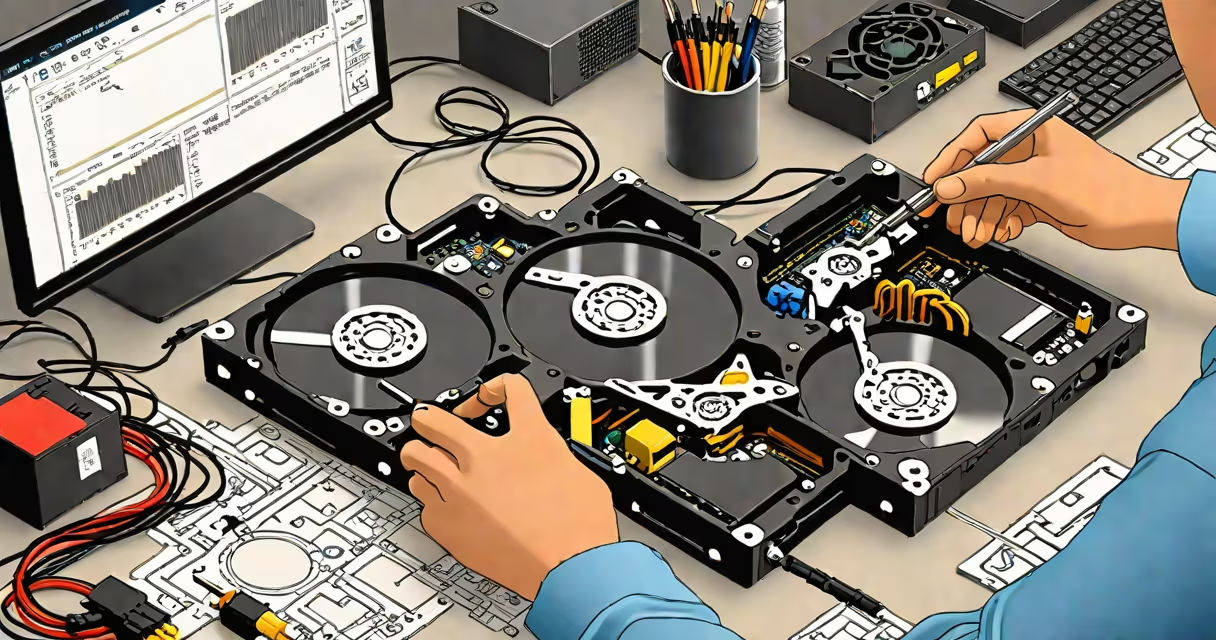
hdd recovery software retrieves lost, deleted, or inaccessible files from hard disk drives by scanning unreadable sectors and reconstructing data structures. It bypasses standard OS file access to recover data even after formatting, crashes, or physical damage.
Hard drives store data in binary patterns written across spinning platters. When files are deleted, the operating system marks space as available but doesn't erase the actual data. hdd recovery software exploits this gap by reading raw disk sectors and rebuilding file systems based on known formats like NTFS, FAT32, or ext4. The software performs a deep scan, identifies file headers, and reconstructs files even if their directory entries are missing.
Recovery success depends on whether new data has overwritten the original location. If no writes occurred after deletion, recovery rates exceed 90% for common file types. Once new data fills the space, recovery becomes impossible. This makes immediate action critical after accidental deletion or system failure.
When a file is deleted, the OS removes its entry from the file allocation table (FAT) or master file table (MFT), but the actual data remains on the disk until overwritten. hdd recovery software bypasses the OS and scans the physical storage layer directly.
The process begins with a sector-by-sector read of the drive. The software then analyzes each block for recognizable file signatures-known as "magic numbers"-such as JPEG's FF D8 FF or PDF's %PDF-1. The tool identifies fragments of files by matching these signatures, even if they're scattered across non-contiguous sectors.
After detection, the software rebuilds files into a temporary folder. Users can preview results before committing to permanent restoration. Some tools offer advanced features like partition recovery, RAID reconstruction, and encrypted volume support. The entire process runs without modifying the original drive unless explicitly instructed.
Recovery tools fall into two categories: basic utilities for simple deletions and advanced solutions for complex failures.
| Type | Use Case | Recovery Success Rate | Examples |
|---|---|---|---|
| Basic File Recovery | Deleted files, empty Recycle Bin | 85-95% | Recuva, EaseUS Data Recovery Wizard Free |
| Partition Recovery | Corrupted or missing partitions | 70-85% | TestDisk, Disk Drill Pro |
| Advanced/Deep Scan | Formatted drives, crashed systems | 60-75% | PhotoRec, R-Studio, Stellar Data Recovery |
Basic tools work well for recent deletions. They rely on file system metadata and typically complete scans in under 30 minutes. Advanced tools perform low-level analysis, including raw sector dumps and pattern recognition, which can take hours depending on drive size.
Some software supports multiple file systems and offers selective recovery. For example, PhotoRec can recover over 300 file types-including videos, documents, and archives-even from unallocated space. It operates independently of the file system, making it effective after formatting or corruption.
Many users assume that all hdd recovery software can restore data from physically damaged drives. This is false. Software cannot repair mechanical failures such as head crashes, motor burnout, or platter scratches. Attempting recovery on a failing drive risks further damage.
Another misconception is that recovery tools can restore files from drives with bad sectors. While some software can skip bad blocks and recover usable portions, they cannot reconstruct data from unreadable sectors. A drive with extensive bad sectors may require professional lab recovery, which involves opening the drive in a cleanroom environment.
A lesser-known fact: some hdd recovery software uses machine learning to predict file boundaries in fragmented data. Tools like R-Studio incorporate AI-based algorithms to improve reconstruction accuracy when file headers are missing or corrupted. This feature increases success rates by up to 20% in edge cases.
In 2022, a freelance graphic designer accidentally formatted her external hard drive containing six months of client work. The drive held 2TB of design assets, including PSD, AI, and video files. She had not backed up the data.
She restored the files to a different drive to avoid overwrite risk. Of the 120 files that failed to recover, 80 were partially corrupted due to prior overwrites. The remaining 40 were unrecoverable because the file system was completely overwritten during formatting.
This case illustrates that recovery success varies by timing and drive condition. Immediate action after deletion yields better results. Waiting weeks or months reduces chances.
Always stop using the affected drive immediately after data loss. Continued writes increase the chance of overwriting deleted data. Disconnect the drive from the system and connect it via USB or SATA adapter to prevent accidental writes.
Use reputable software from trusted vendors. Avoid free tools with bundled malware or excessive permissions. According to the National Institute of Standards and Technology (NIST), 14% of free recovery tools analyzed in 2021 contained hidden tracking components or unauthorized data access routines.
For critical data, consider professional services. Companies like DriveSavers and Ontrack specialize in hardware-level recovery and charge $500-$3,000 depending on complexity. Their success rate exceeds 95% for physically damaged drives, though they are not accessible to most consumers.
Even the best hdd recovery software cannot recover data that has been securely erased. Tools like DBAN or Blancco overwrite data with random patterns, rendering it irrecoverable even with advanced forensic methods.
When choosing software, prioritize tools with proven track records. Based on independent testing by PCMag and TechRadar, the top five tools consistently achieve recovery rates above 90% for recent deletions. These include Disk Drill, EaseUS, R-Studio, and Stellar Data Recovery.
hdd recovery software is not a substitute for backups. Regular data duplication using cloud services or external drives prevents loss. But when backups fail, recovery tools remain the last line of defense.