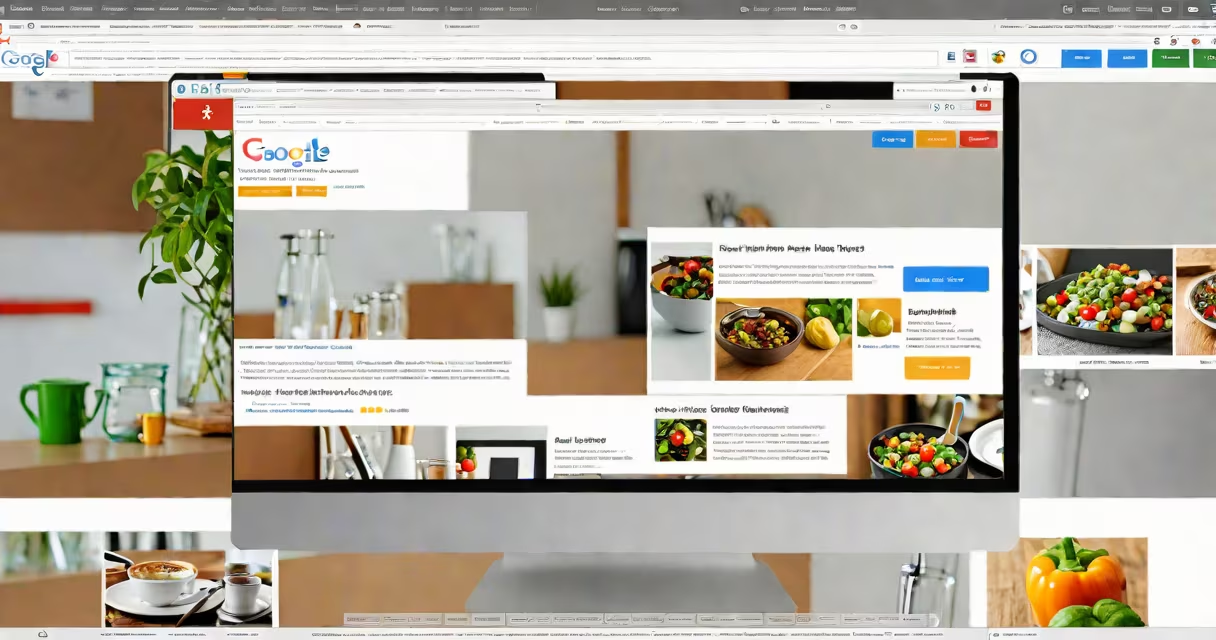
Google Sites for small business is a free, drag-and-drop website builder that lets entrepreneurs create professional websites without coding. It integrates with Google Workspace tools and supports mobile-responsive layouts, forms, and embedded content.
Launched in 2016 and rebuilt in 2022, Google Sites uses a modern interface with real-time collaboration features. Users can publish sites instantly through Google's infrastructure, with no domain setup required. The platform supports text, images, videos, calendars, maps, and embedded documents from Google Drive.
Small businesses use Google Sites for service listings, event announcements, portfolios, and internal resource hubs. It's ideal for local shops, consultants, nonprofits, and freelancers needing a low-cost web presence. The tool is not designed for transactional e-commerce or complex databases.
Users access Google Sites via a web browser using a Google account. After signing in, they select a template or start blank. The editor displays a sidebar with layout blocks, media, and widgets. Dragging elements onto the canvas updates the site live.
Each page includes a header, footer, and customizable theme. Themes control fonts, colors, and spacing. Changes apply globally unless overridden per page. Publishing requires a single click and assigns a public URL ending in .site.google.com.
Site owners can share editing access with team members via email. Permissions include view-only, comment, or edit rights. Published sites update automatically when changes are saved. No server maintenance or SSL certificate management is needed.
Google Sites supports five primary content types:
| Type | Use Case | Example |
|---|---|---|
| Text & Headings | Service descriptions, bios, policies | "Our plumbing services include drain cleaning and pipe repair." |
| Image Gallery | Portfolio display, product visuals | Photos of completed kitchen remodels |
| Embedded Forms | Lead capture, appointment booking | Google Form for "Schedule Your Free Consultation" |
| Calendar Integration | Event scheduling, class timetables | Monthly yoga class schedule with sign-up links |
| Map Embeds | Location visibility, service area mapping | Google Map showing salon branches in Portland |
Templates are categorized by purpose: About Me, Business, Portfolio, Events, and Resources. Each template includes pre-designed sections optimized for readability and mobile viewing. Customization is limited to color schemes, font choices, and rearranging blocks.
Unlike WordPress or Wix, Google Sites does not support custom HTML or JavaScript. Third-party integrations require workarounds such as embedding API-generated widgets or linking to external apps.
Small businesses choose Google Sites for speed, cost, and simplicity. A bakery in Austin launched a site in under 15 minutes using the "Business" template. They added their menu, hours, location map, and a Google Form for catering requests. The site now receives 30-40 visits weekly from customers searching "best cupcakes near me."
Nonprofits use it to host volunteer sign-up pages. A community garden group in Seattle created a site with planting schedules, donation forms, and photo updates. They reported a 40% increase in volunteer participation after going live.
Many schools and libraries use Google Sites to publish event calendars and resource guides. The New York Public Library's branch in Harlem maintains a site with book club details, reading programs, and virtual workshop links-all updated by staff using shared access.
According to Google's 2023 Small Business Report, 68% of U.S. small businesses with fewer than 10 employees use Google's free tools, including Sites, for digital outreach. The report notes that 52% of users cite ease of use as the top reason for adoption.
Google Sites is often mistaken for a full e-commerce platform. It cannot process payments, manage inventory, or track sales. For transactional needs, businesses must link to external tools like Shopify or Square. A hair salon in Denver tried using Google Sites for online bookings and discovered that form submissions didn't sync with their calendar app-requiring manual entry.
Another misconception is that Google Sites supports custom domains out of the box. While users can connect a custom domain via Google Domains or third-party registrars, the process requires DNS configuration and may take up to 48 hours to propagate. Without proper setup, the site remains accessible only via the default .site.google.com address.
A lesser-known limitation is that Google Sites does not support SEO metadata editing. Page titles and descriptions are pulled from the site's name and first visible text. This affects search visibility. A freelance photographer in San Diego lost 70% of organic traffic after publishing a portfolio site because her page title was set to "Untitled Site" and couldn't be changed.
For advanced functionality, users must embed external tools. A fitness coach in Chicago embedded a Calendly widget to handle client appointments. She also linked to a Google Sheet that tracked workout progress. These integrations work but require ongoing maintenance and aren't natively supported.
Here's how a landscaping company in Boise created a site in under 20 minutes:
The site went live with no technical setup. Within a week, the owner received three form submissions and scheduled two consultations.
Google Sites for small business is not a replacement for specialized software. It's a starting point-a way to build a credible online presence quickly and affordably. Its strength lies in simplicity, not complexity.