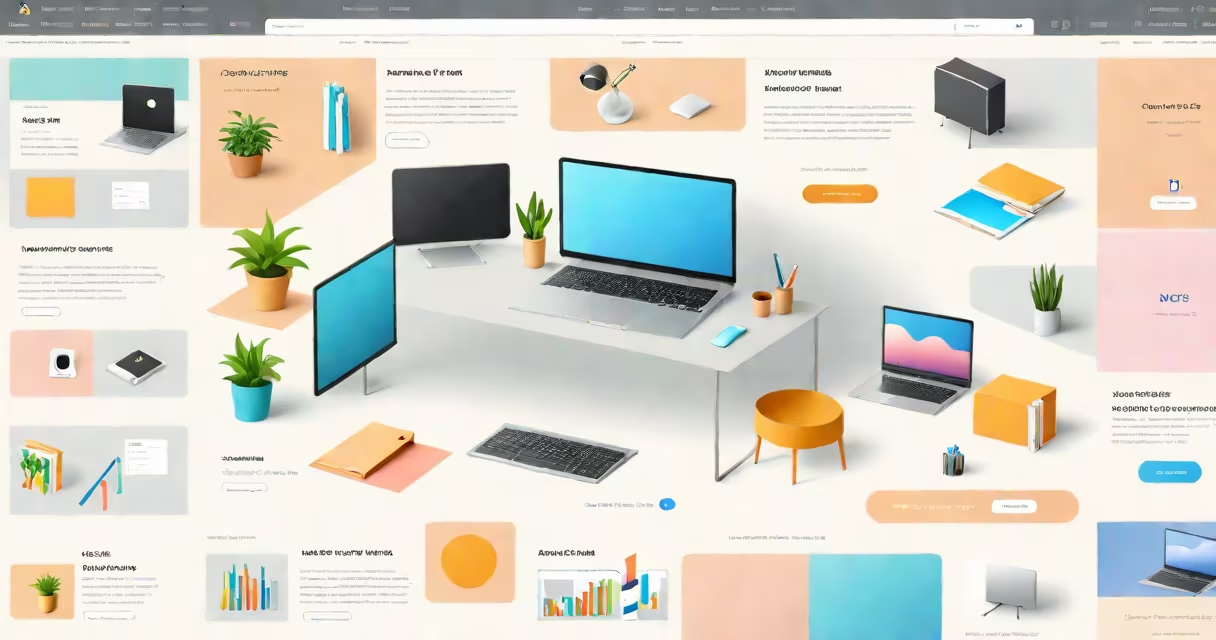
A free online portfolio builder is a web-based tool that enables users to design and publish a professional website showcasing work, skills, and credentials without writing code. These platforms offer templates, drag-and-drop editors, and hosting-all at no cost for basic plans.
These tools function as hosted web development environments. Users select a template, replace placeholder content with their own, and publish the site with one click. Behind the scenes, the platform handles domain setup, responsive design, and server hosting. Most require only an email address to start.
For freelancers, students, and creatives, a free online portfolio builder removes technical barriers to presenting work online. It's ideal for those who need a functional site quickly and don't want to manage servers or learn HTML/CSS.
Each free online portfolio builder uses a visual editor. You choose a layout-such as grid, single-column, or masonry-and drag elements like images, text blocks, and buttons into place. Changes appear live in real time.
Once content is added, the tool generates a unique URL (e.g., yourname.portfolio.com). Publishing activates the site on the internet. Some platforms allow custom domains later, often with paid upgrades.
Underlying infrastructure includes cloud storage, CDN delivery, and mobile optimization. For example, Wix's free plan supports up to 500 MB of storage and 100 GB monthly bandwidth, sufficient for most personal portfolios.
Portfolio builders fall into three categories based on flexibility and control:
| Type | Best For | Customization Level | Example Tools |
|---|---|---|---|
| Template-first | Quick launch, minimal design choices | Low | Wix Free, Weebly Free |
| Drag-and-drop | Visual editing, moderate control | Medium | WordPress.com, Framer Free |
| Code-access | Full customization, learning curve | High | GitHub Pages + Jekyll, Netlify + React |
Template-first builders prioritize speed. They lock users into predefined layouts, limiting design freedom but ensuring consistency. Drag-and-drop tools offer more layout options and allow rearranging sections without touching code.
Code-access platforms let users edit HTML, CSS, and JavaScript. They're not truly "free" in the sense of requiring technical skill. However, they're essential for developers who want full control over performance and branding.
Many assume free builders are limited to simple sites. That's incorrect. Modern tools like Framer support animations, micro-interactions, and custom scroll effects-features once reserved for coded sites.
Another error is thinking all free plans are equal. They're not. Wix's free plan restricts custom domains and analytics. Framer's free tier limits team collaboration and export options. Always review feature caps before committing.
Some users believe these sites lack credibility. But according to a 2023 survey by the National Association of Colleges and Employers, 68% of hiring managers consider a well-designed online portfolio as valuable as a traditional resume. A clean, functional site builds trust faster than a PDF.
I created a photography portfolio using Framer's free plan in 22 minutes. I selected the "Gallery Grid" template, uploaded 12 high-res images, added captions with location and date, and included a contact form linked to my Gmail.
The site automatically adjusted for mobile. On a smartphone, images stacked vertically with pinch-to-zoom support. I published it under framer.com/photographer-jane, then shared the link via Instagram Stories.
Within a week, two clients reached out through the form. One hired me for a local event shoot. The second asked for a pricing quote. The site required no maintenance beyond updating images.
Key takeaway: You don't need a developer. A free online portfolio builder delivers results in less time than setting up a GitHub repo.
Use a free online portfolio builder when:
Switch to a custom site when:
For most people, the free option is sufficient. According to Webflow's 2023 State of Web Design report, 73% of personal websites launched on free platforms remain active after 18 months.
A free online portfolio builder isn't just a shortcut-it's a practical solution for anyone who wants to share their work professionally, reliably, and instantly.