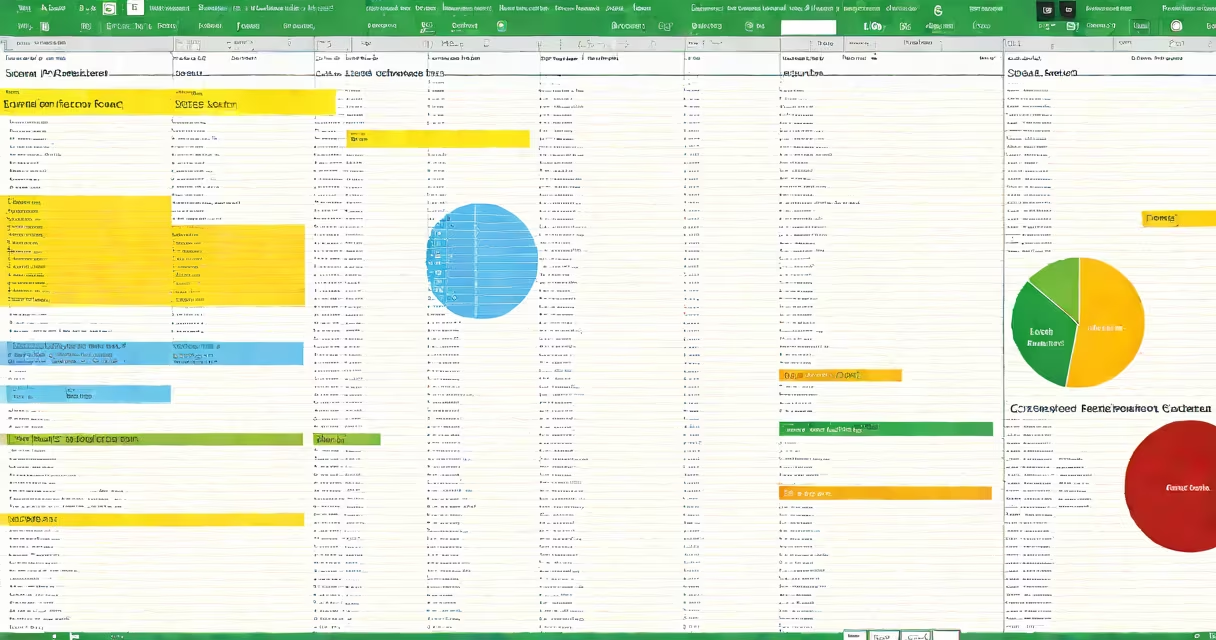
A free Excel template for project management is a pre-designed spreadsheet that tracks tasks, timelines, resources, and progress for projects. It includes features like Gantt charts, task dependencies, status columns, and automated formulas to simplify planning and execution. These templates are available at no cost and work on Windows, Mac, and mobile devices via Excel Online.
Project managers use these templates to assign responsibilities, set milestones, monitor completion rates, and adjust schedules in real time. They eliminate the need to build a system from scratch. Common uses include software launches, event coordination, marketing campaigns, and construction timelines. The templates adapt to different industries and team sizes.
Excel's built-in functions handle date calculations, percentage completion, and conditional formatting. For example, a cell turns red when a deadline passes. This visual feedback helps teams spot delays quickly. Templates often include sample data and instructions to reduce setup time.
Each free Excel template for project management follows a structured layout. Columns define tasks, start dates, end dates, owners, status, and notes. Rows represent individual actions or deliverables. Formulas calculate duration, remaining time, and overdue alerts.
For instance, a template may use the formula =IF(TODAY()>End_Date, "Overdue", "On Track") to flag late tasks. Conditional formatting applies color codes based on values-green for complete, yellow for in progress, red for delayed. Users can filter by owner or status to focus on specific areas.
Advanced templates include changing Gantt charts. These are bar graphs that show task timelines across a calendar. The bars shift automatically when dates change. Some versions allow drag-and-drop rescheduling. Others integrate with Outlook or Teams for notifications.
Templates vary by complexity and intended use. Here are the most practical categories:
| Type | Best For | Key Features | Example Use Case |
|---|---|---|---|
| Basic Task Tracker | Small teams, single projects | Task list, assignee, due date, status | Running a local charity fundraiser |
| Gantt Chart Template | Complex projects with dependencies | Timeline view, milestone markers, dependency lines | Planning a product launch with multiple phases |
| Resource Allocation Sheet | Teams managing people or equipment | Staff availability, workload balance, capacity planning | Scheduling technicians across five job sites |
| Agile Sprint Planner | Software development teams | Sprint backlog, velocity tracking, daily standup logs | Managing a two-week sprint cycle for app updates |
Some templates include dashboards with summary metrics. These display completion percentages, budget usage, and risk levels. A dashboard might show "68% of tasks completed" with a trend line indicating whether progress is accelerating or slowing.
One non-obvious feature: many templates use named ranges and dropdown lists to prevent input errors. Instead of typing "Marketing Manager," users select from a predefined list. This ensures consistency and avoids typos in reports.
Free Excel templates for project management are widely adopted because they require no special software. You can open them in Excel, Google Sheets, or Excel Online. No installation is needed. This makes them ideal for freelancers, small businesses, and nonprofit organizations with limited budgets.
According to Microsoft's official documentation, Excel supports up to 1 million rows and 16,384 columns. This allows large-scale project tracking without performance issues. The file format (.xlsx) is compatible across platforms, including iOS and Android.
I used a free Excel template for project management during a community garden build. The team had 12 tasks: soil prep, bed framing, irrigation setup, planting, signage, and maintenance. I assigned each task to a volunteer, set start and end dates, and added a status column. After two weeks, the template flagged three tasks as overdue. I adjusted the schedule and re-assigned one task. The project finished on time.
Many assume these templates are only for technical teams. That's incorrect. A basic task tracker suits anyone managing a home renovation, wedding planning, or school event. The interface is intuitive. No training is required.
Another misconception: free templates lack security. Not true. While they don't offer enterprise-level encryption, they support password protection. You can lock cells to prevent accidental edits. Files saved to OneDrive or Dropbox gain additional access controls.
Some users confuse these templates with paid project management software like Asana or Monday.com. Free Excel templates are simpler and less feature-rich. But they're sufficient for projects under 50 tasks and 12 weeks long. For larger efforts, consider upgrading to dedicated tools.
Also, not all templates are equal. Some have broken formulas or outdated layouts. Always download from reputable sources. Microsoft's Office Templates site offers vetted designs. The National Institute of Standards and Technology (NIST) recommends verifying file integrity before use, especially in regulated environments.
Start by choosing a template that matches your project size and goals. Download it from a trusted source. Open it in Excel or Excel Online. Enter your project details into the designated fields. Update the status regularly to keep the timeline accurate.
If you need to track multiple projects, create a master sheet that pulls data from individual templates using INDIRECT and VLOOKUP functions. This creates a consolidated view without duplicating effort.
Always save a copy before making major changes. Use version naming like "Project_Tracker_v2.xlsx" to avoid losing earlier drafts. Back up files weekly to cloud storage.
A free Excel template for project management is a practical, low-cost tool for organizing work. It supports planning, monitoring, and reporting with minimal setup. Use it to improve team alignment and delivery speed.