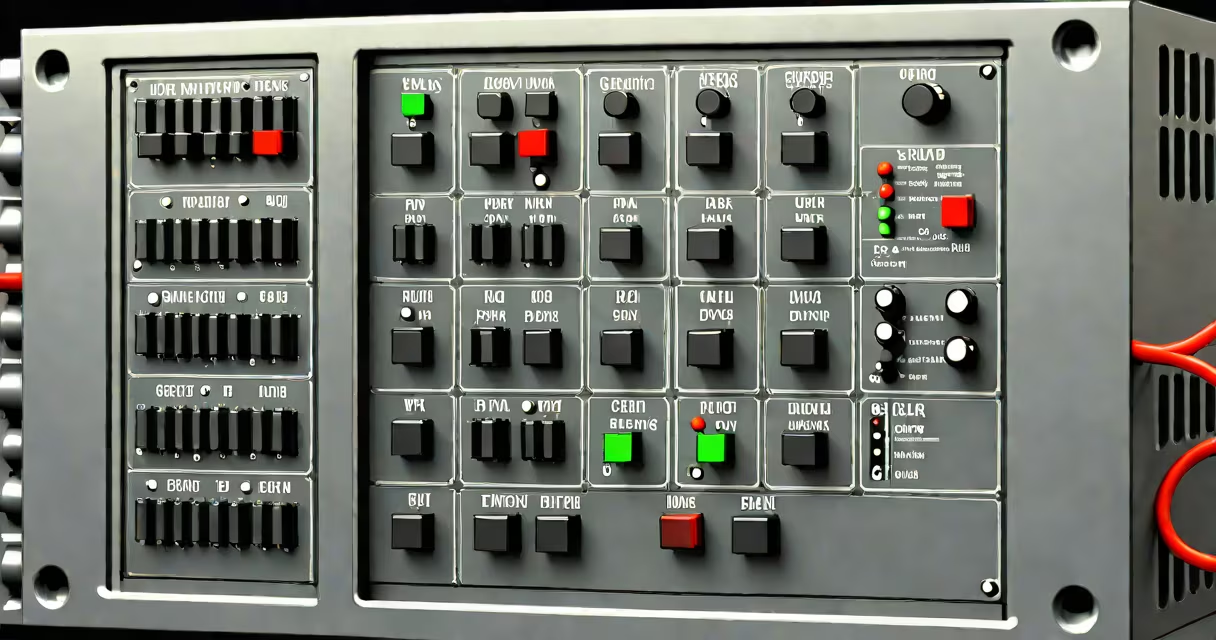
A DIN rail network switch is a compact Ethernet switch designed to mount directly onto a standard DIN rail in electrical enclosures, control panels, or industrial cabinets. It provides network connectivity for industrial equipment, sensors, cameras, and automation systems in environments where space, durability, and easy installation are critical.
These switches are typically 1U or smaller in height and fit into standardized 35mm DIN rails used in electrical panels worldwide. They support multiple Ethernet ports-commonly 4, 8, or 16-and often include features like PoE (Power over Ethernet), VLAN support, and ruggedized enclosures suitable for harsh conditions.
Unlike desktop switches, DIN rail models don't require a desk or floor space. Instead, they integrate directly into existing industrial infrastructure, reducing clutter and improving cable management. They're widely used in manufacturing plants, utility substations, traffic control systems, and building automation setups.
DIN rail network switches operate using standard Ethernet protocols (IEEE 802.3). Data packets enter through one port and are forwarded to the correct destination port based on MAC address tables. This process happens at wire speed-typically 1 Gbps or faster-ensuring minimal latency in time-sensitive applications.
Most models support Layer 2 switching, enabling basic traffic segmentation via VLANs. Some advanced units offer Layer 3 routing, allowing communication between different subnets. These capabilities make them suitable for complex industrial networks that span multiple zones or connect to central SCADA systems.
Power is usually supplied via a 24V DC external power supply, though some models accept 12-48V DC inputs. This flexibility allows integration with existing industrial power systems. A status LED on the front indicates power, link activity, and port speed.
Different DIN rail switches serve distinct operational needs. The main categories are:
| Type | Ports | PoE Support | Use Case | Example Model |
|---|---|---|---|---|
| Basic Layer 2 | 4-8 ports | No | Simple device connection in control panels | D-Link DGS-1008P |
| PoE-enabled | 8-16 ports | Yes (up to 30W per port) | IP cameras, wireless access points, VoIP phones | Siemens S7-1500-compatible switch |
| Managed (Layer 3) | 12-24 ports | Yes | Large-scale automation, redundant topologies | Hirschmann AR4200 |
One underappreciated feature is the ability to operate in extended temperature ranges. Industrial-grade DIN rail switches often function reliably from -40°C to +75°C, far beyond consumer-grade limits. This makes them ideal for outdoor installations or unheated warehouses.
Another key point: many DIN rail switches support redundancy protocols like Rapid Spanning Tree Protocol (RSTP) or PRP (Parallel Redundancy Protocol). These ensure network continuity during cable failures-critical in production lines where downtime costs thousands per minute.
DIN rail network switches are standard in industrial automation. A typical setup includes connecting PLCs (Programmable Logic Controllers), HMIs (Human-Machine Interfaces), and safety relays through a single switch. This simplifies troubleshooting and reduces wiring complexity.
In a real-world example, a food processing plant used a D-Link DGS-1008P 8-port DIN rail switch to connect 6 IP cameras, 2 HMIs, and 4 motor drives. The switch was mounted on a 35mm DIN rail inside a control cabinet near the main distribution panel. All devices communicated over a single VLAN, with PoE powering the cameras. The system ran continuously for 18 months without failure, even during high-vibration periods.
They're also common in smart buildings. A hospital installed a managed DIN rail switch in each floor's electrical room to handle medical device telemetry, nurse call systems, and security cameras. Central IT monitored all ports remotely and detected a loop early due to port mirroring enabled on the switch.
Many assume DIN rail switches are interchangeable with standard desktop switches. That's incorrect. While both perform switching functions, DIN rail models are built for environmental resilience-not aesthetics. They lack cooling fans, have sealed enclosures, and are rated for higher vibration and dust exposure.
Another misconception: "All DIN rail switches are industrial." Not true. Some low-end models sold online claim DIN rail compatibility but lack proper certification (UL, CE, IP65). These may fail under voltage fluctuations common in factories. Always verify the product's industrial rating before installation.
Mounting a DIN rail switch requires a compatible 35mm DIN rail. Most units snap into place with a quick-release mechanism. After securing the switch, connect power via a 24V DC supply, then plug in Ethernet cables using shielded Cat 6 cables to reduce EMI interference.
I once installed a Siemens switch in a wastewater treatment facility. The site had high electromagnetic noise from pumps and motors. Using unshielded cables caused intermittent drops. Replacing them with shielded Cat 6 cables resolved the issue. The switch remained stable even during peak load cycles.
Always label ports. Use color-coded tags or printed labels to identify which device connects to which port. This prevents miswiring during maintenance. Also, disable unused ports to prevent broadcast storms and improve security.
For configuration, use a serial console cable or web interface. Managed switches allow VLAN creation, QoS settings, and port mirroring. Set passwords and restrict access to authorized personnel only.
A DIN rail network switch is a specialized Ethernet switch engineered for industrial environments. It enables reliable, space-efficient network connections in control panels, machine cabinets, and automated systems. Its design supports high durability, ease of integration, and long-term stability under tough conditions.