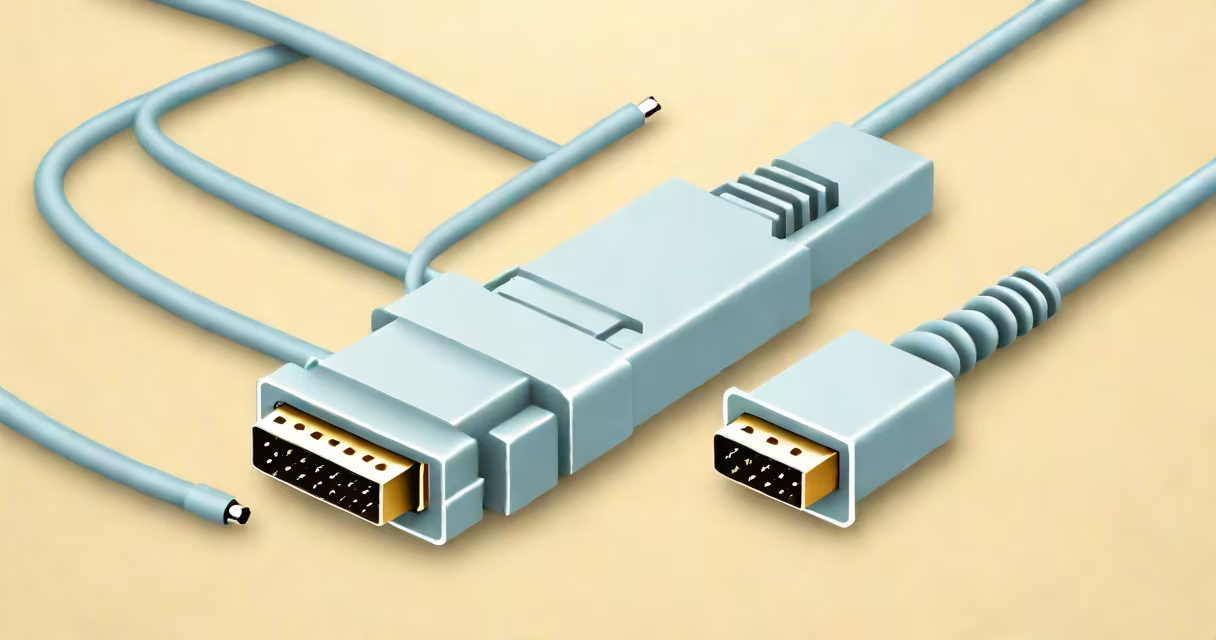
A db9 console cable is a serial communication cable with DB9 connectors on both ends, used to connect network devices such as routers, switches, and servers to a computer's serial port for configuration and troubleshooting. It operates under the RS232 standard and transmits data at low speeds, typically 9600-115200 baud.
These cables enable direct access to device command-line interfaces (CLIs) through terminal emulators like PuTTY or screen. They're essential for initial setup, recovery from misconfigurations, and secure administrative access when network services are unavailable.
The DB9 connector has nine pins arranged in a D-shaped housing. Pin assignments follow the EIA/TIA-232 standard, defining signal roles such as transmit data (TXD), receive data (RXD), and ground (GND). A null modem version swaps TXD and RXD between ends to allow direct device-to-device communication without external hardware.
When connected, the db9 console cable establishes a synchronous serial link between a computer and a network device. Data flows one bit at a time over a single wire, synchronized by timing signals. The computer sends commands through the TXD pin, which the device receives via its RXD pin.
Communication requires matching settings: baud rate, data bits (usually 8), stop bits (1), parity (none), and flow control (none). Mismatched settings result in garbled output or no response. For example, setting a router's console port to 115200 baud requires the terminal program to match that speed.
Most modern computers lack physical serial ports. Users often rely on USB-to-DB9 adapters. These adapters include a USB-to-serial chip (like FTDI FT232RL or Prolific PL2303) that converts USB signals into RS232 levels. Drivers must be installed for the adapter to function correctly.
There are two primary configurations: straight-through and null modem. Straight-through cables connect a DTE (Data Terminal Equipment) to a DCE (Data Communication Equipment). Null modem cables swap TXD and RXD between ends to allow direct connection between two DTEs, such as two PCs or a PC and a switch.
| Type | Pin 2 (TXD) | Pin 3 (RXD) | Pin 5 (GND) | Usage |
|---|---|---|---|---|
| Null Modem | Transmit from Device A | Receive to Device A | Ground | Direct device-to-device connection |
| Straight-Through | Transmit from Computer | Receive from Computer | Ground | Computer to device with DCE port |
For most network equipment, a null modem cable is required. Cisco and Juniper devices use a 9-pin female DB9 port for console access. The cable must have male DB9 connectors on both ends and cross TXD/RXD lines.
Non-standard wiring causes communication failure. A common mistake is assuming all DB9 cables are interchangeable. Some are wired for RS422 or other protocols. Always verify the pinout against the device manual.
Network administrators use db9 console cables during initial device setup. When deploying a new Cisco ISR 4321 router, the console port is accessed via a DB9 cable to configure IP addresses, passwords, and routing protocols before connecting to a network.
System engineers troubleshoot server outages using console access. In one case, a Linux server failed to boot due to a corrupted fstab file. The admin connected a db9 console cable to the serial console on a Dell PowerEdge R750 server, logged in via a terminal emulator, and corrected the configuration manually.
Industrial systems often retain serial interfaces for reliability. A factory automation system using Siemens S7-1200 PLCs may use a db9 console cable to update firmware or monitor diagnostics. These systems prioritize stable, low-bandwidth connections over high-speed networks.
Many confuse db9 console cables with USB-to-RJ45 adapters or Ethernet cables. A db9 console cable is not interchangeable with an ethernet-to-ethernet cable. While both connect devices, they operate on different standards: serial vs. packet-switched networking.
Another error is assuming a USB-to-DB9 adapter works without drivers. On Windows, installing the FTDI driver is mandatory. Without it, the OS recognizes the adapter as a generic COM port, leading to connection failures. On macOS, the driver is included in the latest versions of macOS Ventura and later.
Some users attempt to use USB-C to DB9 adapters without checking pin mapping. Not all adapters reverse TXD/RXD. A mismatched adapter results in no output or echo issues. Always test with a known working device before deployment.
I once configured a legacy firewall for a client's remote site. The unit had no network interface available due to a failed NIC. Using a null modem db9 console cable and a laptop with a USB-to-serial adapter, I accessed the CLI. After enabling SSH and setting static IP, I restored connectivity. The process took less than 15 minutes - proof that serial access remains important in edge cases.
Unlike USB or Ethernet, the db9 console cable does not provide power. The device must be powered separately. This isolation prevents electrical feedback and protects the host computer. Some modern devices integrate power delivery through USB, but traditional serial consoles do not.
Also, the cable's maximum effective length is 15 meters (about 50 feet) for reliable operation. Beyond that, signal degradation occurs due to capacitance and noise. This limit is stricter than Ethernet, which supports up to 100 meters with Cat5e cable.
Understanding the db9 console cable's role in low-level device access ensures proper selection and troubleshooting. It remains a foundational tool in IT infrastructure despite the rise of higher-speed alternatives.