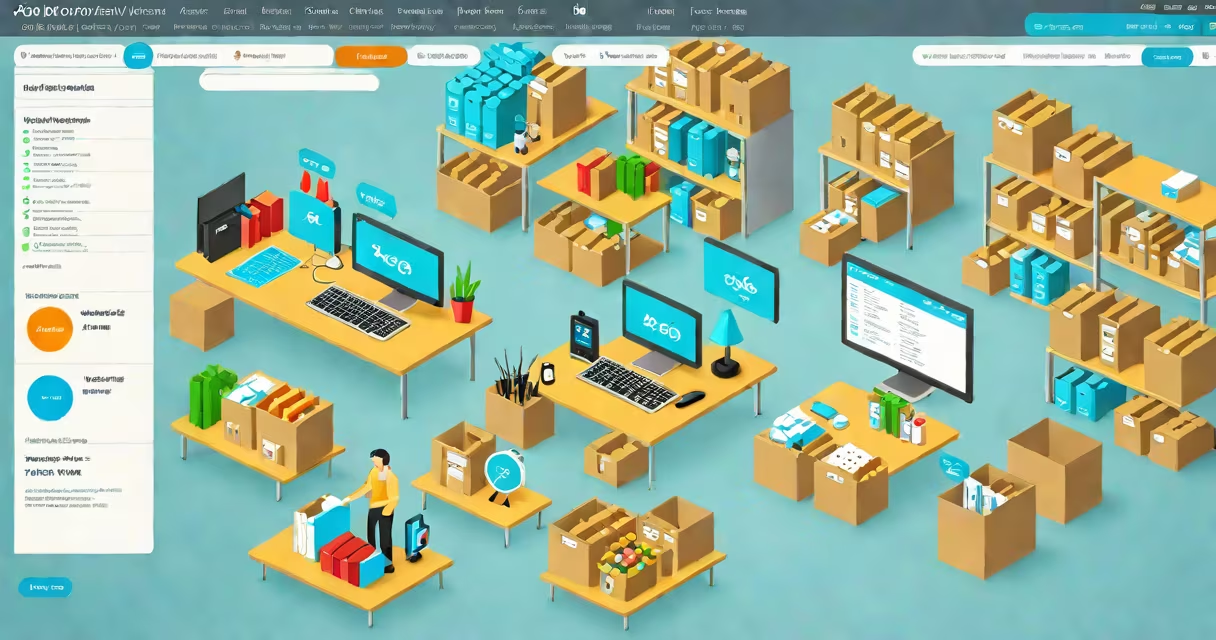
Xero and inventory management is a system that tracks physical stock levels, cost of goods sold, and inventory value within the Xero accounting platform, linking inventory changes directly to financial statements. It enables small businesses to maintain accurate records of stock movement and associated costs without requiring complex ERP systems.
Inventory management in Xero operates through dedicated inventory items, which function like regular products but track quantity on hand. When a sale is recorded, Xero automatically reduces available stock and updates the cost of goods sold (COGS) based on the item's cost price. This integration helps profit margins reflect actual inventory usage, not estimates.
For example, a handmade soap business using Xero sells 10 units of a lavender soap at $15 each. The product's cost is $6 per unit. Upon invoicing the sale, Xero reduces stock by 10 units and posts a COGS entry of $60. The profit margin calculation then reflects the true cost of fulfilling the order. This process eliminates manual adjustments and reduces errors common in spreadsheets.
Xero's inventory module treats each inventory item as a unique record with a specified cost, selling price, and current stock level. These items appear in the chart of accounts under "Inventory" or "Cost of Sales," depending on the business structure. Changes in stock-via sales, purchases, or adjustments-are logged as transactions that update both the balance sheet and income statement.
When a purchase order is converted into a bill, Xero increases the inventory asset account and the corresponding liability. When the goods are received, the inventory count is updated. If a business uses the perpetual inventory method-which Xero supports-each transaction triggers an immediate update to stock levels and cost values.
For instance, a retail store buys 50 units of a Bluetooth speaker at $25 each. The purchase is recorded as a bill in Xero. Once approved and paid, the inventory asset increases by $1,250, and the cash outflow is recorded. If 10 units are sold later, Xero reduces inventory by 10 units and posts $250 to COGS. The remaining 40 units still show as assets on the balance sheet.
Xero supports multiple inventory item types, each serving a distinct purpose in tracking and costing:
| Type | Use Case | Tracking Feature | Example |
|---|---|---|---|
| Standard Inventory Item | Track physical stock with cost and quantity | Stock on hand, reorder alerts | Handmade candles with $3 cost, $10 sell price |
| Non-Inventory Item | Services or one-off products not tracked by stock | No stock tracking | Custom engraving service charged at $20 |
| Assembly Item | Items made from components, e.g., kits or bundles | Component breakdown, auto-reduce sub-items | Phone case kit with screen protector, case, and stylus |
Using assembly items allows businesses to manage complex products. For example, a company selling custom laptop bags builds each bag from a main fabric (cost $12), zipper (cost $3), and lining (cost $5). The assembly item's total cost is $20. When a customer orders one, Xero deducts one unit of each component from inventory and records the completed bag as a sale.
A common mistake is treating all items as inventory. Non-inventory items do not affect stock counts or COGS. Misclassifying a product as non-inventory when it should be tracked leads to inaccurate profit reporting. Always verify item type settings in Xero's item list.
Small retailers, artisans, and distributors rely on accurate inventory data to forecast demand, avoid overstocking, and report taxes correctly. Without integrated inventory tracking, businesses may overstate profits or fail to detect shrinkage from theft or damage.
According to the National Federation of Independent Business (NFIB), 68% of small businesses cite inventory mismanagement as a top cause of cash flow issues. Xero's automation reduces this risk by ensuring that every sale or purchase updates both financial records and stock levels in real time.
One business owner reported saving 12 hours per month after switching from Excel-based tracking to Xero's inventory module. Previously, they manually adjusted stock levels monthly, leading to discrepancies during audits. After implementing Xero, their financial reports matched physical counts consistently.
Many assume that inventory is not an asset. This is incorrect. Under U.S. GAAP and IFRS, inventory qualifies as a current asset because it is expected to be sold within a year and converted to cash. Xero reflects this by listing inventory under current assets on the balance sheet.
Another misconception is that Xero tracks inventory value using average cost only. While average cost is an option, Xero also supports FIFO (First-In, First-Out) and LIFO (Last-In, First-Out) methods via third-party integrations. However, Xero itself does not calculate LIFO for tax purposes-it relies on external tools for compliance.
It's also false that Xero requires a separate inventory app. The core platform includes inventory features for users on the Standard or Advanced subscription plans. No additional software is needed to start tracking stock.
To enable inventory management in Xero, go to Settings > Account Settings > Enable Inventory. Then create inventory items with accurate cost prices, selling prices, and initial stock quantities. Set reorder points to trigger alerts when stock drops below a threshold.
Best practices include:
After setup, test with a single sale and review the COGS and inventory reduction. Verify that the correct amount was deducted and posted to the income statement. This step prevents errors in live operations.
Businesses with high-volume sales should consider integrating Xero with a warehouse management system (WMS) or point-of-sale (POS) tool like Shopify or Square. These integrations sync stock levels automatically and reduce data entry overhead.
For example, a boutique clothing store uses Xero with Square POS. When a dress sells online, Square sends the transaction to Xero, which updates inventory and records revenue. The system handles tax calculations and generates a daily sales report. This workflow saves 5 hours weekly compared to manual entry.
Final note: Xero and inventory management is not a substitute for physical inventory checks. Automated systems can fail due to data entry errors or unrecorded returns. Regular cycle counts remain essential for accuracy.