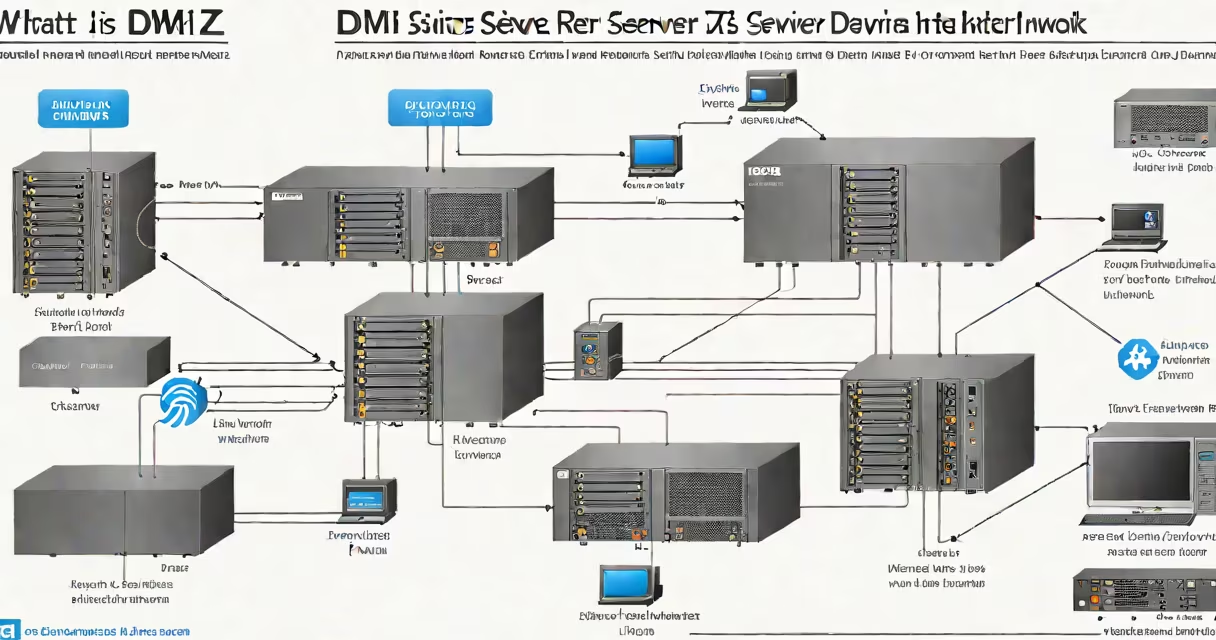
A DMZ server operates in a demilitarized zone-a segregated network segment between a trusted internal network and an untrusted external network like the internet. It hosts publicly accessible services such as web servers, email gateways, or DNS resolvers while isolating them from core internal systems to reduce exposure to attacks.
The DMZ acts as a buffer zone. Even if a DMZ server is compromised, attackers face additional barriers before reaching internal assets. This separation reduces the risk of lateral movement within a network. A properly configured DMZ server is placed behind at least two firewalls: one between the internet and the DMZ, and another between the DMZ and the internal network.
According to the National Institute of Standards and Technology (NIST), segmentation via DMZs is a recommended practice in network architecture to limit attack surfaces. The CIS Controls v8 also emphasizes network segmentation as a critical step in securing IT environments.
When a user accesses a public website hosted on a DMZ server, their request travels through the internet to the perimeter firewall. That firewall checks the packet against access control rules. If allowed, the traffic passes into the DMZ segment.
Inside the DMZ, the server processes the request and sends a response back through the same firewall path. The internal network remains isolated-the DMZ server cannot initiate outbound connections to internal systems unless explicitly permitted by firewall policies.
This model prevents direct access from the internet to internal servers. For example, if a web server in the DMZ is hacked, the attacker gains access only to that server's environment, not to databases or employee workstations on the internal network.
DMZ servers serve specific functions based on service requirements. They are not general-purpose machines. Each type is hardened to minimize attack surface.
| Server Type | Function | Security Requirements |
|---|---|---|
| Web Server | Hosts public websites or APIs | Regular patching, minimal software installation, logging enabled |
| Email Gateway | Receives inbound mail from the internet | Spam filtering, antivirus scanning, rate limiting |
| DNS Server | Responds to public domain queries | Restricts recursive queries, uses DNSSEC |
| FTP/Secure File Transfer | Allows file uploads from external users | Disables shell access, logs all transfers |
Each server runs only necessary services. Unneeded ports are closed. Software is updated regularly. For example, a web server in the DMZ typically runs only HTTP/HTTPS and SSH for administration-no database clients or remote desktop tools.
Non-obvious fact: A DMZ server should not have direct access to internal DNS or Active Directory. Even if compromised, it cannot perform reconnaissance on internal systems. This is enforced by firewall rules that block traffic from the DMZ to internal subnets.
Many organizations assume that placing a server in a DMZ automatically makes it secure. That's false. A DMZ is a design pattern, not a security guarantee. A poorly maintained DMZ server with outdated software is still vulnerable.
Another mistake is using a single firewall to separate the internet from both the DMZ and internal network. This creates a single point of failure. NIST SP 800-41 recommends dual-firewall configurations for high-assurance environments.
Some teams mistakenly place internal servers in the DMZ to simplify access. This defeats the purpose. A server hosting HR records or financial databases should never reside in the DMZ-even if it's behind a firewall.
An online retailer hosts its product catalog and checkout system on a DMZ server. The server runs Apache with SSL encryption and connects to a database in the internal network via a dedicated, encrypted tunnel.
External users access the site through port 443. The perimeter firewall allows only HTTPS traffic. The DMZ server logs all incoming requests and blocks suspicious patterns using a web application firewall (WAF).
If an attacker exploits a vulnerability in the web server software, they gain shell access-but only to the DMZ server. The internal database remains protected because the connection requires authentication and is restricted to specific IP ranges. The attacker cannot read customer data or modify internal configurations.
I deployed a similar setup for a small nonprofit's donation portal. After a breach attempt was detected via log analysis, we confirmed the DMZ isolated the incident. No internal systems were affected. The server was patched within four hours.
DMZ is often confused with VLANs, bastion hosts, or cloud security groups. While related, each serves a distinct purpose.
A VLAN is a logical network division. It can be used to create a DMZ, but not all VLANs are DMZs. A VLAN without proper firewall rules offers no protection.
A bastion host is a single, highly secured server used for administrative access. It may be placed in the DMZ, but it is not the same as a DMZ server. Bastion hosts are not designed to serve public traffic.
Cloud providers like AWS offer VPCs with public and private subnets. A public subnet can function as a DMZ, but only if access controls are manually enforced. Without explicit routing and security group rules, a public subnet is not a DMZ.
Follow these steps to ensure a DMZ server is effective:
For organizations managing multiple DMZ servers, consider using configuration management tools like Puppet or Chef to maintain consistency across instances.
Understanding what is a DMZ server is essential for anyone involved in network design or cybersecurity. It's not a standalone solution-it's a component of layered defense. Used correctly, it improves resilience against cyber threats.