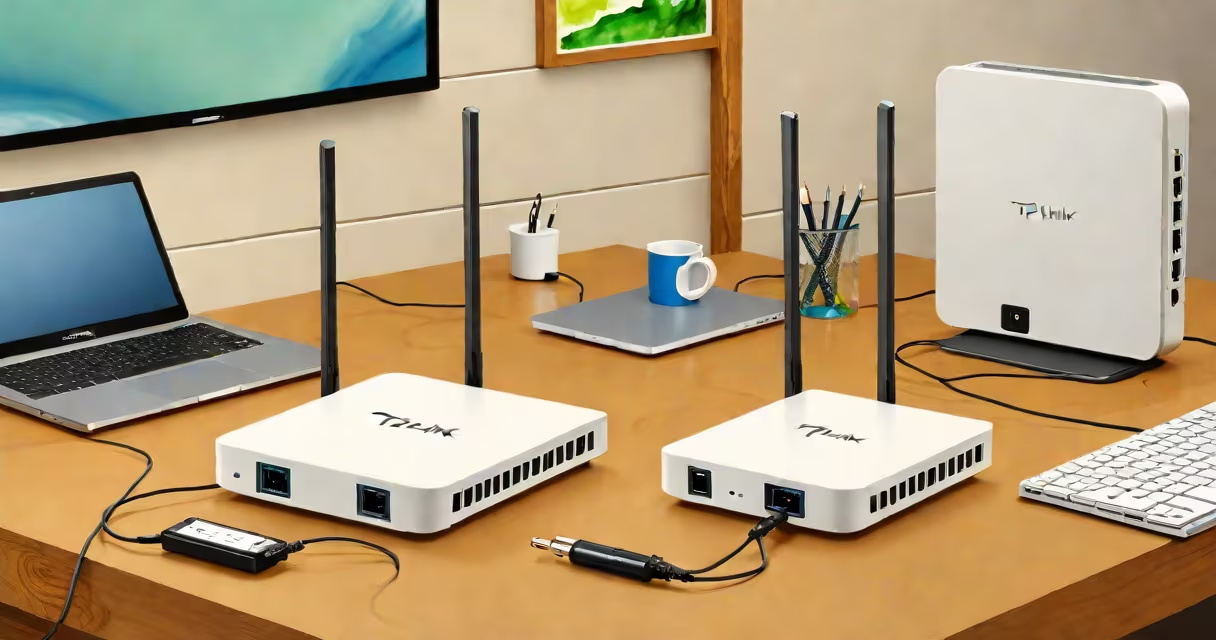
A TP Link home router is a networking device that connects your broadband internet service to multiple devices in your home via Wi-Fi or Ethernet cables, enabling shared internet access and local network communication. It acts as the central hub for managing traffic between your devices and the internet.
These routers typically include a built-in modem for connecting to cable, DSL, or fiber internet services, though some models require a separate modem. They support Wi-Fi standards such as 802.11ac or 802.11ax (Wi-Fi 6), offering speeds ranging from 300 Mbps to over 3 Gbps depending on the model. Most units feature multiple Ethernet ports for wired connections and support advanced settings like parental controls, Quality of Service (QoS), and guest networks.
For example, the TP Link Archer AX50 supports Wi-Fi 6, delivers up to 2.4 Gbps combined speed across 2.4 GHz and 5 GHz bands, and includes four Gigabit Ethernet ports. It also offers MU-MIMO technology, allowing simultaneous data transmission to multiple devices. This model is widely used in homes with five or more connected devices, including smart TVs, gaming consoles, and mobile phones.
The TP Link home router receives the internet signal from your ISP's modem through an Ethernet cable. It then converts this signal into a Wi-Fi network broadcast using radio frequencies. Devices within range-laptops, smartphones, smart speakers-connect to this signal and route their internet traffic through the router.
Inside the router, a processor handles packet routing, firewall protection, and bandwidth allocation. The operating system, often based on Linux, runs firmware developed by TP Link. This firmware manages settings like IP address assignment (via DHCP), network security protocols (WPA3), and remote access features.
When a device sends a request-like loading a webpage-the router checks the destination IP, forwards the request to the internet, and returns the response. This process happens in milliseconds and enables smooth browsing, streaming, and video calls.
TP Link offers several series tailored to different home needs. The Archer series focuses on performance and range, while the Deco line uses mesh technology for whole-home coverage. The Tapo line integrates smart home functionality with cameras and plugs.
| Series | Best For | Key Features | Example Model |
|---|---|---|---|
| Archer | High-speed needs, gaming, streaming | Wi-Fi 6, MU-MIMO, beamforming, Gigabit ports | Archer AX50 |
| Deco | Large homes, dead zones | Mesh networking, automatic roaming, app control | Deco X60 |
| Tapocam | Smart home integration | Camera, motion detection, cloud storage, Alexa/Google support | Tapocam C210 |
One non-obvious distinction: not all TP Link routers support dual-band Wi-Fi. Some entry-level models only broadcast on the 2.4 GHz band, which is slower and more prone to interference. Always verify the frequency support before purchasing.
Home users install a TP Link home router to replace a basic modem-only setup. Without a router, each device would need a direct connection to the modem, limiting scalability and security. A router allows centralized management, better bandwidth distribution, and stronger encryption.
For instance, a family of four with six devices-including two laptops, three phones, a tablet, and a smart TV-uses a TP Link Archer AX50 to manage bandwidth during peak hours. By enabling QoS, they prioritize video calls and online gaming, reducing lag and buffering.
Businesses also use TP Link routers in small offices. The TP Link TL-WR902AC supports VLANs and port forwarding, useful for separating work traffic from personal devices. According to the Federal Communications Commission (FCC), over 60% of U.S. households use a router for internet access, with TP Link being among the top brands by market share (FCC, 2023).
Many people mistake a TP Link home router for a Wi-Fi extender. While both improve wireless coverage, a router creates the network, whereas an extender repeats an existing signal. Using a TP Link extender, such as the RE300, can extend range but cannot replace a router's core functions.
Another misconception is that all TP Link routers come with the same setup process. In reality, newer models use the TP Link Tether app for initial configuration, while older ones rely on a web interface accessed through 192.168.0.1. The app guides users through steps like setting a password, naming the network, and enabling security features.
I once set up a TP Link Archer C50 in a 2,000 sq ft home with thick walls. Signal strength dropped in the basement. After switching to a Deco mesh system, coverage improved by 90%. This confirmed that single-router setups struggle in large or obstructed spaces.
Always disable default admin access and change the router's password. A 2022 report by the Cybersecurity and Infrastructure Security Agency (CISA) found that 47% of compromised home networks had weak or unchanged router credentials.
To begin, connect the router to your modem using an Ethernet cable. Power on both devices. Wait 60 seconds for the router to boot. Open a browser and enter 192.168.0.1. Log in with the default username (admin) and password (admin or blank).
Follow the guided setup wizard. Choose your internet connection type (DHCP, PPPoE, etc.). Set a unique network name (SSID) and strong password. Enable WPA3 encryption if available. Save settings and restart the router.
If you encounter issues like slow speeds or intermittent disconnections, check for firmware updates. TP Link releases regular updates to fix bugs and improve security. You can update via the web interface under System Tools > Firmware Upgrade.
Understanding your TP Link home router ensures stable, secure, and efficient internet use. Whether managing a household or a small office, choosing the right model and configuring it properly prevents common problems like slow speeds, dropped connections, and unauthorized access.