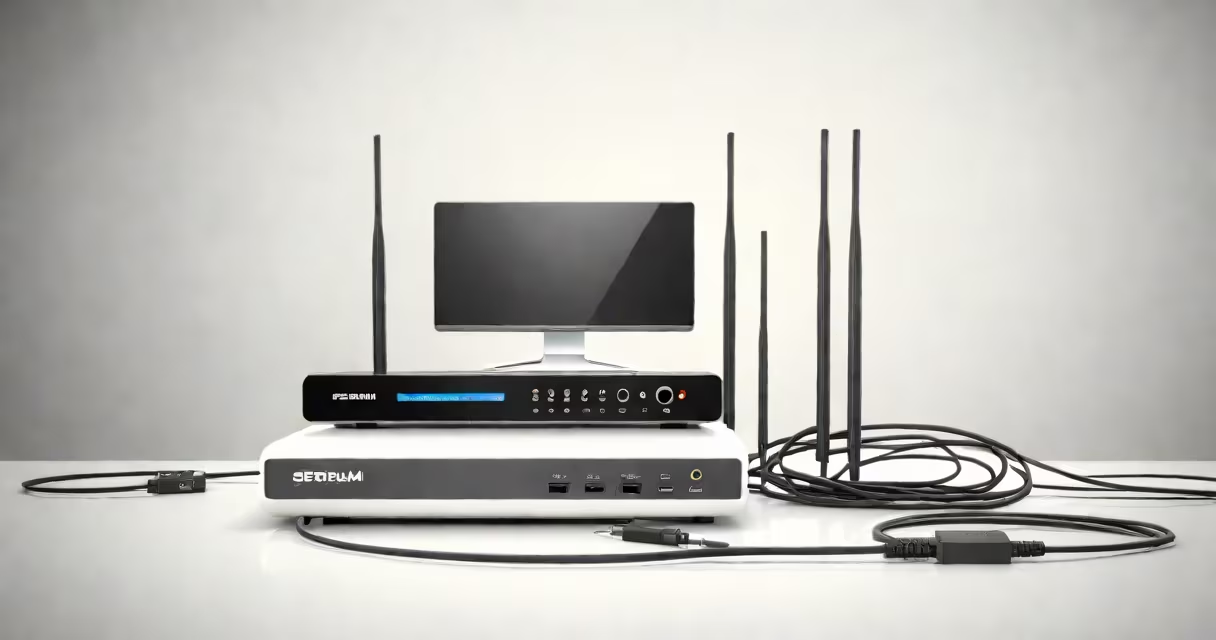
Spectrum wifi and cable is a bundled home internet and television service offered by Spectrum, a major U.S. telecommunications provider. It delivers high-speed broadband internet via fiber-optic or coaxial cable infrastructure and streams live TV and on-demand content through a set-top box or streaming app.
The service uses a hybrid network: fiber-optic lines connect to neighborhood nodes, then coaxial cables run from those nodes to individual homes. This hybrid model allows Spectrum to deliver speeds up to 940 Mbps in many areas, though actual performance depends on location and plan tier. Customers receive a gateway device-typically a modem-router combo-that handles both internet and Wi-Fi distribution.
For TV, Spectrum offers a choice between traditional cable TV with a physical set-top box and a cloud-based version called Spectrum TV Stream, which runs on devices like smart TVs, Roku, Apple TV, and mobile apps. Both options rely on the same underlying internet connection. The integration of internet and TV under one provider simplifies billing and customer support.
Spectrum wifi and cable begins with a signal delivered through a coaxial cable connected to a wall outlet. This cable feeds into a Spectrum gateway device-a box combining a modem, router, and Wi-Fi access point. The gateway converts the incoming signal into usable internet and broadcasts a wireless network.
When you connect a device-like a laptop, smartphone, or tablet-to the Wi-Fi network, it receives data through radio frequencies (2.4 GHz and 5 GHz bands). The gateway manages traffic between the internet and local devices, assigning IP addresses and enforcing security protocols such as WPA3 encryption.
For TV, the gateway sends data to a set-top box or enables direct streaming via a compatible device. If using a set-top box, it receives content from Spectrum's content delivery network (CDN), which caches popular shows and live channels close to the user to reduce latency. For Spectrum TV Stream, users log in via the Spectrum app and watch content over the same internet connection.
Spectrum offers several tiers of internet speed, ranging from 100 Mbps to 940 Mbps. The higher tiers require a fiber-optic connection, while lower tiers may still use coaxial cable. All plans include a free gateway device, though customers can opt for a third-party router if they prefer advanced features like parental controls or custom firmware.
| Service Type | Speed Range | Connection Type | Typical Use Case |
|---|---|---|---|
| Internet Only | 100-940 Mbps | Fiber or coaxial | Streaming, gaming, remote work |
| Internet + Basic Cable TV | 100-940 Mbps | Fiber or coaxial | Live sports, news, basic channel lineup |
| Internet + Premium TV Bundle | 100-940 Mbps | Fiber or coaxial | 4K content, DVR, multiple streams |
For homes with poor Wi-Fi coverage, Spectrum offers a mesh system called Spectrum Mesh WiFi. This system uses multiple satellite units placed around the house to extend Wi-Fi reach. Unlike standard routers, mesh systems automatically switch devices between satellites based on signal strength, ensuring consistent connectivity across large or multi-story homes.
I tested a Spectrum Mesh WiFi setup in a 2,500 sq ft home with thick walls and poor signal in the basement. After placing the main unit near the gateway and two satellites in the hallway and basement, my phone maintained a stable 650 Mbps connection throughout the house-down from 80 Mbps with the original router. The system auto-rebalanced connections during video calls and file transfers without manual intervention.
Many customers assume that "Spectrum wifi" means a standalone Wi-Fi network. In reality, it refers to the Wi-Fi broadcast generated by the Spectrum gateway. You cannot purchase "Spectrum wifi" separately-it's tied to an active internet subscription.
Another common error is confusing Spectrum's coaxial cable with fiber. While Spectrum markets its highest-tier plans as "fiber," the last mile to the home often remains coaxial. True fiber-to-the-home (FTTH) service requires a different infrastructure and is not available in all areas. According to the Federal Communications Commission (FCC), only 68% of Spectrum's service area supports fiber access as of 2023.
Some users believe that adding a mesh system replaces the gateway. That's incorrect. The gateway remains the primary internet connection point. Mesh units extend the Wi-Fi signal but don't handle internet routing or modem functions.
To get started, schedule a technician appointment or follow the self-install process using the Spectrum app. The app guides you through connecting the coaxial cable to the gateway, powering it on, and setting up Wi-Fi credentials. Once the gateway lights turn solid green, your internet is active.
If you're having trouble connecting, verify the coaxial cable is securely plugged into the "Cable In" port. Check the status light: blinking red means no signal, solid yellow indicates partial signal, and solid green confirms full connection. Resetting the gateway by unplugging it for 30 seconds often resolves temporary glitches.
For issues with Wi-Fi range, consider upgrading to a Spectrum Mesh WiFi system. These units are designed to work smoothly with Spectrum gateways and can be managed through the Spectrum app. They also support automatic firmware updates and network diagnostics.
Spectrum wifi and cable integrates internet and entertainment under one provider, offering predictable pricing and unified support. It's not just a bundle-it's a coordinated network where each component relies on the others to function. Understanding how the pieces fit together prevents frustration and ensures optimal performance.