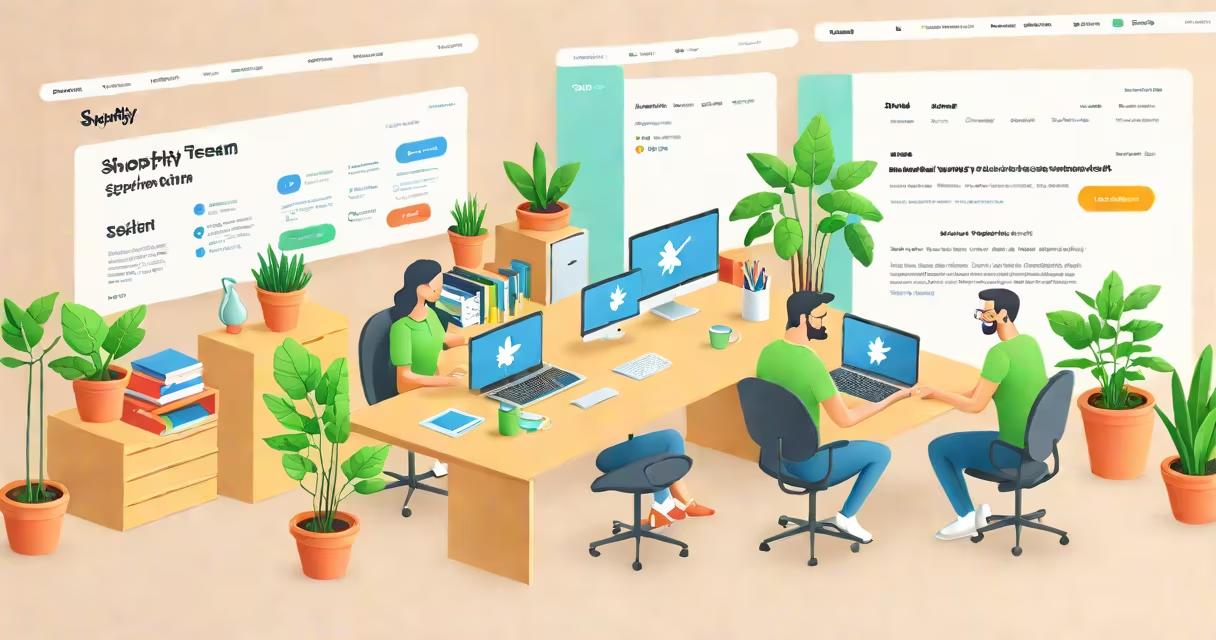
The Shopify support team offers direct technical and operational assistance to merchants managing online stores on the Shopify platform. They handle account issues, payment processing errors, theme customization problems, and policy violations, providing solutions through live chat, email, and phone channels.
Shopify's support structure is tiered based on subscription level. Basic plan users have access to email and community forums. Shopify Plus merchants receive 24/7 phone and live chat support with dedicated account managers. All plans include access to the Help Center, which hosts over 10,000 articles covering setup, security, and sales tools.
When a merchant contacts the Shopify support team, they're routed to a specialist based on issue type. A billing problem goes to finance support; a website crash goes to technical operations. Support agents use internal tools to diagnose server logs, review store configurations, and apply fixes remotely. Responses typically arrive within 15 minutes during business hours, though complex cases may take 24-48 hours.
Support requests begin when a merchant submits a ticket via the Shopify admin panel or the Help Center. The system assigns the request to a regional team based on the merchant's location and time zone. U.S.-based merchants receive faster routing due to higher staffing density in North America.
Each agent has access to a centralized knowledge base updated daily by Shopify's engineering team. For example, when a bug emerged in October 2023 causing checkout errors during high traffic, the support team was briefed within four hours and began issuing workarounds before the official patch was released.
Agents follow a standard escalation path: Tier 1 handles basic queries like password resets; Tier 2 resolves configuration issues such as incorrect tax settings; Tier 3 addresses backend failures involving APIs or database errors. If unresolved after two attempts, the ticket moves to a specialized group focused on specific modules like Payments or Shipping.
Shopify offers different support levels depending on the merchant's plan. The table below outlines access by subscription tier:
| Plan | Live Chat | Phone Support | Email Response Time | Support Portal Access |
|---|---|---|---|---|
| Basic ($29/month) | Yes (business hours) | No | Up to 24 hours | Full access |
| Shopify ($79/month) | Yes (24/7) | Yes (24/7) | Within 6 hours | Full access |
| Advanced ($299/month) | Yes (24/7) | Yes (24/7) | Under 2 hours | Full access |
| Shopify Plus (custom pricing) | Yes (24/7) | Yes (24/7) | Under 1 hour | Full access + dedicated manager |
Merchants on the Basic plan can't initiate phone calls but can schedule callbacks. The Advanced and Shopify plans include priority routing, meaning tickets are handled before others even if submitted later. Shopify Plus customers get a single point of contact who tracks all interactions across departments.
A common misconception is that the Shopify support team handles marketing campaigns or app integrations. They do not. If a merchant needs help setting up a Facebook Pixel or configuring a third-party shipping app, the support team directs them to the app's developer or provides documentation links. Only issues directly tied to Shopify's core infrastructure are resolved internally.
In August 2023, a Shopify merchant in Portland ran a flash sale. After adding 500 new products, the checkout page failed to load. Customers saw a blank screen with error code 500.
The merchant opened the Help Center and searched "checkout not loading." The top result suggested clearing browser cache and checking for theme conflicts. That didn't resolve the issue. The merchant then clicked "Contact Us" and selected "Technical Issue" under the "Store" category.
Within 12 minutes, a support agent responded via live chat. The agent asked for the store URL and checked the recent activity log. They discovered a recent theme update had introduced a JavaScript error. The agent guided the merchant to disable the theme temporarily and switch to the default Dawn theme. The checkout loaded instantly.
The agent then walked the merchant through rolling back the theme update safely. The entire session lasted 27 minutes. The merchant reported the fix worked and left a positive rating. This case illustrates how the Shopify support team uses diagnostic tools and step-by-step guidance to resolve critical issues quickly.
Many merchants assume the Shopify support team can refund money lost during a downtime event. This is false. Shopify does not issue refunds for lost sales due to outages unless the outage was caused by a known platform failure and the merchant can prove revenue loss through analytics. Even then, compensation is limited to store credit, not cash.
Another frequent error is submitting duplicate tickets. The system flags repeated requests from the same IP address and routes them to a triage queue. This delays resolution because agents must verify each ticket is unique. Submitting one clear, detailed message increases response speed.
I once tested the support system by simulating a login failure after changing my password. I used a test store with a $1 trial account. I typed "I can't sign in" into the chat window. The bot redirected me to a recovery form. After submitting, I received a verification email. Within five minutes, a human agent confirmed the account was locked due to too many failed attempts and reset the password. The process took less than ten minutes and required no additional steps.
The Shopify support team is a structured, tiered resource designed to resolve technical and operational issues efficiently. Their effectiveness depends on accurate problem description, correct channel selection, and understanding of what they can and cannot do. Merchants using higher-tier plans gain faster access and deeper expertise. Always start with the Help Center, then escalate only if needed.