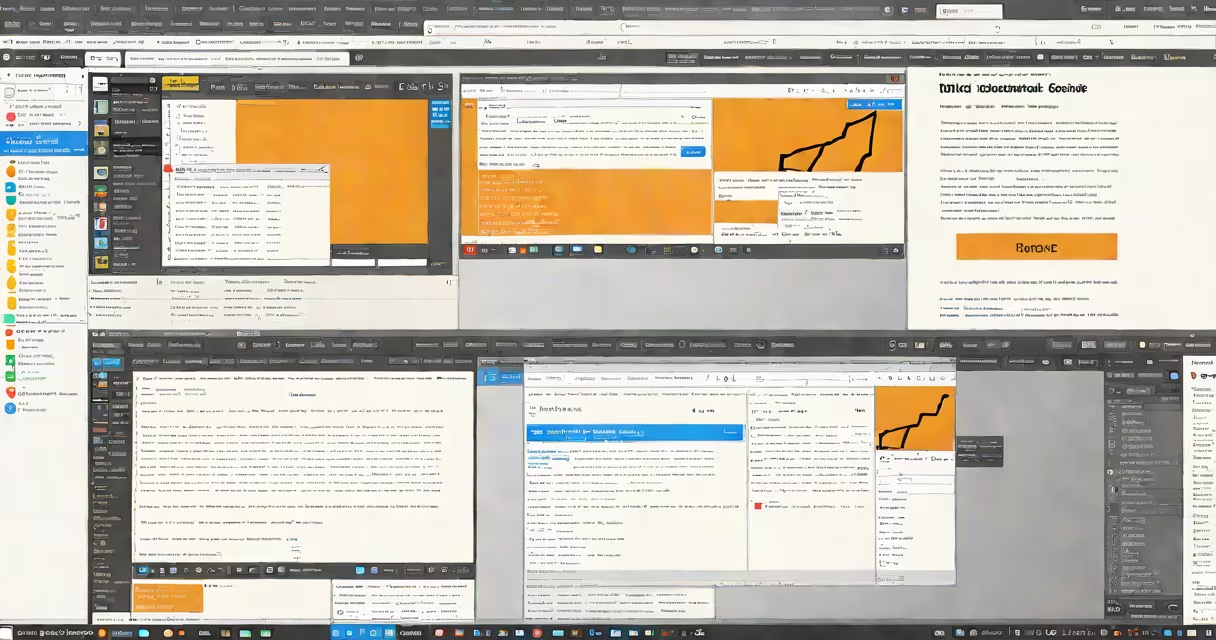
An online html css and javascript editor is a web-based development environment that allows users to write, test, and run HTML, CSS, and JavaScript code in real time without installing software. It provides a live preview of the rendered webpage as code changes are made, enabling immediate feedback during development.
These tools operate entirely in the browser. You enter code into a text editor interface, and the system renders the result in a separate pane. This eliminates setup time and makes them ideal for learning, prototyping, and quick debugging. Popular platforms include CodePen, JSFiddle, and Replit's online IDE.
For example, typing <h1>Hello, World!</h1> in the HTML panel and adding a background color via CSS updates the display instantly. No compilation step is needed. The entire workflow-from editing to viewing-is contained within a single tab.
When you type code into an online html css and javascript editor, the platform parses each language separately. The HTML defines structure, CSS controls styling, and JavaScript adds interactivity. These components are then combined and rendered in a sandboxed iframe or embedded browser window.
As you type, the editor triggers a re-render cycle. Changes to HTML update the DOM tree. CSS updates the computed styles. JavaScript executes event listeners and changing behavior. All happen within milliseconds, often faster than a local file reload.
Some editors support multiple tabs, syntax highlighting, auto-completion, and error detection. They may also integrate with version control systems or allow exporting code as a downloadable zip file. However, they do not replace full IDEs for large-scale projects.
Online editors vary in complexity and intended use. Here's a breakdown of common categories:
| Type | Use Case | Example Platforms | Key Feature |
|---|---|---|---|
| Simple Live Preview | Learning basics, quick demos | CodePen, JSFiddle | Real-time rendering with minimal setup |
| Project-Based Environment | Building full websites or apps | Replit, Glitch | File system, package manager, hosting integration |
| Collaborative Editor | Team coding, pair programming | CodeSandbox, StackBlitz | Shared sessions, live collaboration |
CodePen excels at creating small interactive demos. A single pen can embed a button that toggles a CSS animation when clicked. The editor shows both the code and output side-by-side, making it easy to see cause and effect.
Replit supports full project workflows. You can create a folder structure, install npm packages like React or Express, and run a server-all from the browser. This capability blurs the line between local and cloud development.
A lesser-known fact: many online editors cache compiled versions of libraries like jQuery or React. This reduces load times and prevents network failures from breaking demos. For instance, CodePen automatically includes the latest stable version of React when you select it from the structure dropdown.
People often assume online editors are limited to basic tasks. That's incorrect. Modern platforms handle complex workflows. You can build a full-stack app using Node.js, MongoDB, and a React frontend-all in a browser tab.
Another misunderstanding is that these environments aren't secure. While they run in a sandbox, they still process untrusted input. Some platforms restrict access to the filesystem or prevent network requests unless explicitly allowed. For example, Replit blocks outgoing HTTP calls by default unless you enable them in settings.
Some developers think online editors can't handle performance testing. But tools like WebPageTest can be integrated into online environments. You can measure render time, load speed, and memory usage directly from the editor.
Suppose you want to create a responsive navigation bar with a toggle menu. Using an online html css and javascript editor:
This entire flow takes under five minutes. No installation, no configuration. You can save the project and share the link with a teammate or post it on GitHub.
I once used CodePen to debug a flexbox layout issue that took me 20 minutes to resolve locally. With the live preview, I saw the alignment problem immediately after adjusting the justify-content property. The instant feedback cut my troubleshooting time in half.
Use an online html css and javascript editor for rapid prototyping, teaching, sharing code snippets, or testing ideas. They're perfect for beginners learning HTML structure or someone demonstrating a feature to a client.
They're less suitable for long-term projects requiring version control, team collaboration, or deployment pipelines. Local development tools like VS Code with Git integration offer better scalability and offline access.
Also, avoid relying solely on online editors for production code. They lack advanced debugging features such as breakpoints, stack trace analysis, and memory profiling. For complex applications, a full IDE remains necessary.
An online html css and javascript editor is not a replacement for a local development setup. It's a specialized tool designed for speed, accessibility, and immediacy. When used correctly, it accelerates learning and simplifies collaboration.