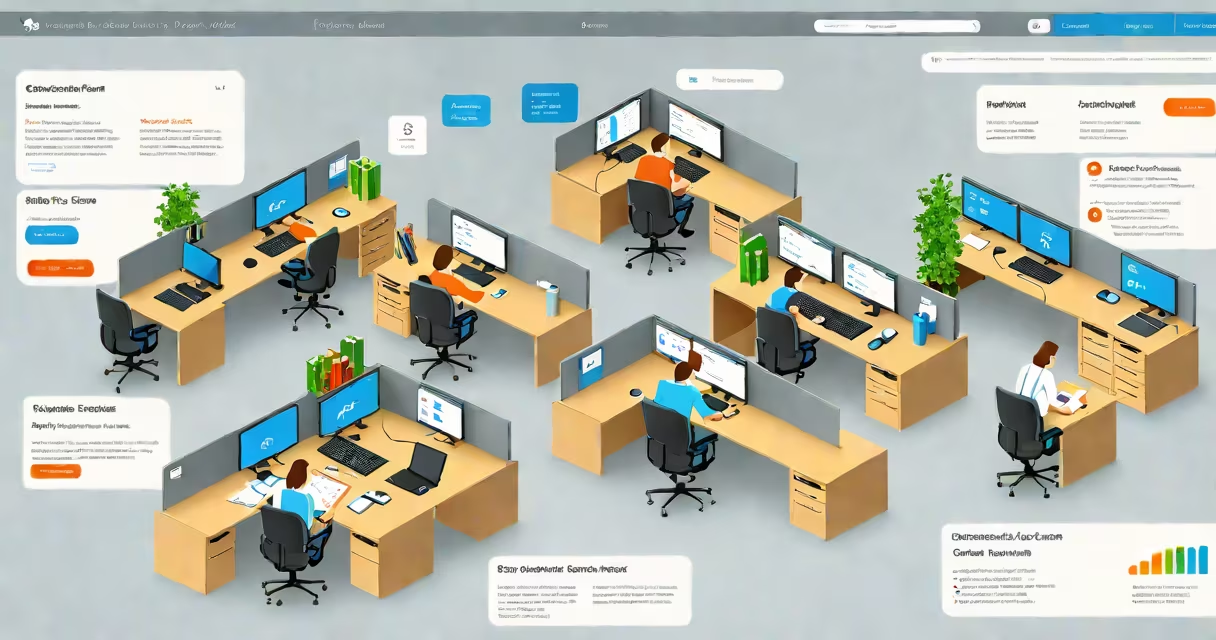
The Microsoft 365 Compliance Center is a unified portal within the Microsoft 365 admin set that enables organizations to manage data governance, enforce security policies, monitor compliance activities, and generate reports for regulatory requirements such as GDPR, HIPAA, and CCPA.
It serves as the central control point for defining, deploying, and auditing compliance configurations across email, files, identities, and applications. Administrators use it to set retention rules, apply sensitivity labels, configure eDiscovery searches, and track audit events-all from a single interface.
For example, a healthcare provider using Microsoft 365 can create a policy that automatically applies a "Protected Health Information" label to documents containing patient names or medical codes. This label triggers encryption, restricts sharing, and logs access attempts. The Compliance Center tracks all actions taken under this rule and generates evidence for audits.
The Compliance Center integrates with core Microsoft 365 services including Exchange Online, SharePoint, OneDrive, Azure Active Directory, and Microsoft Defender for Office 365. When a policy is created, it syncs across these systems through Microsoft's compliance engine, which processes data based on predefined conditions.
Policies are evaluated in real time. For instance, if a user tries to share a file labeled "Confidential" with an external email address, the system blocks the action unless approved via a permission request. The event is logged and appears in the Compliance Center's audit trail.
Administrators can run automated reports on policy effectiveness, user compliance rates, and data exposure risks. These reports support both internal reviews and external audits required by law or industry standards.
The Compliance Center includes several key modules, each addressing a distinct compliance function:
| Module | Function | Use Case Example |
|---|---|---|
| Retention Policies | Automatically delete or archive emails and files after a set period | Retain HR records for seven years per labor law requirements |
| Sensitivity Labels | Apply classification and protection settings to content | Mark financial statements as "Highly Confidential" with encryption and access restrictions |
| eDiscovery | Search across mailboxes, sites, and OneDrive for legal investigations | Locate all messages sent by a former employee during their last quarter |
| Audit Logs | Track user and admin activity across services | Identify who accessed a sensitive document and when |
| Supervisory Review | Monitor communications for compliance with internal guidelines | Flag messages from sales teams that include misleading product claims |
Each module supports role-based access. Only users with assigned compliance administrator roles can configure policies. This prevents unauthorized changes and ensures accountability.
Many organizations assume the Compliance Center replaces their existing IT security team. That's incorrect. It's a tool, not a substitute. It requires configuration, monitoring, and ongoing maintenance by trained personnel.
Another misunderstanding is that enabling a policy guarantees compliance. A policy only enforces rules-it doesn't verify whether users follow them. For example, setting a retention policy for 10 years doesn't prevent someone from manually deleting a file before the deadline. Enforcement depends on proper configuration and user training.
A less obvious point: the Compliance Center does not store data itself. All content remains in its original location-Exchange, SharePoint, etc.-but metadata about labeling, retention, and access is tracked centrally. This design reduces latency and avoids data duplication.
In 2023, a mid-sized law firm with 120 employees implemented the Compliance Center to meet ABA Model Rule 1.6, which governs attorney-client confidentiality. They began by identifying all client-related documents stored in SharePoint and OneDrive.
Using the Compliance Center, they created a sensitivity label called "Attorney-Client Privileged." This label applied automatic encryption, blocked printing and external sharing, and required multi-factor authentication to open files. The label was enforced via conditional access policies tied to Azure AD.
They then set up a retention policy to retain all files with this label for seven years after case closure. The system automatically archived inactive cases and generated monthly reports for the compliance officer.
When a partner tried to send a draft brief to a client via personal email, the system flagged the attempt and blocked it. The user received a notification explaining the restriction. Over six months, the firm reduced accidental data leaks by 89%, according to internal audit logs.
The Compliance Center connects directly with Microsoft 365 Entra (formerly Azure AD) to enforce identity-based access controls. For example, a policy can restrict file access to users in specific organizational units or those with MFA enabled. This integration helps only authorized individuals can view protected content.
It also works with Microsoft Defender for Cloud Apps to detect risky behaviors like bulk downloads or unusual login patterns. Alerts from these tools appear in the Compliance Center's dashboard, allowing administrators to respond quickly.
The Microsoft 365 Compliance Center is not a passive repository-it's an active enforcement platform. It automates critical aspects of data governance, reduces human error, and provides auditable proof of compliance. Organizations that treat it as a foundational element of their security strategy see measurable improvements in risk posture and regulatory readiness.