Power BI is not automatically included in all Microsoft 365 subscriptions. It is a standalone business analytics service available through select Microsoft 365 Enterprise plans, such as Microsoft 365 E5 and Microsoft 365 E3, or as a separate purchase via Power BI Pro or Premium licenses.
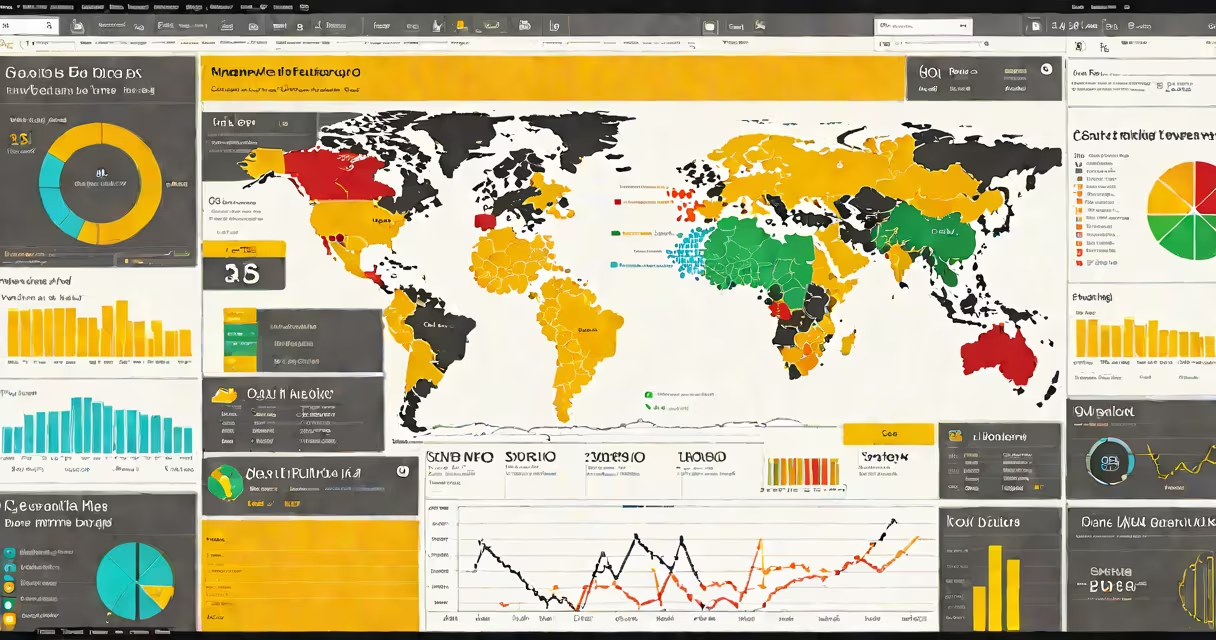
Power BI enables users to connect to data sources, create interactive reports, and share dashboards across teams. It runs in the cloud and integrates tightly with Excel, Azure, and other Microsoft 365 apps. While it's often grouped with Microsoft 365 tools due to shared authentication and user management, it operates under a different licensing model.
Microsoft 365 is a set of productivity applications including Word, Excel, Outlook, Teams, and SharePoint. Power BI extends beyond these core tools by focusing on data visualization, reporting, and advanced analytics. Its inclusion depends on the subscription tier, not automatic enrollment.
Power BI connects to hundreds of data sources-SQL Server, Salesforce, Google Analytics, and Azure Data Lake-through native connectors. Once connected, users can build visualizations using drag-and-drop tools, apply DAX formulas for calculations, and publish reports to the Power BI service.
Reports appear in the Power BI portal or embed directly into SharePoint sites, Teams channels, or Excel workbooks. For example, a sales team can publish a monthly performance dashboard to a Teams channel, where members see live updates without leaving their chat interface.
Authentication is handled through Azure Active Directory, which means users sign in with their Microsoft 365 credentials. This integration allows IT admins to manage access policies, assign roles, and track usage-all within the same admin center used for other Microsoft 365 services.
Power BI offers three primary access levels: Free, Pro, and Premium. Each serves distinct use cases and comes with different capabilities.
| Plan | Users | Storage | Sharing & Collaboration | Use Case |
|---|---|---|---|---|
| Power BI Free | Individuals | 1 GB | Personal workspace only | Self-service analysis for individuals |
| Power BI Pro | Per-user license | 10 GB | Share reports with up to 250 users | Team collaboration, internal reporting |
| Power BI Premium | Capacity-based | Unlimited (by capacity) | Enterprise-wide sharing, scheduled refreshes | Organizational dashboards, high-volume data |
For organizations, Power BI Premium offers dedicated capacity, allowing large-scale deployments with guaranteed performance. A single Premium capacity can host multiple workspaces and support thousands of users simultaneously.
Microsoft 365 Enterprise E5 includes Power BI Pro licenses for all users. E3 includes Power BI Pro for up to 500 users per organization. The free version of Power BI is available to anyone with a Microsoft account but lacks enterprise-grade security and collaboration features.
Businesses use Power BI to monitor KPIs, track marketing campaign results, analyze customer behavior, and forecast revenue. A retail chain might use Power BI to compare store-level sales across regions, adjusting inventory based on real-time trends.
For example, a regional manager at a national grocery chain uses Power BI to visualize weekly sales data from 120 stores. After connecting to a SQL Server database containing transaction records, they build a map showing sales per county. They filter by product category and time period, then share the report with leadership via a Teams channel. The dashboard updates daily through automated refreshes set in the Power BI service.
Nonprofits and government agencies also adopt Power BI for grant tracking and program evaluation. The U.S. Department of Health and Human Services uses Power BI to monitor public health data during disease outbreaks, enabling rapid response planning.
Many assume Power BI is bundled with Microsoft 365 because it shares login systems and appears in the Microsoft 365 app launcher. This is incorrect. The app launcher displays all Microsoft services, but availability depends on licensing.
A key distinction: Power BI is not a productivity tool like Word or Outlook. It's a data platform. You don't "write" in Power BI-you analyze, visualize, and share insights. Its purpose is decision-making, not document creation.
Another misconception is that Power BI replaces Excel. It doesn't. Power BI complements Excel. Users often start data modeling in Excel, then move to Power BI for changing dashboards. Power BI handles larger datasets and complex visualizations better than Excel, but Excel remains essential for detailed data entry and ad-hoc analysis.
Power BI does not require a separate Microsoft account. Users authenticate through their existing Microsoft 365 identity. This simplifies access but doesn't mean it's included in every plan.
In 2022, I helped deploy Power BI for a 150-employee manufacturing firm. The company had been using Excel for production tracking but struggled with outdated reports and inconsistent data. We migrated their data from legacy databases into Power BI, created standardized dashboards, and trained 40 department leads.
Within six weeks, managers reduced report generation time from 8 hours per week to under 30 minutes. The finance team reported a 30% increase in forecasting accuracy after implementing time-series models in Power BI. The project succeeded because we aligned licensing with user roles-Pro licenses for analysts, Free for others, and Premium capacity for the central reporting team.
Power BI integrates deeply with several Microsoft 365 components. Reports can be pinned to SharePoint sites, embedded in Teams tabs, or shared via Outlook. A user can click a link in an email sent from Outlook to open a live Power BI report, complete with filters and drill-down options.
Power Automate for Microsoft 365 can trigger workflows based on Power BI data. For example, if a sales dashboard shows a region's performance dropping below target, a flow can automatically send a notification to the regional director and schedule a follow-up meeting.
These integrations make Power BI a strategic tool-not just a reporting app. It becomes part of operational workflows, enabling proactive decisions based on real-time data.
Power BI is not part of Microsoft 365 by default. It requires either an enterprise subscription or a separate license. Understanding this distinction ensures correct deployment, avoids unexpected costs, and unlocks useful data-driven capabilities.