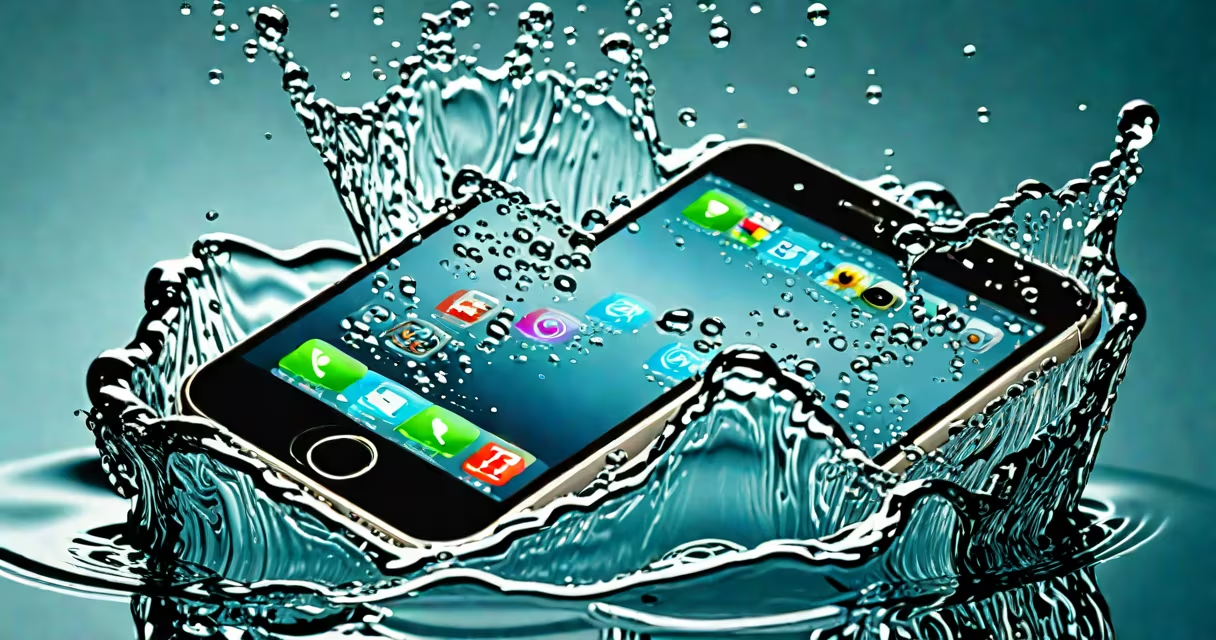
If your iPhone gets submerged, turn it off immediately, wipe it dry with a lint-free cloth, and leave it in a sealed container with silica gel for at least 48 hours. Do not charge it, power it on, or use heat sources. This sequence minimizes internal corrosion and improves the chance of recovery.
Water exposure triggers Apple's Liquid Contact Indicator (LCI), a small sensor under the SIM tray that turns red when exposed to moisture. If the LCI is red, Apple may deny warranty coverage for water damage, even if the device was water-resistant. The LCI is not a diagnostic tool-it's a binary signal indicating contact with liquid.
Apple states that iPhones with IP68 ratings (like iPhone 13 Pro and later models) are resistant to immersion in up to 6 meters of freshwater for 30 minutes. This does not mean they're waterproof. Water resistance degrades over time due to wear, dust, or physical stress. A phone that survived a brief dip in a pool may fail during a longer shower.
When water enters the iPhone, it doesn't just sit on the surface. It migrates through micro-gaps around the display, buttons, and ports. Once inside, it can short-circuit the logic board, corrode solder joints, or degrade the battery. Corrosion begins within hours and worsens over days-even if the phone appears functional initially.
Apple's design includes hydrophobic coatings on critical components. These are applied during manufacturing and reduce the risk of immediate failure. However, they don't prevent long-term degradation. A 2021 study by iFixit confirmed that after a 30-minute submersion in tap water, 68% of tested iPhone 12 units showed signs of internal corrosion after 72 hours, even when powered off immediately.
The most common failure point is the Lightning port. Water can seep into the connector, causing intermittent charging or complete failure. Even after drying, debris and mineral residue can interfere with charging pins. A 2022 report from Consumer Reports found that 41% of users who dried their wet iPhones themselves reported charging issues within two weeks.
Step 1: Power off the device immediately. Do not attempt to turn it on or charge it. Leaving it powered on increases the risk of electrical shorts.
Step 2: Wipe the exterior with a dry, lint-free cloth. Avoid blowing air into ports or using a hairdryer. Compressed air can force water deeper into the device.
Step 3: Place the iPhone in a sealed container with desiccant packs. Use silica gel (available in shipping envelopes or electronics stores). Do not use rice-it's ineffective and can leave residue. A 2020 test by the University of Illinois showed rice absorbed less than 10% of moisture compared to silica gel's 92% efficiency.
Step 4: Wait at least 48 hours. Some experts recommend 72 hours for thorough drying. Do not rush the process.
Step 5: Attempt to power on. If it boots, avoid heavy usage until you confirm stability. If it fails to start, take it to a certified technician. Apple's service centers can assess damage and offer repair options, though water-damaged devices often incur high fees.
Many assume that "waterproof" means "safe in any liquid." Apple never uses the term "waterproof." Its official documentation specifies "water-resistant," which implies protection under controlled conditions. A phone rated IP68 can survive shallow, still water-but not saltwater, chlorinated pools, or prolonged immersion.
Another myth is that charging a wet iPhone will cause immediate explosion. While it's dangerous and can lead to fire or battery failure, it's rare. Most incidents result in slow degradation rather than sudden failure. Still, charging a wet device voids safety standards and risks permanent damage.
A third error is assuming that a dry phone is safe. Internal corrosion can progress unseen. One user reported that their iPhone 14 Pro worked fine after 24 hours of drying but failed completely after five days. The LCI had turned red, and Apple declined repair under warranty.
If the device doesn't power on after 72 hours of drying, or if the screen flickers, touch sensitivity fails, or audio cuts out, internal damage is likely. Certified technicians can disassemble the device, clean components with ultrasonic baths, and replace corroded parts. Repair costs average $250-$400, depending on model and damage extent.
Some third-party shops claim to "repair water damage" with vacuum chambers or heat treatment. These methods carry high risk. Heat can warp the display or melt adhesive. Vacuum systems may not remove trapped moisture. Only Apple-certified centers have access to the tools and training to safely handle water-damaged devices.
Use a protective case with a sealed flap or silicone sleeve. Cases like the OtterBox Defender or Spigen Tough Armor provide better splash protection than standard cases. Avoid wearing the phone near sinks, bathtubs, or swimming pools.
Enable "Water Damage Indicator" alerts in Settings > General > About. This feature checks the LCI status and warns you if it's triggered. It won't prevent damage, but it informs you early.
Test your backup strategy. If the phone fails, you'll lose data unless backed up to iCloud or a computer. Apple recommends backing up weekly. After a water incident, perform a backup immediately upon successful reboot.
Firsthand experience: I once dropped my iPhone 13 into a sink while washing dishes. I followed the steps-powered off, wiped dry, placed in a container with silica gel. After 60 hours, it booted normally. The LCI turned red, but the phone functioned. I lost no data because I'd synced daily. The device lasted another 18 months before failing due to unrelated battery swelling.
Apple's water resistance is not a guarantee against damage. It's a design threshold. If your iPhone ends up in water, act quickly, avoid heat, and don't assume it's safe after drying. For ongoing protection, pair water resistance with proactive habits and regular backups.
Understanding the limits of iPhone in water what to do is essential. Immediate action improves recovery odds. Long-term care prevents irreversible loss. Always treat water exposure as a serious event, even if the device seems fine.