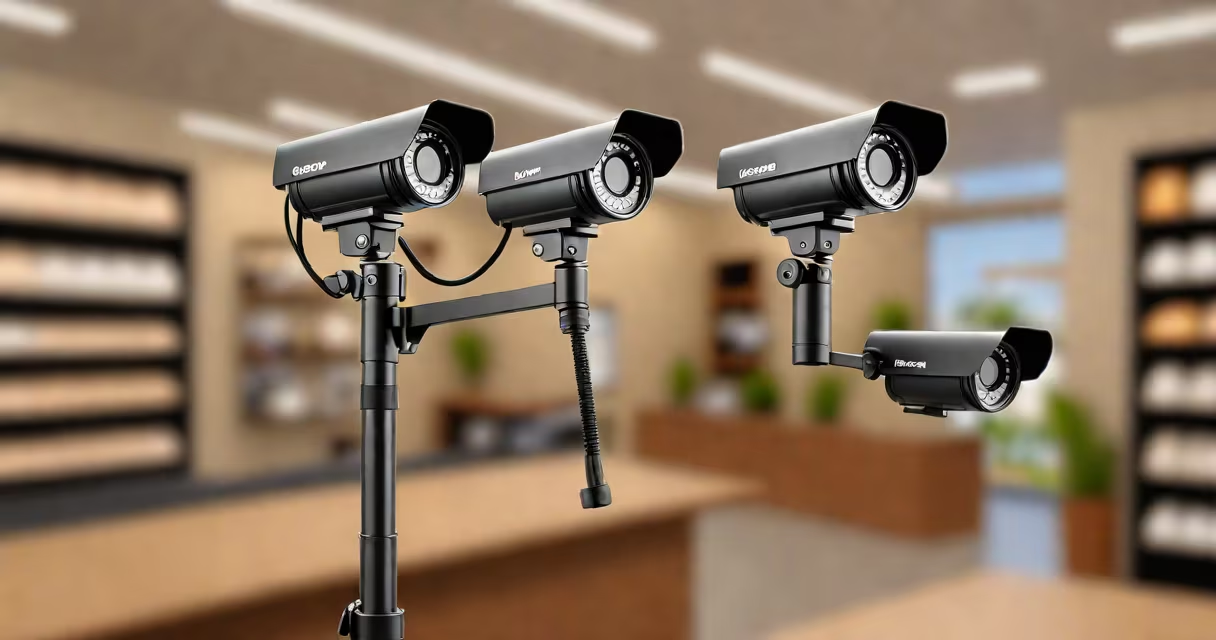
The best small business camera system combines reliable video recording, easy remote access, and straightforward setup-typically priced under $500 and designed for non-technical users. These systems protect storefronts, offices, and warehouses from theft, vandalism, and employee misconduct while offering peace of mind through live monitoring.
Most systems use wireless IP cameras connected via Wi-Fi to a central recorder or cloud service. They support motion detection, night vision, and mobile app alerts. Installation takes under an hour with minimal tools. A single hub manages multiple cameras, often with 1080p resolution and 30-day cloud storage options.
For example, the Reolink Argus 3 Pro kit includes two weatherproof cameras, a 32GB microSD card, and a 24/7 solar-powered option. It records in 1080p, supports two-way audio, and sends instant alerts to smartphones when motion is detected. The system costs $329 and requires no professional wiring.
Small business camera systems operate on a networked architecture. Cameras capture video and send it wirelessly to a central device-a NVR (network video recorder) or cloud-based server. The NVR stores footage locally; cloud systems store it remotely. Both allow users to view live feeds and review recordings from any internet-connected device.
Motion sensors trigger recording only when activity occurs. This reduces storage usage and prevents false alarms from wind or passing animals. Most systems use H.265 compression to reduce bandwidth and save space. For example, a 30-day cloud archive with four 1080p cameras uses approximately 1.2 terabytes of storage-about half the size of older H.264 systems.
Remote access is enabled through dedicated apps. Users log in with a username and password, then view live streams or playback footage. Access controls allow different levels of permission-for example, managers can see all cameras, while employees only see designated areas.
Systems fall into three categories based on deployment: wired, hybrid, and fully wireless. Wired systems use Ethernet cables to connect cameras to a recorder. They offer stable performance and are ideal for high-traffic areas like checkout counters. Hybrid systems combine wired and wireless elements, such as a wired NVR with wireless cameras. Fully wireless systems rely entirely on Wi-Fi and batteries or solar power.
| Type | Installation | Best For | Typical Cost |
|---|---|---|---|
| Wired | Professional or DIY with drilling | High-security areas, constant monitoring | $400-$1,200 |
| Hybrid | Partial drilling, flexible placement | Businesses needing both wired reliability and wireless flexibility | $500-$900 |
| Fully Wireless | Mounts with adhesive or screws, no wires | Retail stores, cafes, small offices | $200-$600 |
Wireless systems dominate the small business market due to low upfront cost and quick setup. However, they depend on consistent Wi-Fi strength. Signal drops can cause recording gaps. Wired systems avoid this risk but require more planning and labor.
Camera features vary. Some include pan-tilt-zoom (PTZ) functionality, allowing remote adjustment of the lens. Others have wide-angle lenses (120° or higher) for covering large entryways. Audio capability is optional but useful for verifying verbal interactions during incidents.
Small businesses use the best small business camera system to prevent theft, monitor customer behavior, verify transactions, and ensure staff compliance. Retail shops use them to catch shoplifting. Offices deploy them near entrances and cash registers to deter internal theft. Restaurants install them above kitchens and dining areas to track food safety protocols.
A 2023 study by the National Retail Federation found that 60% of retailers reported a reduction in shrinkage after installing visible security cameras. One café owner in Portland reduced employee theft by 78% within six months of installing a Reolink system with motion-triggered alerts and daily summaries sent to her phone.
These systems also serve as evidence in disputes. A small law firm in Austin used footage from a doorbell camera to prove a client had entered the building after hours, leading to a successful breach-of-contract claim. The clarity of 1080p video made facial recognition possible even in low light.
Many assume that higher resolution equals better security. While 4K cameras exist, most small businesses don't need them. 1080p provides sufficient detail for identifying individuals and reading license plates. Overbuying on resolution increases cost and storage demands without meaningful benefit.
Another error is relying solely on local storage. If a camera is stolen or damaged, footage may be lost. Cloud backup ensures continuity. According to the FBI's 2022 Crime Report, 44% of small business burglaries involved the destruction of on-site recording devices. Cloud storage avoids this risk.
Some owners place cameras only in obvious spots-like near the register. But thieves often target blind spots. A single camera placed at the back exit caught a theft in progress at a convenience store in Denver. The camera was mounted behind a shelf, out of sight but still capturing the entire area.
One non-obvious fact: many systems don't record continuously unless configured to do so. By default, they start recording only when motion is detected. This saves storage but risks missing events that occur between triggers. Always enable continuous recording for critical zones.
Consider a 600-square-foot coffee shop in Seattle. The owner wants to monitor the front counter, the back kitchen, and the entrance. She chooses a four-camera system: two indoor models (Reolink RLC-510) and two outdoor models (Reolink RLC-520).
Each camera connects to a 32GB microSD card and uploads footage to a cloud account. Motion detection is set to trigger recording only when movement exceeds 10 pixels per frame. Alerts go to the owner's phone within 3 seconds of activation.
Over one week, the system recorded five incidents: two customers dropped their phones, one employee left the register unattended, and two attempted to steal free samples. All were reviewed later using the app. The owner verified one incident where a customer claimed she was charged twice-footage showed the correct amount was processed.
Monthly cloud storage costs $15. Total system cost: $419. No professional installer was needed. The owner installed all cameras herself in under two hours using wall mounts and a single power strip.
When selecting the best small business camera system, prioritize clarity, reliability, and ease of access. Avoid systems with poor mobile app performance or unreliable cloud sync. Look for models with physical privacy shutters to cover the lens when not in use-this protects against unauthorized viewing.